Food photography is one of the most effective ways to attract customers, increase engagement, and showcase your culinary creations. Whether you're a restaurant owner, food blogger, bakery, café, or social media creator, high-quality food images can make your dishes look irresistible.
Thanks to AI image generation, creating professional food photography is now easier than ever. Simply upload a photo of your food, apply the right AI prompt, and transform an ordinary image into a restaurant-quality masterpiece.
In this guide, we'll explore five powerful AI prompts designed specifically for users who upload their own food photos and want stunning, realistic results.
Why Uploading Your Own Food Photo Matters
The quality of your uploaded image directly affects the final result.
Best Images to Upload
- Clear food photos
- Good lighting
- High-resolution images
- Entire dish visible
- Natural colors
- Sharp details
Avoid Uploading
- Blurry photos
- Dark images
- Screenshots
- Over-filtered photos
- Cropped food items
The clearer your original image, the more realistic and appetizing the AI-generated result will be.
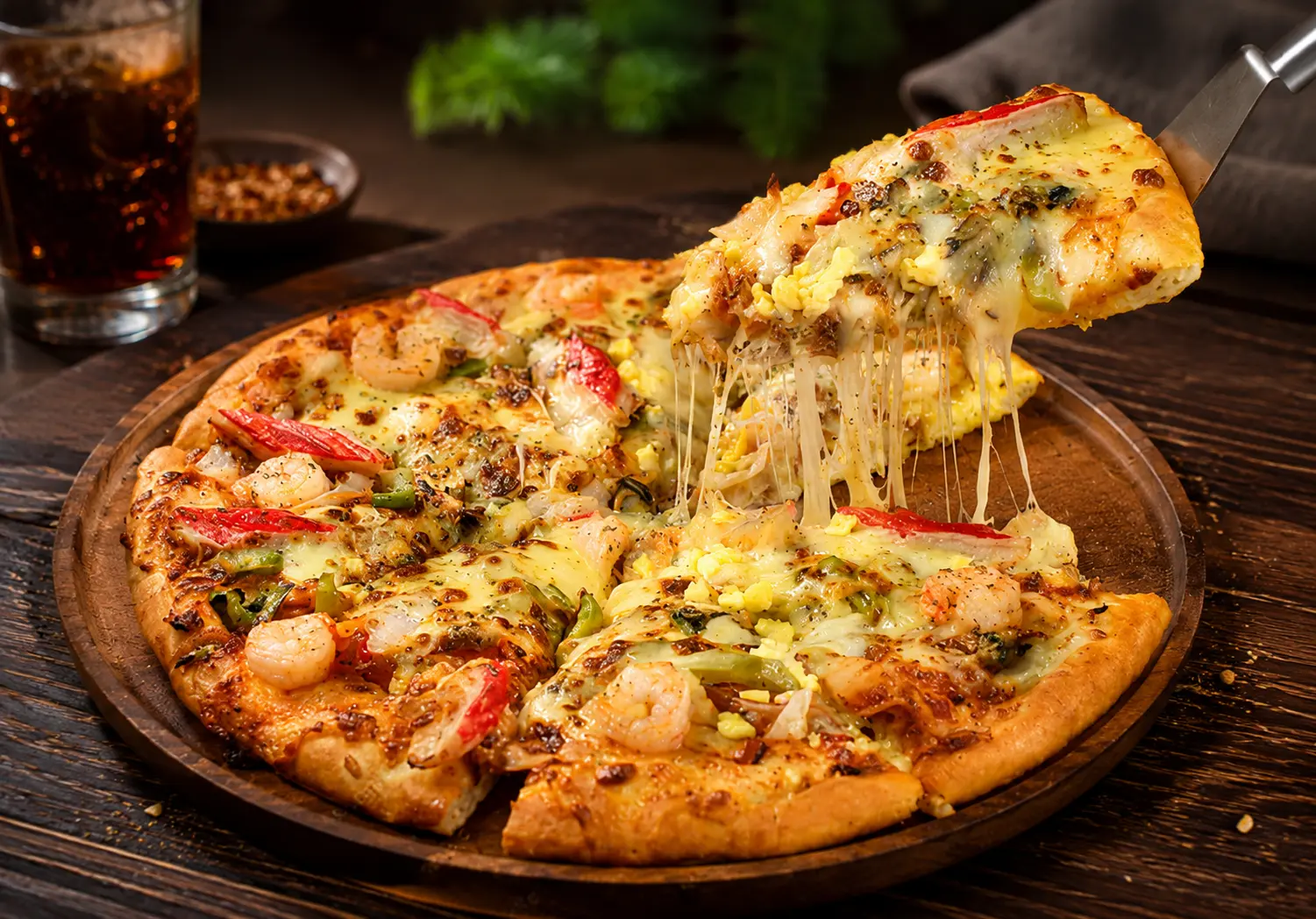
Luxury Restaurant Food Photography
Best For
- Restaurant menus
- Food delivery apps
- Restaurant advertisements
- Premium food promotions
Best Food Images to Upload
- Pizza
- Burgers
- Pasta
- Steak
- Biryani
- Restaurant platters
- Fine dining dishes
- Multi-course meals
AI Prompt
Use the uploaded food image as the primary reference. Preserve the original dish, plating style, ingredients, shape, and composition while enhancing the overall food photography quality. Improve lighting, increase texture details, add realistic shadows, enhance food freshness, correct colors naturally, create professional restaurant-style presentation, shallow depth of field, realistic highlights, natural reflections, DSLR food photography quality, ultra realistic, commercial food photography, 8K resolution.
Why This Prompt Works
This prompt creates professional commercial-quality food photography while keeping the original dish intact.
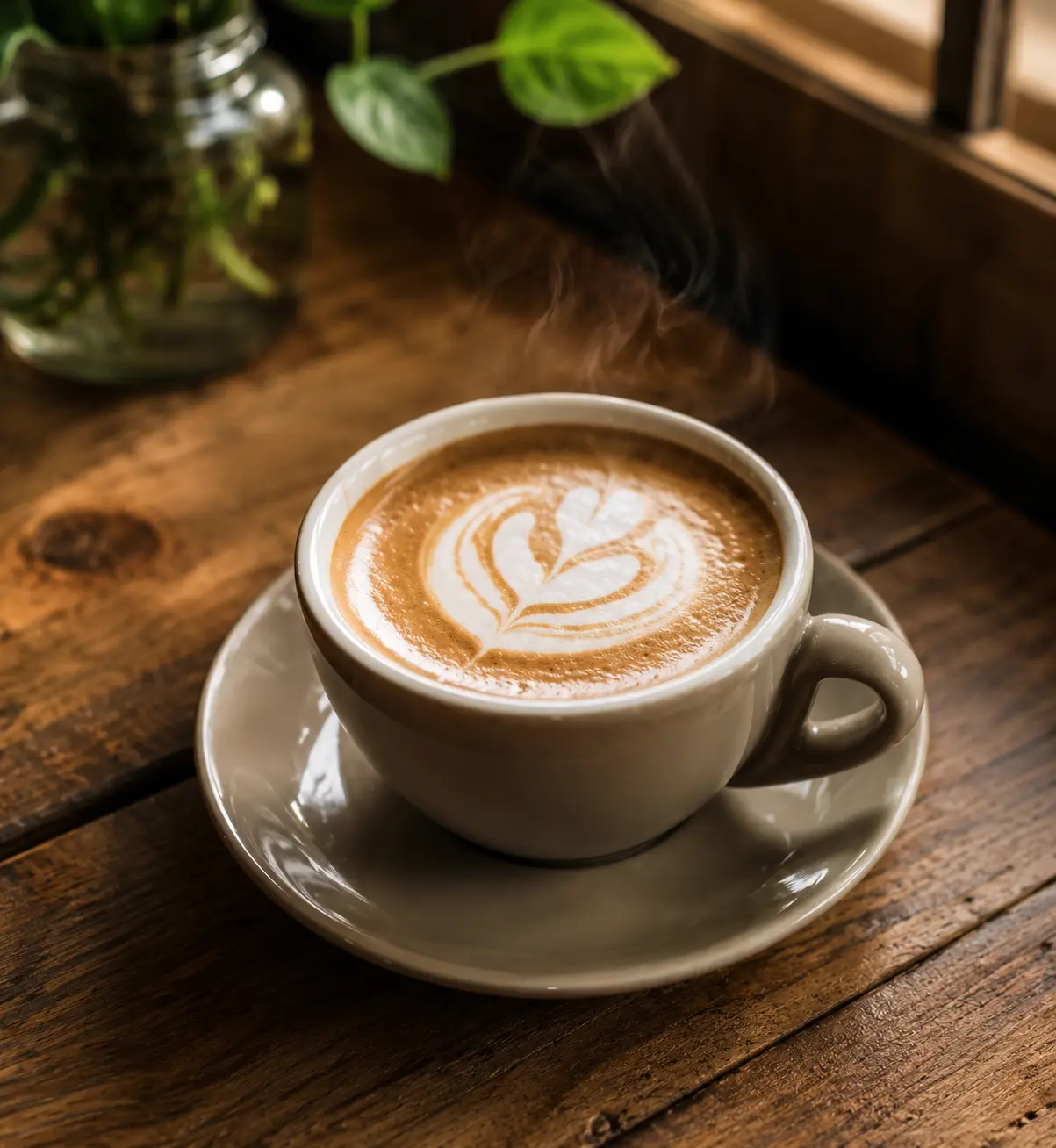
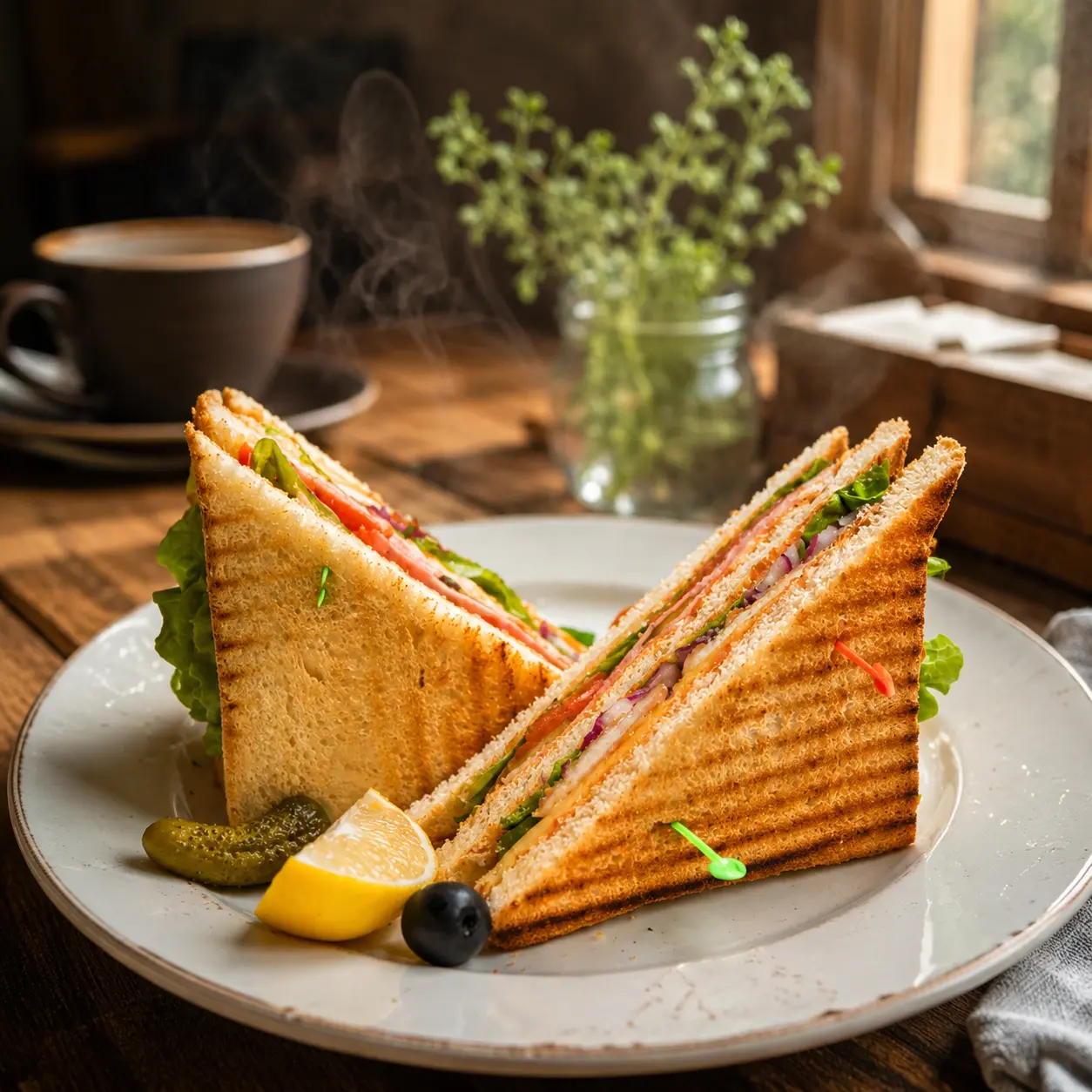
Rustic Café Food Photography
Best For
- Café menus
- Coffee shop promotions
- Breakfast content
- Lifestyle food blogs
Best Food Images to Upload
- Coffee cups
- Cappuccino art
- Sandwiches
- Croissants
- Pancakes
- Muffins
- Breakfast platters
- Toast dishes
AI Prompt
Transform the uploaded food image into a rustic café-style food photograph. Preserve the original dish while placing it on a beautiful wooden table with natural window lighting. Enhance textures, realistic steam effects, warm tones, soft shadows, cozy atmosphere, artisan café aesthetic, professional food styling, shallow depth of field, natural color grading, highly detailed ingredients, ultra-realistic food photography, 8K quality.
Why This Prompt Works
The warm café environment creates a cozy and inviting atmosphere that feels authentic and natural.
Luxury Dessert Showcase
Best For
- Bakery promotions
- Dessert menus
- Instagram content
- Sweet product advertisements
Best Food Images to Upload
- Cakes
- Cupcakes
- Donuts
- Brownies
- Pastries
- Ice Cream
- Macarons
- Chocolate desserts
AI Prompt
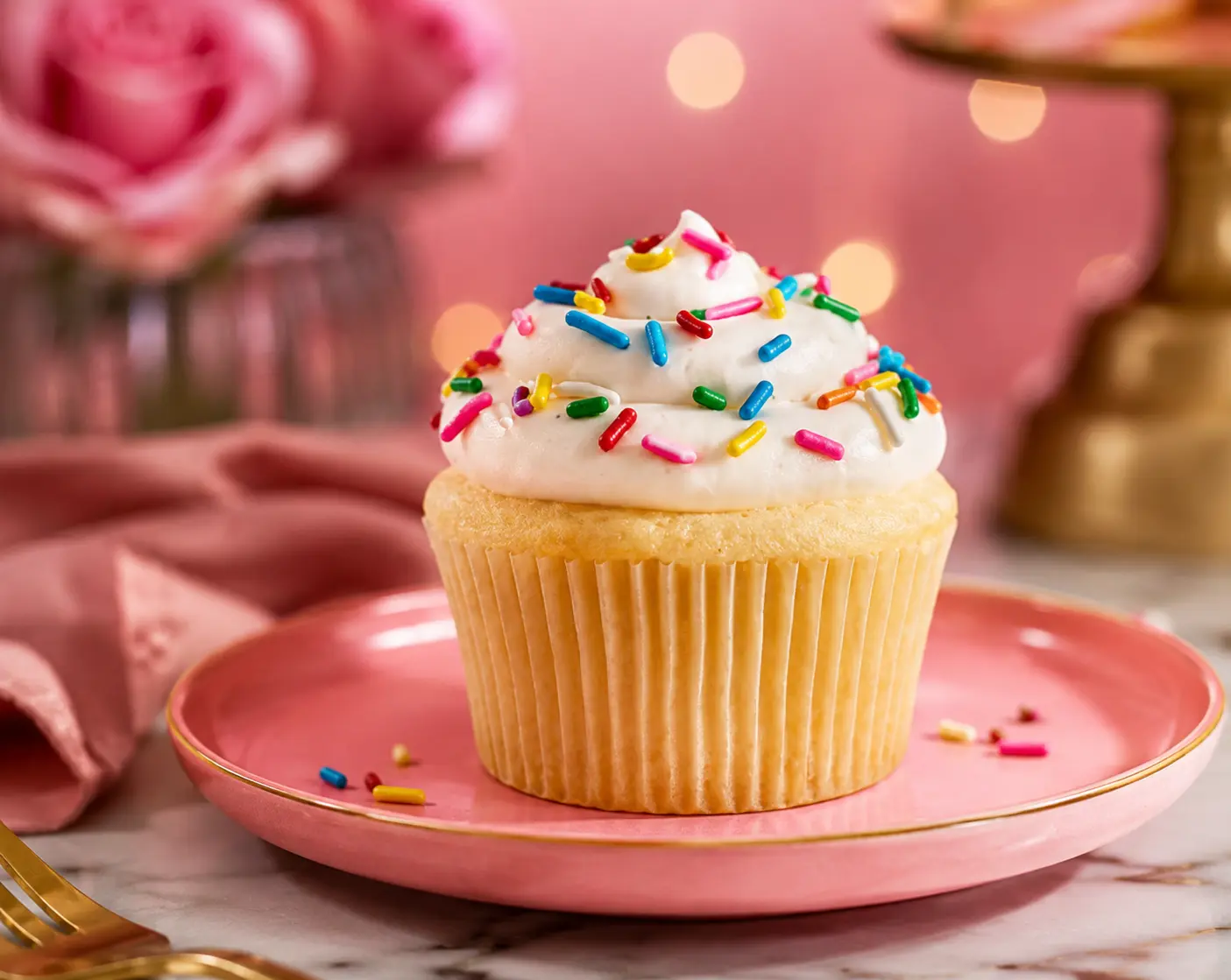
Create a premium dessert photography scene using the uploaded food image. Preserve the original dessert details while enhancing texture, cream layers, chocolate shine, fruit freshness, and decorative elements. Professional studio lighting, elegant background blur, luxury presentation, realistic highlights, magazine-quality food photography, highly detailed textures, photorealistic appearance, commercial advertising style, 8K resolution.
Why This Prompt Works
Desserts rely heavily on texture and presentation, making this prompt perfect for showcasing sweet treats.
Street Food Photography
Best For
- Food vendors
- Food review pages
- Travel blogs
- Social media food content
Best Food Images to Upload
- Pani Puri
- Dabeli
- Vada Pav
- Momos
- Shawarma
- Chaat
- Tacos
- Noodles
- Street sandwiches
AI Prompt
Use the uploaded food image as the reference and transform it into a vibrant street food photography scene. Preserve the original food while enhancing colors, textures, freshness, and presentation. Add a lively outdoor food market atmosphere, natural lighting, realistic cooking details, subtle steam, authentic street food styling, shallow depth of field, high-detail ingredients, professional food photography quality, ultra-realistic, 8K resolution.
Why This Prompt Works
The vibrant market atmosphere adds energy and authenticity while making the food look fresh and delicious.
Gourmet Fine Dining Presentation
Best For
- Luxury restaurants
- Hotel menus
- Chef showcases
- Premium culinary brands
Best Food Images to Upload
- Sushi
- Lobster
- Seafood platters
- Gourmet salads
- Chef specials
- Luxury cuisine
- Hotel menu dishes
- Premium plated meals
AI Prompt
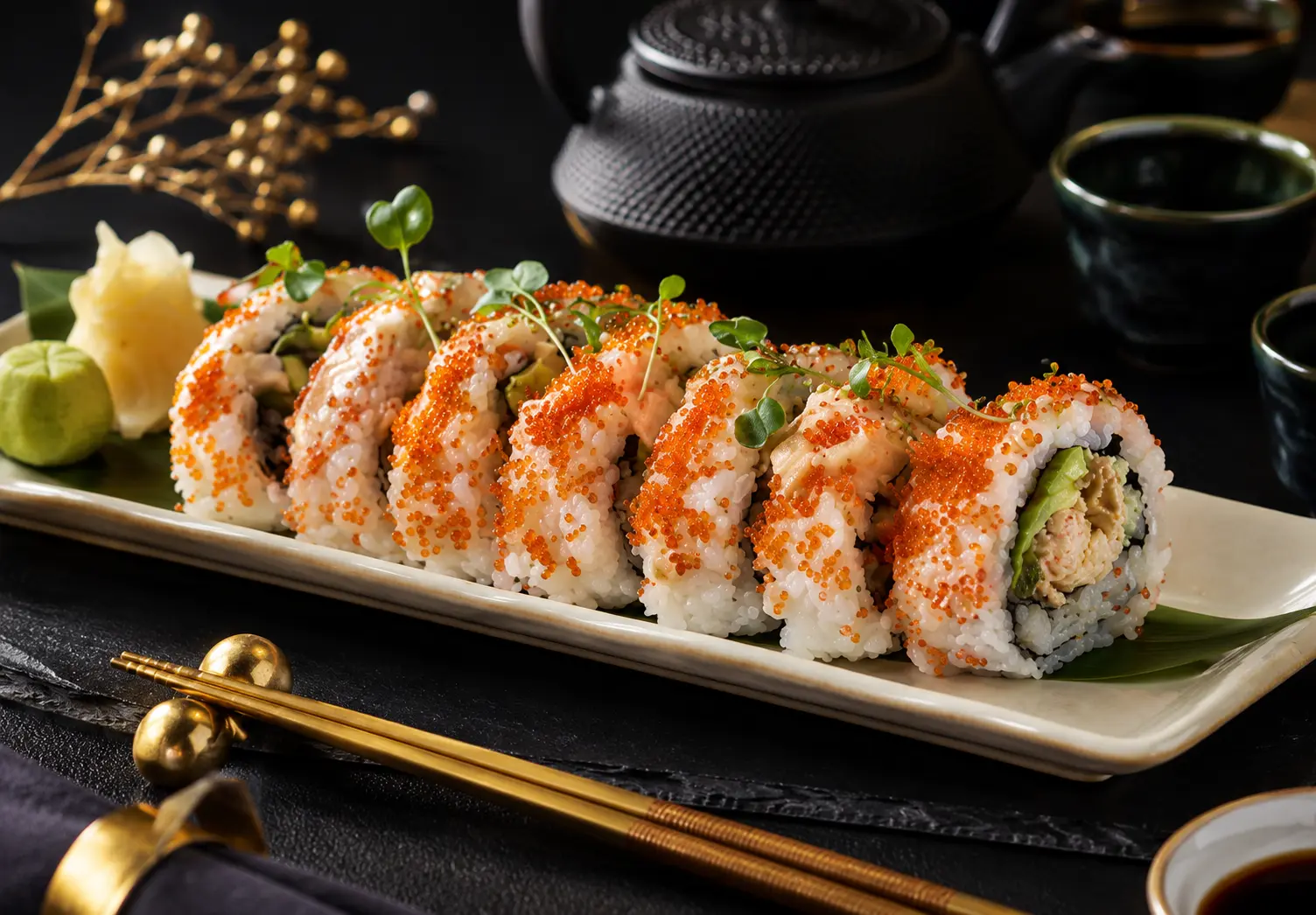
Transform the uploaded food image into a gourmet fine-dining masterpiece. Preserve the original dish while enhancing plating precision, ingredient textures, color balance, elegant garnishes, sophisticated presentation, luxury table setting, professional studio lighting, realistic reflections, premium culinary photography, magazine-cover quality, shallow depth of field, photorealistic details, ultra-high resolution, 8K masterpiece.
Why This Prompt Works
This prompt elevates ordinary food photos into luxury culinary presentations suitable for high-end restaurants and hotel menus.
Pro Tips for Better AI Food Photography
Use High-Resolution Photos
Higher-quality uploads produce more realistic results.
Preserve the Original Dish
Always include instructions such as:
"Preserve the original dish, ingredients, plating, and composition."
Enhance Freshness
Use keywords like:
- Fresh ingredients
- Crispy texture
- Juicy appearance
- Glossy sauces
- Realistic steam
Add Professional Photography Terms
- DSLR food photography
- Studio lighting
- Macro food photography
- Commercial photography
- Shallow depth of field
Focus on Texture
Food becomes more appealing when AI enhances:
- Crispy surfaces
- Creamy layers
- Melted cheese
- Fresh vegetables
- Rich sauces
Conclusion
AI food photography has revolutionized the way restaurants, food bloggers, cafés, bakeries, and content creators showcase their dishes. By uploading a clear food image and using detailed prompts, you can transform ordinary photos into stunning, professional-quality visuals that grab attention instantly.
Whether you're promoting a gourmet meal, showcasing desserts, highlighting café items, or creating street food content, these AI prompts can help you generate mouth-watering food photography that looks ready for menus, advertisements, and social media in 2026.