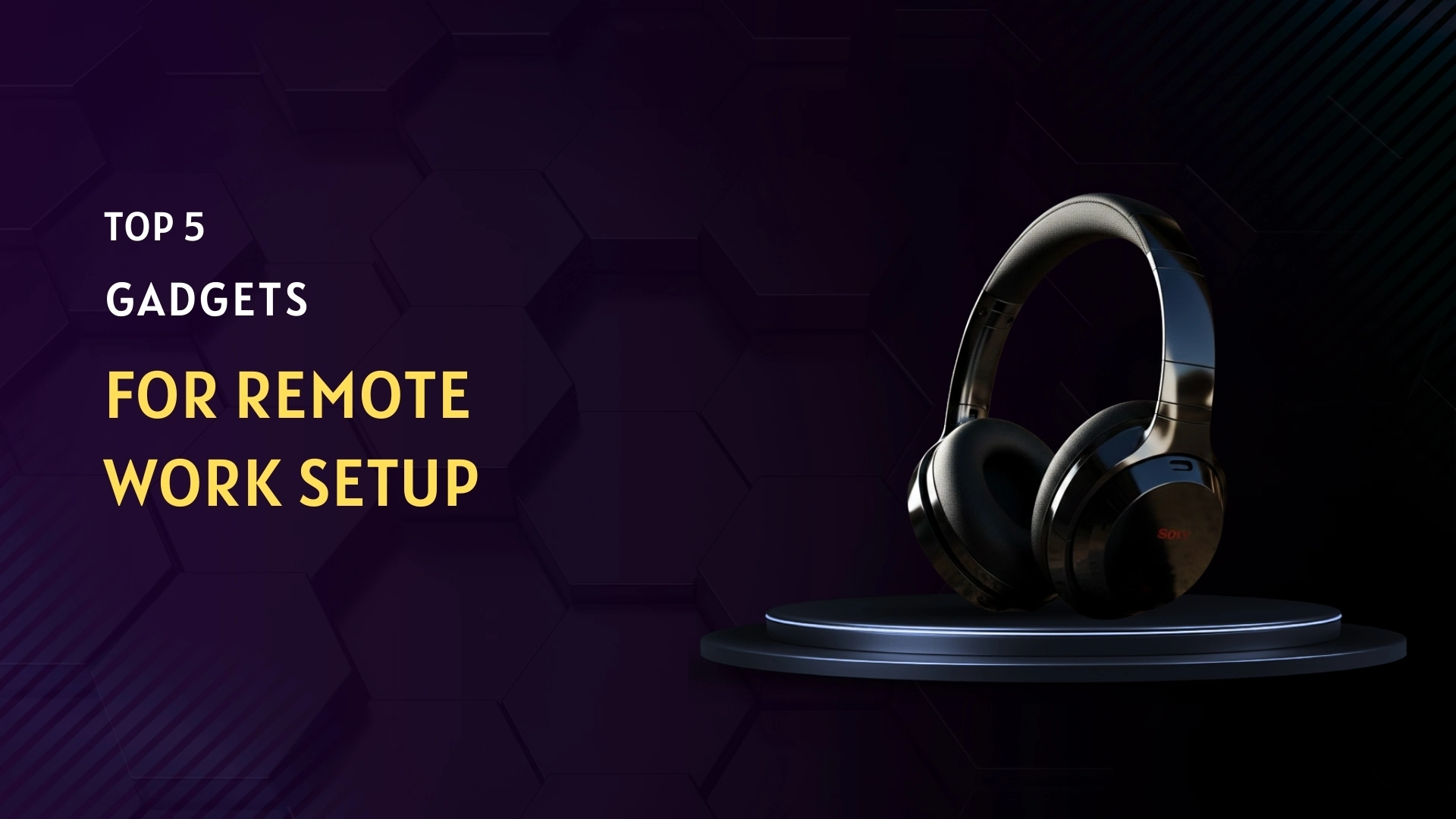
Remote work has become a normal part of modern life. Whether you work full-time from home, freelance, or split time between office and home, your workspace directly impacts how productive and comfortable you feel throughout the day. A poor setup can lead to distractions, physical discomfort, and reduced focus.
The good news is that you don’t need an expensive overhaul to improve your home office. A few carefully chosen gadgets can dramatically enhance comfort, efficiency, and professionalism. Below are five essential gadgets that solve real-world work-from-home problems.
Why the Right Remote Work Gadgets Matter
Working from home offers flexibility and convenience, but without the right setup it can also lead to eye strain, back pain, background noise, and inefficient multitasking. Investing in the right tools improves posture, focus, and workflow while making remote work more enjoyable and sustainable.
The following gadgets are not trends—they are practical solutions used daily by remote professionals.
Noise-Canceling Headphones
Background noise is one of the biggest productivity killers when working from home. Traffic, household activity, or neighbors can interrupt meetings and reduce focus. Noise-canceling headphones help create a quiet, professional work environment.
Recommended Product: JBL Tune 770NC Wireless Noise-Canceling Headphones
Key Features
- Active Noise Cancellation (ANC)
- Wireless Bluetooth connectivity
- Built-in microphone for calls
- Long battery life
- Comfortable over-ear design
Pros
- Effectively blocks background noise
- Clear sound quality for meetings
- Comfortable for long hours
- Good value for money
Cons
- Needs regular charging
- Noise-cancellation isn't as heavy as higher-end models

High Quality Webcam
A shaky image sticks in people's mind long after the screen goes dark. Jumping into a morning check-in or catching up with someone across time zones, what shows up through the lens - built in or snapped onto the edge - shapes how others see you, rightly or not. Trouble is, those little cameras inside laptops often deliver foggy frames, especially when light shifts unpredictably.
Right here, the Logitech C922 Pro Stream Webcam steps ahead. Loved by remote workers who need reliability day after day. Captures sharp Full HD footage without fading quality when lights dim. Thanks to smart brightness fixes and microphones inside, your face stays visible, voice comes through clean. Not blurry visuals, not muddy audio - just steady performance when it matters.
Recommended Product: Logitech C922 Pro Stream Webcam
Key Features
- A bright picture comes through cleanly on screen. Sharp edges make everything stand out clearly.
- The image stays crisp even during fast scenes. Details remain visible without blurring.
- Picture clarity improves without asking.
- When shadows stretch too far, settings shift quietly behind the scenes.
- Details emerge where they once vanished. No extra steps needed - just clearer images Integrated stereo microphones for natural sound
- Just plug it into a USB port. Setup happens fast.
- It works right away.
- No extra steps needed
- Works right alongside Zoom, while also connecting smoothly with Google Meet; Microsoft Teams fits into place just as easily
Pros
- Produces clean, professional-looking video
- Very easy to set up and use
- Day after day, the same reliable standard - backed by a name that sticks to its word
- Everyday conference audio is crystal clear
Cons
- A bit costlier compared to basic models
- Frozen in place, the focus stays put without any tweaking by hand
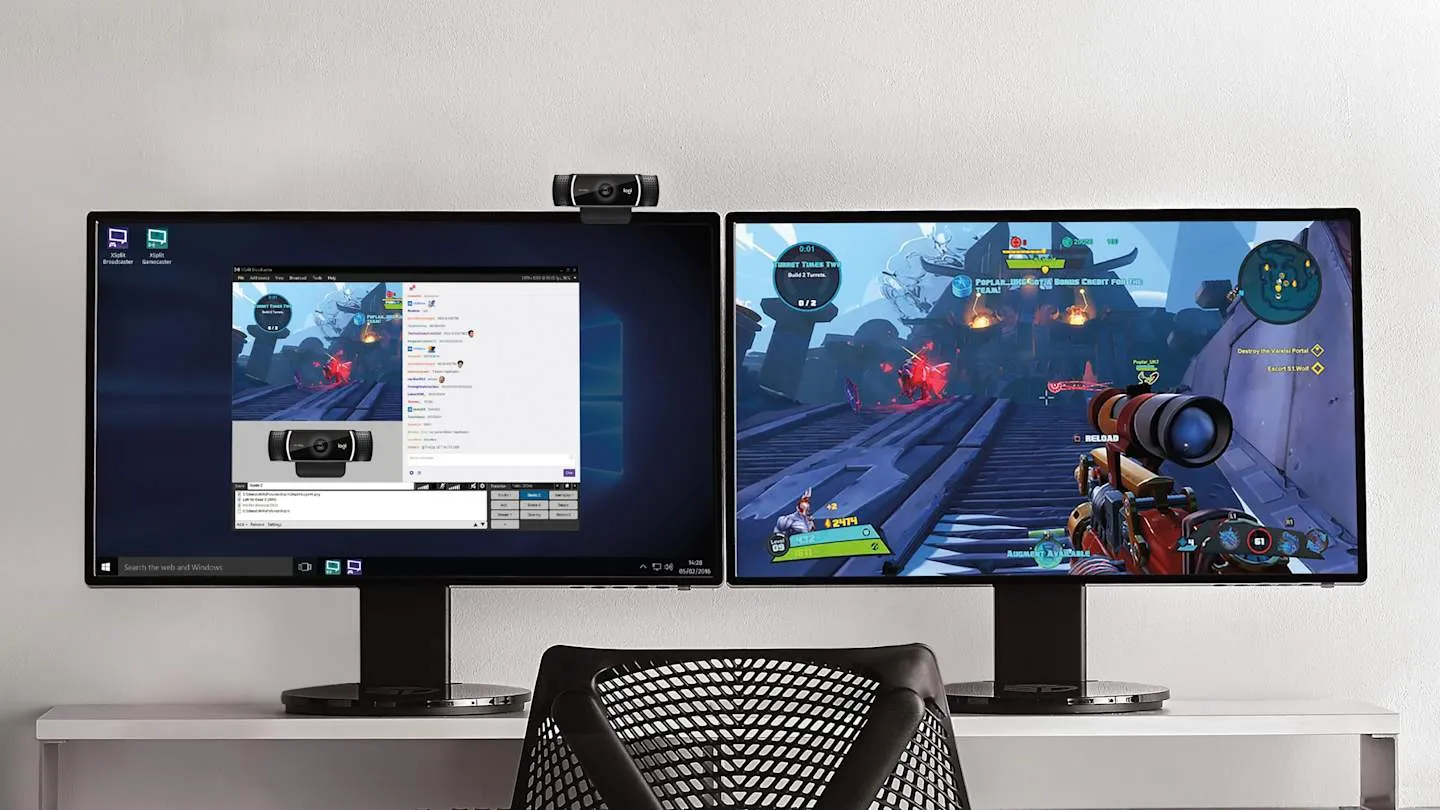
Image Source : resource.logitech.com
External Monitor
A tiny laptop screen is terrible for productivity and hard on the eyes. An external monitor provides additional screen real estate, making it easier and more pleasant to multitask. This is great for writers, programmers, creatives and analysts.
The Samsung Essential Series S3 24-Inch Full HD Monitor is a fantastic choice as an external monitor for productivity. It also has an expansive Full HD screen with narrow bezels, which is ideal for multitasking and those long work hours. The eye-care mode decreases blue light to prevent eye fatigue.
Recommended Product: Samsung Essential Series S3 24-Inch Full HD Monitor
Key Features
- 24-inch Full HD display
- Slim bezel design
- Eye-care and blue-light reduction mode
- HDMI and VGA ports
- Adjustable tilt
Pros
- Improves multitasking and productivity
- Reduces eye strain
- Clear and sharp display
- Reliable performance
Cons
- Requires desk space
- Not portable
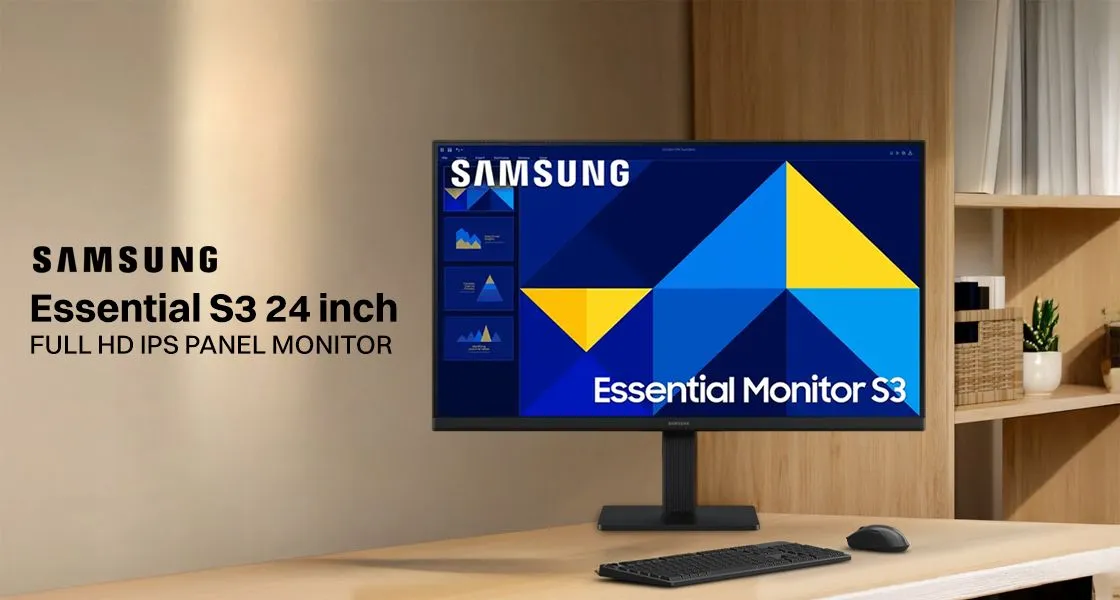
Image Source : media-ik.croma.com
Ergonomic Keyboard and Mouse
Bent wrists after hours at the laptop often lead to sore hands. Comfort improves when gear supports natural arm positions - efficiency follows. A well-shaped keyboard plus a sensible mouse ease the daily strain.
Comfort comes first with the Logitech MK850, built to keep you moving through tasks without strain. Shaped gently to fit natural hand positions, its keyboard includes a soft pad under your palms. Meanwhile, the mouse glides accurately across any surface, staying responsive and steady. Long days at the desk feel lighter because of how well both pieces work together.
Recommended Product: Logitech MK850 Wireless Keyboard and Mouse Combo
Key Features
- Ergonomic keyboard with palm rest
- Wireless connectivity
- Multi-device support
- Keys that don’t make much noise when pressed. They react quickly to touch
- Comfortable mouse design
Pros
- Reduces wrist and hand strain
- Comfortable for long work sessions
- Apart from wires, there’s just clean space. Without tangled cords, everything feels lighter
- High build quality
Cons
- Takes time to adjust to ergonomic layout
- Requires batteries
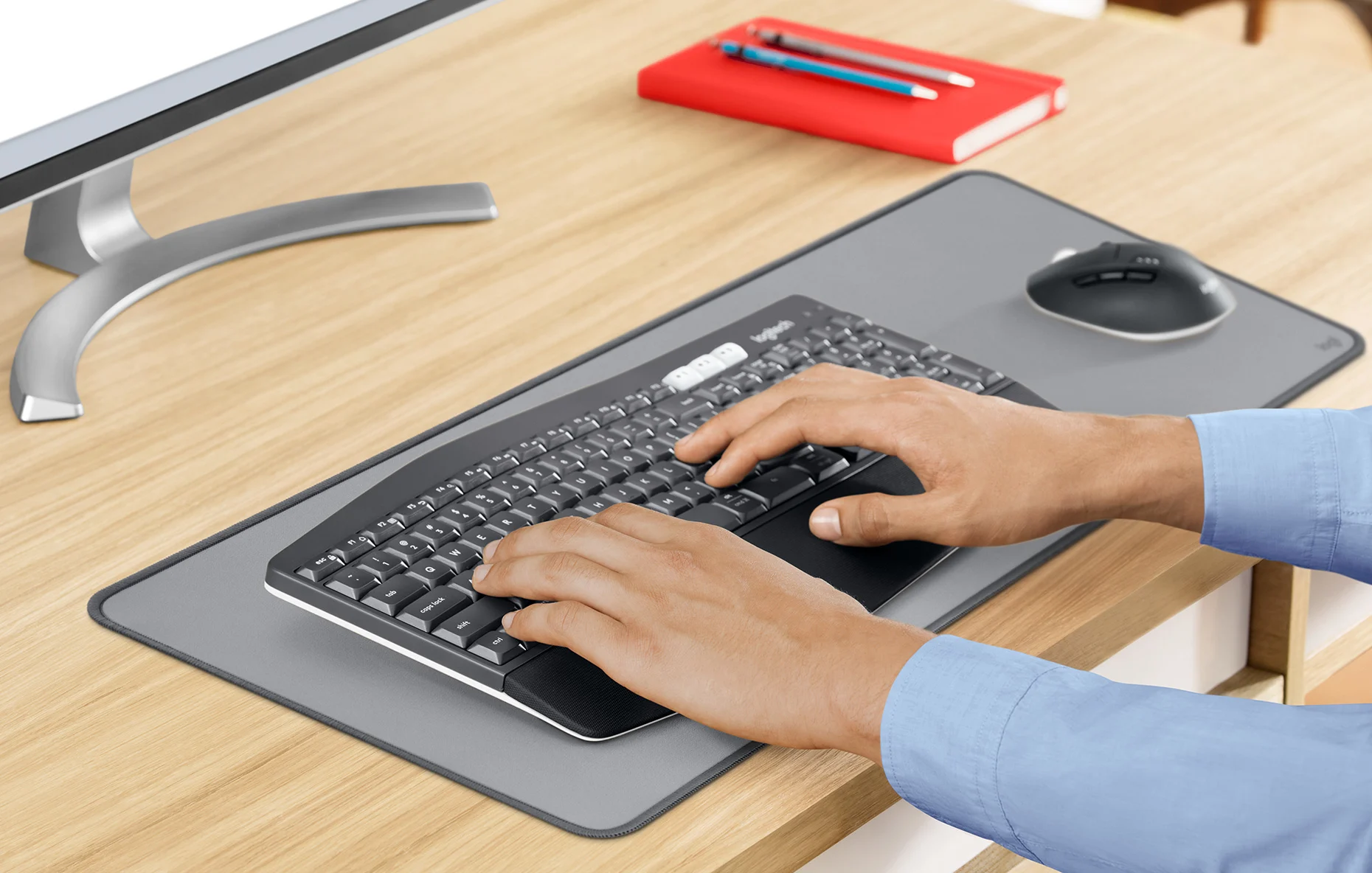
Image Source : logitech.com
USB-C Docking Station
Some newer laptops pack fewer ports than you might expect. That shortage sometimes turns plugging things in into a puzzle. One small box with a USB-C plug can change that entirely. It opens up room for more gadgets to link at once. Cables tend to settle down neatly when everything has its place.
A tiny black box sits quietly on desks, doing more than it looks like. Plugged into one port, it wakes up several gadgets at once. A screen lights up alongside flash drives and memory cards coming online. Power flows steadily while data moves between machines. Cables tangle less because of its quiet presence. Work feels simpler when everything connects without fuss.
Recommended Product: Anker USB-C Hub
Key Features
- HDMI output for external display
- One type of plug fits here. Another kind connects there
- SD and microSD card readers
- Power delivery support
- Compact and portable design
Pros
- Expands laptop connectivity
- Keeps desk organized
- Easy to carry
- Reliable performance
Cons
- Frequent tasks might make it heat up a bit
- Your laptop's specific type determines whether it works

Image Source : laptop.lk
Comparison
| Gadget | Key Feature | Best For | Price Range |
|---|---|---|---|
| Noise-Canceling Headphones | Active Noise Cancellation (ANC) & clear microphone | Focused work, online meetings, noisy environments | Mid to Premium |
| High-Quality Webcam | Full HD video & low-light correction | Professional video calls & remote meetings | Mid |
| External Monitor | Large Full HD display & eye-care mode | Multitasking, productivity, reduced eye strain | Mid |
| Ergonomic Keyboard & Mouse | Ergonomic design for comfort & posture | Long typing hours, wrist pain prevention | Budget to Mid |
| USB-C Docking Station / Laptop Stand | Multiple ports & better desk organization | Clean setup, multi-device connectivity | Budget to Mid |
Conclusion
Sitting well matters when working far from the office. Tools mentioned here fix daily hiccups - like aching backs, spotty Wi-Fi, too-small screens, or noisy homes. Each piece fits into real life without fuss. Focus comes easier when gear works quietly behind the scenes. Little changes add up where you sit each morning.
Quick Recap:
- JBL Tune 770NC Headphones – Focus without noise
- Logitech C922 Webcam – Professional video calls
- Samsung 24-Inch Monitor – Better multitasking
- Logitech MK850 Keyboard and Mouse for Easy Typing
- Anker USB-C Hub – Organized connectivity
One thing at a time works better than rushing to get it all. Begin with whatever tool fixes what bothers you most, then slowly add pieces around it. How life settles into place often surprises people.