The five artificial intelligence software as a service (AI SaaS) solutions featured in this post are unique, as each one takes a complete lead generation capability, rather than having one or two separate areas of functionality. For example, both Apollo.io and ZoomInfo can assist you to locate suitable prospects with targeted accuracy; and Clay can enhance that data and provide you a more individualized outreach to those potential customers. Additionally, platforms such as Instantly.ai will allow you to contact those leads on a large scale without damaging your email deliverability; while Landbot can help you turn guests into actual leads through a conversational process.
In the year 2026, lead generation will be more focused on quality of leads than quantity; and the tools above will allow the automation of these tedious and menial tasks, such as prospecting, follow-up, and qualifying leads ensuring that your pipeline will continue to move forward throughout times when you are not actively working in it. They will also assist in making personalizing the outreach to the potential clients much easier; therefore, B2B lead generation will not be effective with a generic and mass outreach anymore. Using these tools in conjunction with each other will allow you to save time, receive a greater quantity of responses, and gain new customers while eliminating excessive work.
Why Choose These 5 AI SaaS Tools for Lead Generation (Get More Clients in 2026)
When selecting a new lead generation tool you'll want to consider how well that tool will fit into your overall process. The best tools to use will be based on how much actual business you generate with the tool versus how much data you collect from the tool. These 5 tools can help fill the gap in lead generation by solving all of the different parts of the lead generation process. It is important to use a combination of lead generation tools rather than just relying on one specific lead generation method.
As we approach 2026, another reason that these types of tools are important is because they automate many repetitive lead generation tasks (i.e. searching for leads, filtering leads, emailing leads, and following up with leads). Once these lead generation tools are set up correctly, you should be able to see a steady stream of opportunities coming into your pipeline without you having to do anything additional to continue generating leads.
Apollo
What is Apollo?
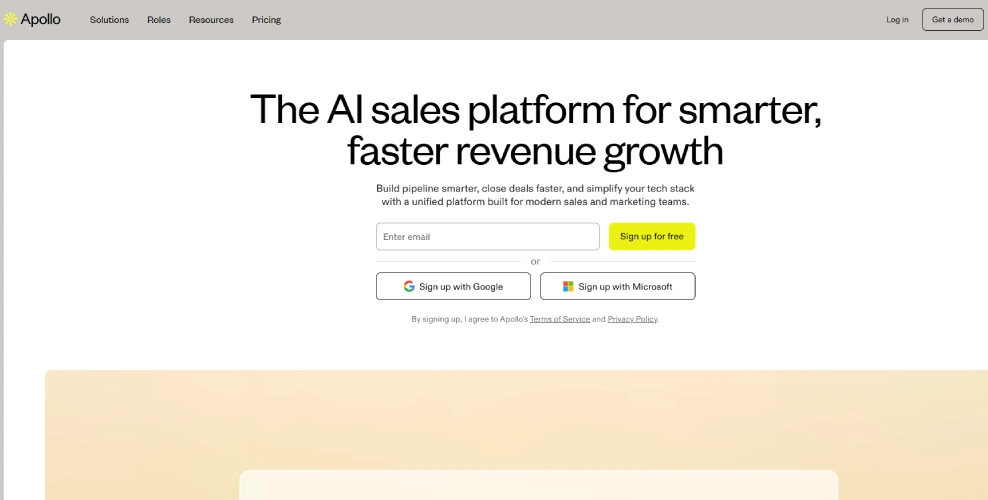
Apollo.io is an all-inclusive destination to discover potential clients, manage prospective clients, and make contact with those potential clients through one online service. Basically, it’s a centralized solution that contains an enormous database of prospects along with a tool to contact them via email sequences, track responses to email sequences and improve outreach to your prospects all from one location via one online service.
Why It’s Useful
Here’s the thing lead generation isn’t just about getting more leads, it’s about getting the right leads. And Apollo.io helps you filter down to people who actually matter to your business.
If you have recently been carrying out manual outreach you may see this phenomenon a lot. When reaching out, rather than just randomly reaching out to people, with the right tools you would reach out to specific types of decision makers for specific industries or companies that have a specific technology.
In addition, automation is a significant part of this product. An example of this is the ability to build multiple email sequences (scheduled and unscheduled), use automatic follow-up reminders, and be able to track all email sequences in one location even when you’re not actively working.
Pros
- Huge and regularly updated contact database
- Built-in email automation (no need for extra tools)
- Advanced filtering to find high-quality leads
- Easy integration with CRMs like Salesforce or HubSpot
- Free plan available (great for beginners)
Cons
- Data accuracy isn’t perfect all the time (some emails may bounce)
- Can feel slightly overwhelming at first
- Advanced features are locked behind paid plans
- Email deliverability depends on how you set things up
Key Features
- Lead Database Access
- Email Finder & Verification
- Sales Engagement Tools
- CRM Integrations
- Analytics & Tracking
- Chrome Extension
 Apollo.io
ZoomInfo
What is ZoomInfo?
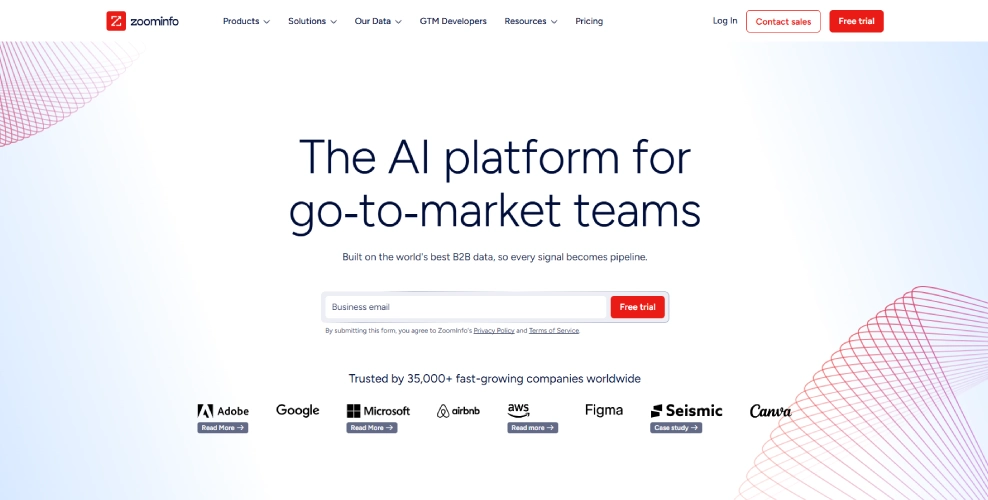
However, not only is this tool simply a data base of contacts; it is essentially a dynamic database that continuously updates itself with insight about businesses, such as any changes to said business or that company’s hiring practices, as well as any other relevant information.
Leads can easily be searched by an incredibly detailed filter that includes job title, industry, company size, revenue, even tech stack. This degree of targetability will, in fact, impact the outreach; instead of blindly reaching out, you're going to reach out to individuals that fit your ideal customer profile.
Why It’s Useful
Here’s the thing in 2026, sending random cold emails just doesn’t work like it used to. People are more selective, inboxes are crowded, and honestly, bad targeting shows instantly.
With ZoomInfo, you will receive context in addition to typical contact details like name and email. Insight into when a person may have moved to a new company and the company is currently hiring or if the person may have recently bought something gives you an opportunity to connect with the person at the right time.
You might notice this pretty quickly: better targeting = better replies. It’s not magic, but it definitely improves your odds.
Pros
- High-quality B2B data with detailed company insights
- Advanced search filters (super specific targeting)
- Intent data (you can see who’s actively looking for solutions)
- Strong integrations with CRMs and sales tools
- Saves a lot of research time
Cons
- Pricing is expensive (not very beginner-friendly)
- Some data can still be outdated (yeah, it happens)
- Slight learning curve if you’re new
- Overkill for very small businesses or solo freelancers
Key Features
- Massive Contact Database
- Intent Data
- Advanced Filtering
- Sales Automation Integrations
- Real-Time Alerts
- Enrichment Tools
 zoomInfo.com
Clay
What is Clay?
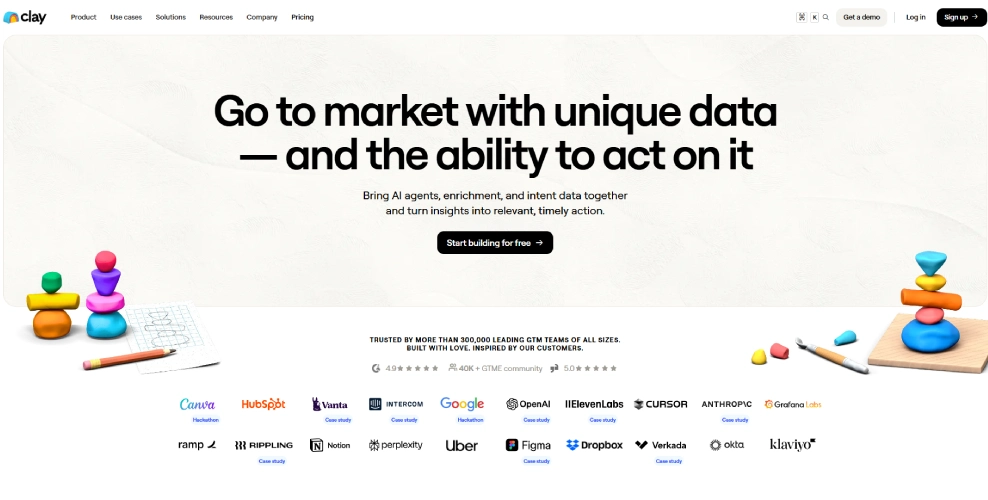
Clay is not your typical lead database. It’s more like a smart workspace where you can pull data from different sources, enrich it, and build highly personalized lead lists. Think spreadsheets… but way more powerful and actually connected to live data.
You can bring in data from tools like LinkedIn, Google Maps, APIs, or other platforms, and then let Clay enrich that data automatically. It fills in missing details like emails, company info, social profiles all without you manually digging for it. It’s kind of like building your own custom lead engine.
Why It’s Useful
Here’s the thing most tools give you data. Clay helps you build better data. And that small difference? It matters a lot.
Generic outreach appears to be ineffective. You can tell if someone has copied and pasted an email. Clay enables you to do a deeper reach by providing you with the ability to add personalized insights, company signals, or custom field-related items to your outreach with a more human feel.
Pros
- Extremely flexible and customizable
- Powerful data enrichment from multiple sources
- Great for personalized outreach at scale
- Integrates well with other tools and APIs
- Saves tons of manual research time
Cons
- Not beginner-friendly (takes time to understand)
- No built-in outreach like some competitors
- Can feel overwhelming at first
- Pricing can increase as you scale usage
Key Features
- Data Enrichment
- Multi-Source Integration
- Custom Workflows
- AI Personalization
- Live Data Syncing
- Spreadsheet-Style Interface
 clay.com
Instantly
What is Instantly?
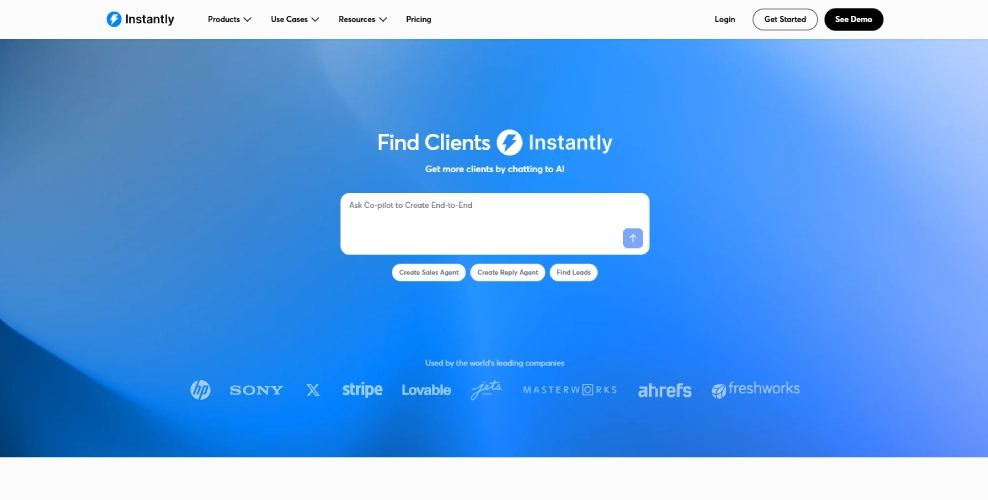
It focuses heavily on deliverability, automation, and managing multiple email accounts which, if you’ve done outreach before, you know is kind of a big deal.
By integrating multiple email accounts into its software and automatically rotating through them rather than having users send all emails out of one central inbox (the large bulk of which can cause users to be flagged as spam), Users will have a much more natural, less spam-like campaign and thus have a greater chance of landing in someone's inbox rather than being sent to their promotions or spam folders.
Why It’s Useful
Here’s the thing you can have the best copy in the world, but if your email doesn’t reach the inbox, it doesn’t matter. That’s where Instantly really stands out.
You might notice better open rates almost immediately once things are set up properly. Sounds technical, but it’s actually doing a lot behind the scenes.
Secondly, with the aid of automation, Users can set up sequences of emails, schedule follow-ups and track the responses received to each campaign without having to babysit each one; which saves at least a couple of hours per week on average.
Pros
- Strong focus on email deliverability
- Unlimited email account connections (huge advantage)
- Built-in email warmup system
- Simple interface compared to many tools
- Great for scaling outreach quickly
Cons
- No built-in lead database (you need leads from somewhere else)
- Learning curve for beginners (especially email setup)
- Results depend heavily on your email copy
- Can get pricey as you scale
Key Features
- Unlimited Email Accounts
- Email Warmup Tool
- Smart Campaign Automation
- Inbox Rotation
- Analytics Dashboard
- Unibox
 Instantly.ai
Landbot
What is Landbot?
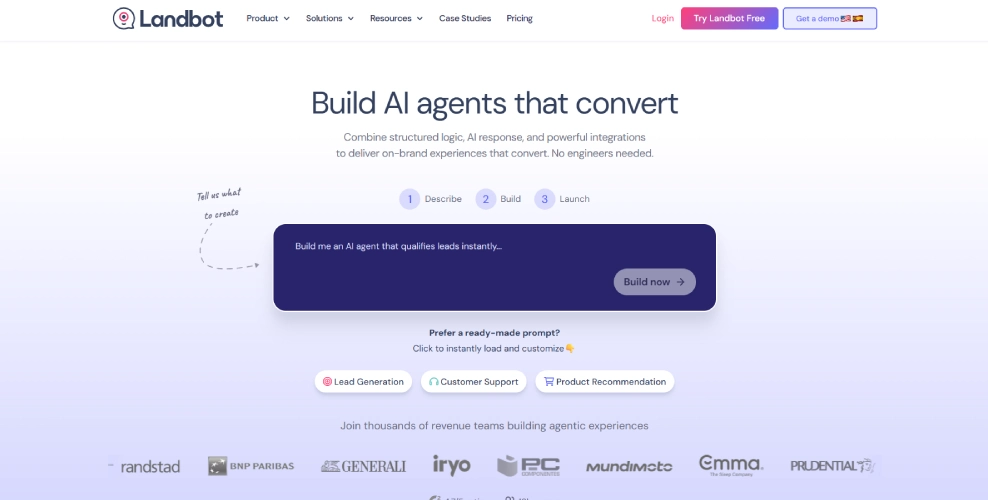
No Code Development is the base of the Landbot which is an interactive self-service platform that guides the user through the stages of purchasing something or using the website. So when a user comes to your site, has questions, and wants to buy something using a self-service platform like WhatsApp, landing pages or a website, they will get data through an instant messaging method that can also qualify the user as a target customer.
Why It’s Useful
When we have a conversation with another person, we usually continue to talk back and forth between each other during the conversation. Landbot capitalizes on this natural human behaviour and keeps visitors on a company’s website engaged within the conversation, which results in a higher conversion rate for that business. Instead of asking for everything at once, which seems intimidating for many people when trying to fill out forms, Landbot request information in smaller parts and asks follow up questions as the person answers the initial question(s) within the form-fill process.
Pros
- Easy-to-use visual builder (no coding needed)
- More engaging than traditional forms
- Supports multiple platforms (web, WhatsApp, etc.)
- Helps qualify leads automatically
- Can improve conversion rates
Cons
- Takes time to design a good conversation flow
- Overuse can feel annoying to users
- Advanced features may require higher plans
- Not ideal for very complex customer queries
Key Features
- Drag-and-Drop Builder
- Multi-Channel Support
- Conditional Logic
- Lead Qualification
- Integrations
- Automation
 landbot.io
Comparison Table
| Tool | Best For | Ease of Use | Core Strength | Pricing Level | Key Limitation |
|---|---|---|---|---|---|
| Apollo | All-in-one lead generation | Medium | Database + outreach in one place | Free + Paid | Data accuracy not always perfect |
| ZoomInfo | High-quality B2B data | Medium | Intent data & deep insights | Expensive | Not beginner-friendly |
| Clay | Data enrichment & personalization | Low (learning curve) | Custom workflows & enrichment | Paid | No built-in outreach |
| Instantly | Cold email outreach at scale | Easy–Medium | Deliverability & automation | Paid | No lead database |
| Landbot | Conversational lead capture | Easy | Chat-based conversions | Free + Paid | Needs setup for best results |
Conclusion
By 2026 lead generation will not be about just accumulating contacts; instead, it will focus on a complete automated process of creating qualified leads. To achieve this, several tools are used to perform various functions. For example, Apollo and ZoomInfo assist in prospecting, Clay allows for more powerful and customized data, Instantly allows for mass outreach, and Landbot turns visitors into legitimate sales opportunities.
The optimal method is to use multiple applications that work together based on your individual needs. As we mentioned, when starting, having one complete solution may be all that is necessary, but as your company grows, adding specialized applications can greatly enhance the results achieved. Ultimately the primary advantages of the automated process, enhanced targeting options, and customized outreach options will lead to generating additional responses and significantly reduce the effort required to acquire new clients.