
In today’s competitive freelancer marketplace, solving project management, finances, communication, organization, and all other workflow functions easily leads to a headache without the appropriate tools in place. Freelancers have multiple roles to juggle in being a marketer, accountant, and facility manager. Organizational requirements to become a freelancer are thus very important to become a success. Fortunately, Software-as-a-Service tools have been developed to assist freelancers in organizing their working process and become productive to increase their small business without a huge spend on technology.
Explores this 5 SaaS tools that every freelancer should consider adding to their toolkit. these tools offer powerful features, flexible pricing and user friendly that help freelancers handle core aspects of their work with confidence.
Whether you are a video editor, UI UX Designer, Content Writer these Saas tools can simplify your daily operations and create a professional experience for you and your clients.
Why these Five Saas Tools are the best for freelancers
Choosing the right SaaS tools can be a game changer, these 5 tools given in this blog were selected based on their reliability, comprehensive feature set, accessibility and real world value for independent workers. Each of these tools helps freelancers solve different problems like project management, financial tracking, messaging or scheduling, which are common challenges for those who do freelancing.
Trello
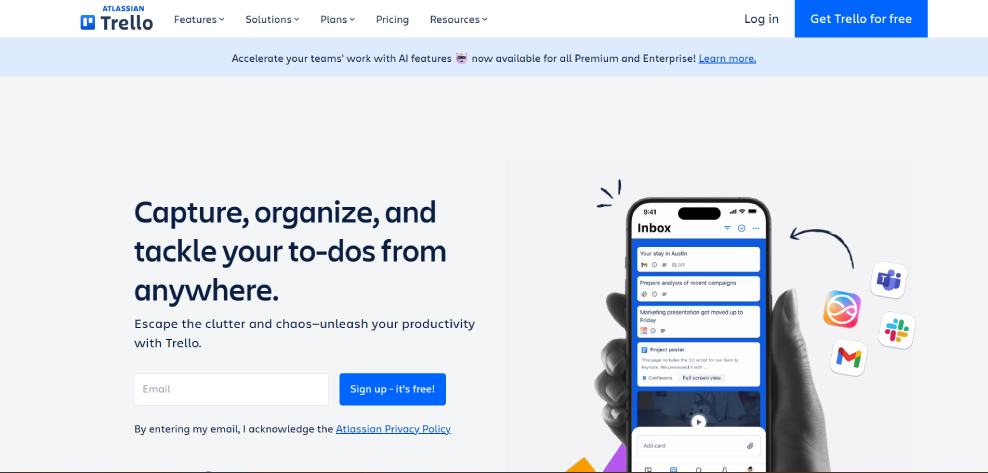
Trello is a project management system allowing a freelancer to use boards, lists, and cards to organize tasks. It also enables a freelancer to create a workflow effortlessly with its drag-and-drop feature. Trello can also interface with many software programs, such as Gdrive, Slack, among others, making it easier for a freelancer to concentrate on a task at hand.
For freelancers manage multiple projects at once, trello provides clarity and structure. whether you are managing client deliverables, content calendars or personal tasks, its flexible layout adapts to your workflow. you can customize boards with labels, due dates and automation rules to save your time and reduce manual work.
Pros
- Simple, intuitive interface that's easy to learn.
- Flexible boards adapt to any workflow.
- Integrates with many popular apps and services.
Cons
- Can Become cluttered without careful organization.
- Limited advanced reporting features.
- Free plan has limited automation functions.
Freshbooks
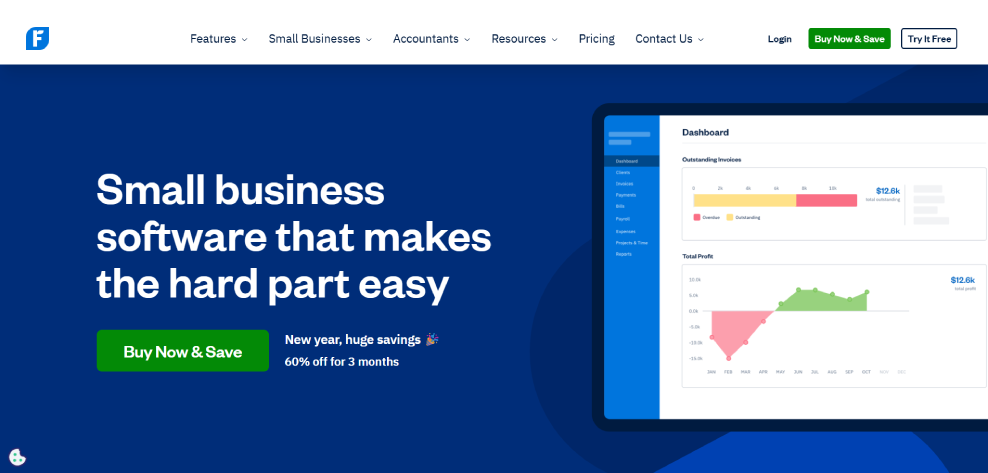
Freshbooks is a cloud accounting and invoicing tool designed for small business owners and freelancers. it simplifies tasks like invoicing, expense tracking, time tracking and financial reporting, with Freshbooks freelancers can create professional invoices, automate payment reminders and sync bank transactions with ease.
Freshbooks also provides useful insights into your business finances, helping you see where your money is going and how to optimize your income. it supports multiple currencies and online paymente which is especially helpful for freelancers working with international clients.
Pros
- Easy invoicing with automated reminders.
- Time and expense tracking built in.
- Client payment options (Credit, debit card, bank transfer, etc.)
Cons
- Pricier than some basic alternatives.
- Some features require higher tier plains
- Reporting options are not as extensive as dedicated accounting tools.
Slack
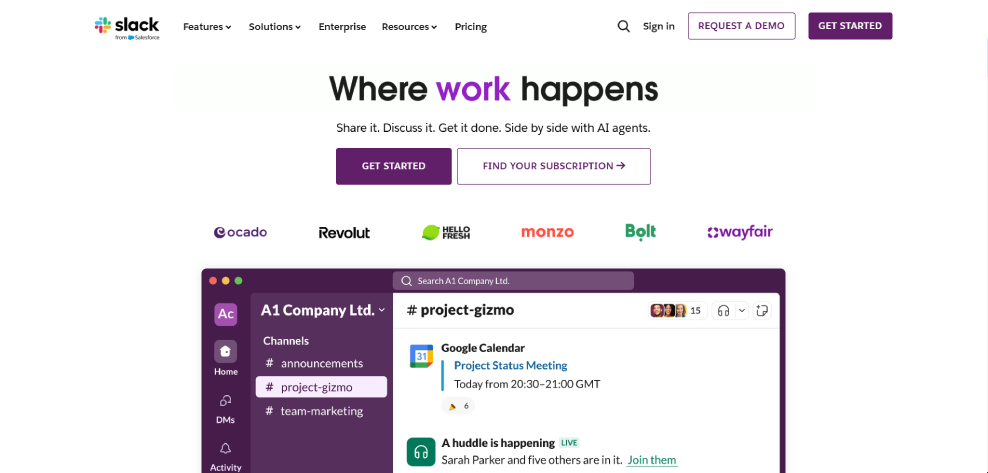
Slack is a Messaging tool designed to streamline team communication. freelancers can also use slack to easy chat with clients or collaborators, share files, organize discussions into channels and integrate alerts from other tools like trello or google drive. slack searchable history makes finding past conversations easily, fast.
Even for people who work mostly alone, Slack can be a good hub for communicating with clients and staying connected with people frequently. Slack is a unique and best tool as it also includes voice and video calling features.
Pros
- Real time communication and searchable message history.
- Integrates with many productivity tools.
- Supports voice/video calls.
Cons
- Can be distracting if not managed well.
- Free plan limits access to older messages.
- Requires onboarding if clients aren't familiar with slack.
Wave
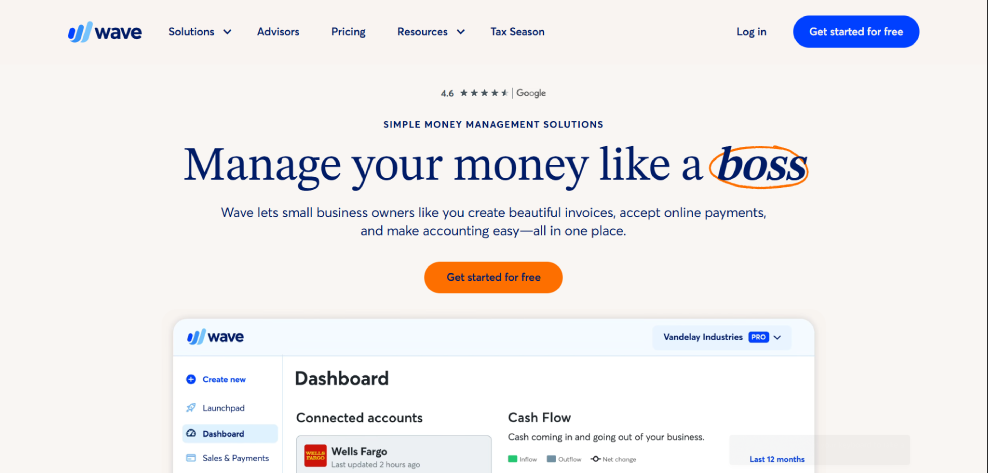
Wave is a free acconting platform built for freelancers and small businesses. it offers invoicing, receipt scanning, expense tracking and basic accounting reports at no cost a huge advantage for freelancers managing tight budgets, wave clean dashboard help you understand your financial health and track income versus expenses without confusion.
Wave also supports credit cards and banks pay (for a fee), meaning clients can pay directly through your invoice. while wave payroll and tax features are add ons its core tool are robust enough for most for freelance accounting needs.
Pros
- Free core accounting and invoicing tools.
- Simple, beginner friendly interface.
- automated expense tracking and receipt capture.
Cons
- Payment processing fees apply.
- Limited advanced accounting features.
- Payroll and tax add ones cost extra.
Calendly
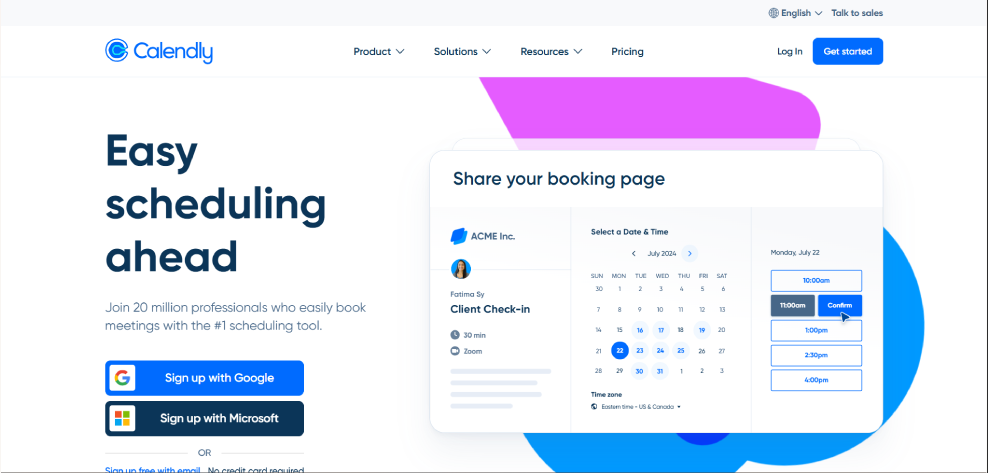
Calendly is a scheduling tool that eliminates back and forth, booking meetings. freelancers can set their availability, share a personalized scheduling link and let client choose time that work for both parties. calendly integrates with calendars so booking automatic sync with your schedule.
This Calendly tool Save freelancer valuable time while reducing scheduling errors, it also supports custom question and buffer time between appointments making it easy to tailor your scheduling process to your specific work style.
Pros
- Removes meeting scheduling back and forth.
- Works with major calendars platforms.
- custom meeting types and buffers.
Cons
- Advanced features require paid plans.
- Limited customization on free version.
- Some user may prefer built in calendar tools.
Comparison
| Saas tool | Primary Purpose | Best For Freelancers Who Need | Key Features | Pricing (Basic) |
|---|---|---|---|---|
| Trello | Project & task management | Managing multiple projects and deadlines | Boards, lists, cards, task automation, integrations | Free plan available |
| FreshBooks | Accounting & invoicing | Professional invoicing and expense tracking | Invoicing, time tracking, expense management, reports | Paid plans (free trial) |
| Slack | Communication & collaboration | Client and team communication | Channels, messaging, file sharing, integrations | Free plan available |
| Wave | Basic accounting & invoicing | Budget-friendly financial management | Free invoicing, expense tracking, reports | Free (paid add-ons |
| Calendly | Scheduling & time management | Easy meeting scheduling | Calendar sync, booking links, reminders | Free plan available |
Conclusion
Choosing the right Saas tools (software as a service) can significantly help freelancers stay organized, work more efficiently and deliver higher quality result to their clients. tools like trello, freshbooks, slack, wave and calendly address the core aspects of freelancing work from project planning and task management to invoicing, communication and scheduling. When used together, these platform form a powerful and reliable toolkit that supports freelancers at every stage of their business journey.
Although no single tool can solve every challenge freelancers face, these five solutions offer a well balanced combination of simplicity, flexibility and essential business features, by leveraging the power of these Saas tools, freelancers can streamline their daily workflows, reduce administrative stress and manage their work more professionally. Ultimately this allows them to save time, improve client relationship and focus more on what they truly enjoy growing their skills and doing meaningful work.