E-commerce and digital advertising are two fast-growing sectors where product images greatly influence purchase decisions. High-quality product images can drastically improve conversion rates, enhance brand image and increase sales. However, creating high quality product photographs with a professional look using standard means to obtain them can be costly as they involve expensive equipment, in a photography studio, and professional editing skills.
This is where AI tools for editing product photos come into play.
As a result of the advancements made through artificial intelligence by the year 2026, there has never been an easier time to create and edit your own product photos than now. By a few simple clicks, you can remove backgrounds, create realistic scenes, improve image quality and generate ad-ready images without needing the complicated design skills that were previously required.
Whether you are an online vendor, a dropshipper, a content creator, or a marketing professional, there are AI tools available to help save you time, reduce your costs and elevate your brand.
In this article, we will review the top five AI tools for editing product images, including the features of each tool, the costs of each tool, and how best to utilize each tool.
PhotoRoom
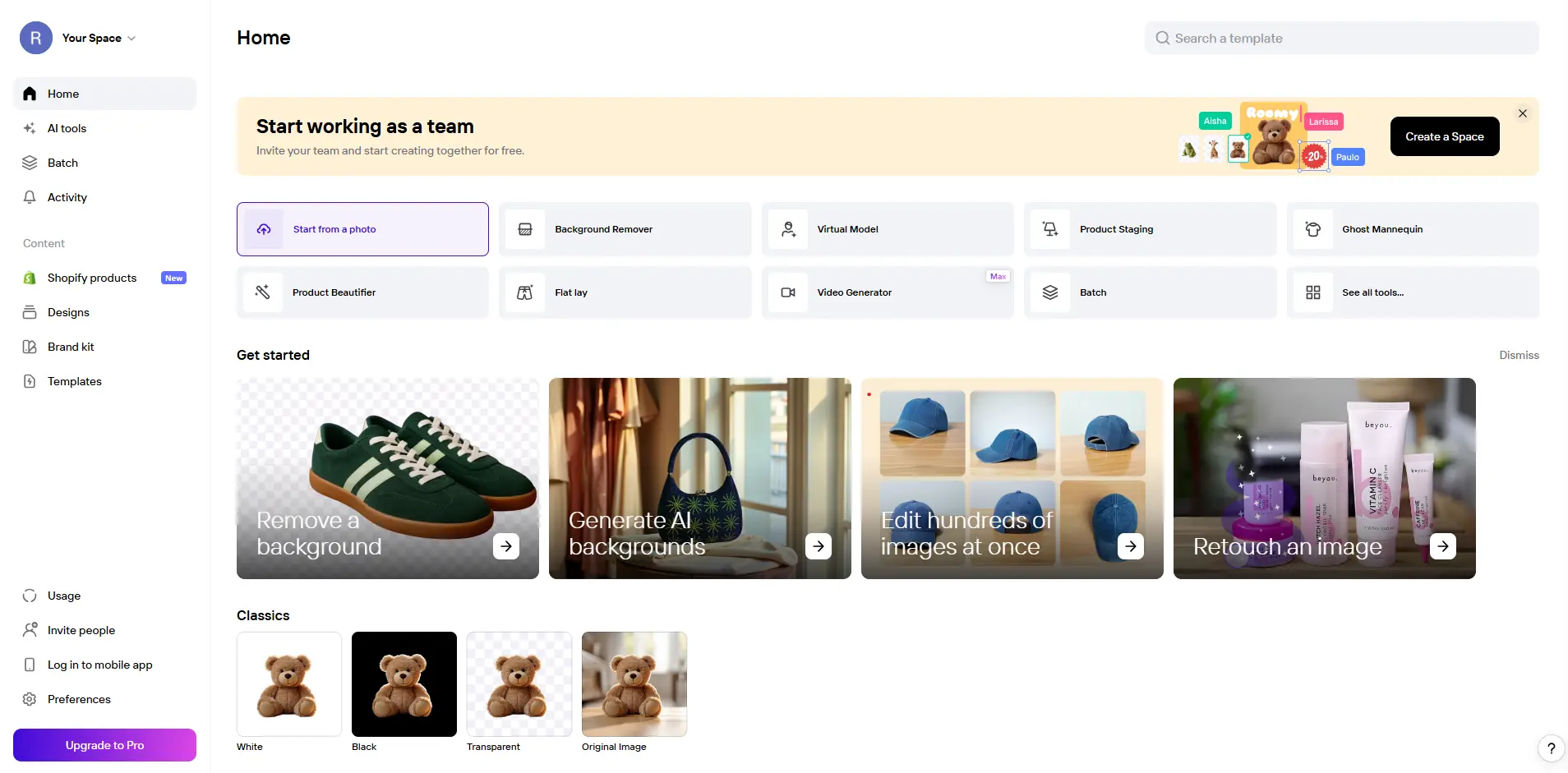
As the best and easiest to use ai photo editing solution for product photography in 2026, PhotoRoom provides individuals with the ability to create beautiful, clean and professional looking images of their products in just a few seconds. No prior knowledge of editing or experience is needed to use this platform, as the AI technology behind PhotoRoom uses cutting-edge artificial intelligence to automatically detect objects, remove backgrounds and insert products into professional quality and highly realistic backgrounds/scenarios. The unique aspect of PhotoRoom is that it is fast and capable of performing bulk editing. This provides tremendous value to E -commerce sellers who may have dozens or even hundreds of pictures to edit simultaneously.
Features:
- Remove background with a single click
- Generate AI-created backgrounds and scenarios for your product
- Edit multiple images at the same time
- Export images to e-commerce platforms in a format specifically compatible with them
- Use the app on either your mobile device or your personal computer
Why Choose PhotoRoom:
PhotoRoom offers a perfect balance between ease of use and professional output. You don’t need any design experience to create high-quality product images. It is especially useful for businesses that need to process large volumes of product photos quickly.
Best For:
- E-commerce sellers
- Dropshipping businesses
- Social media marketers
Adobe Photoshop
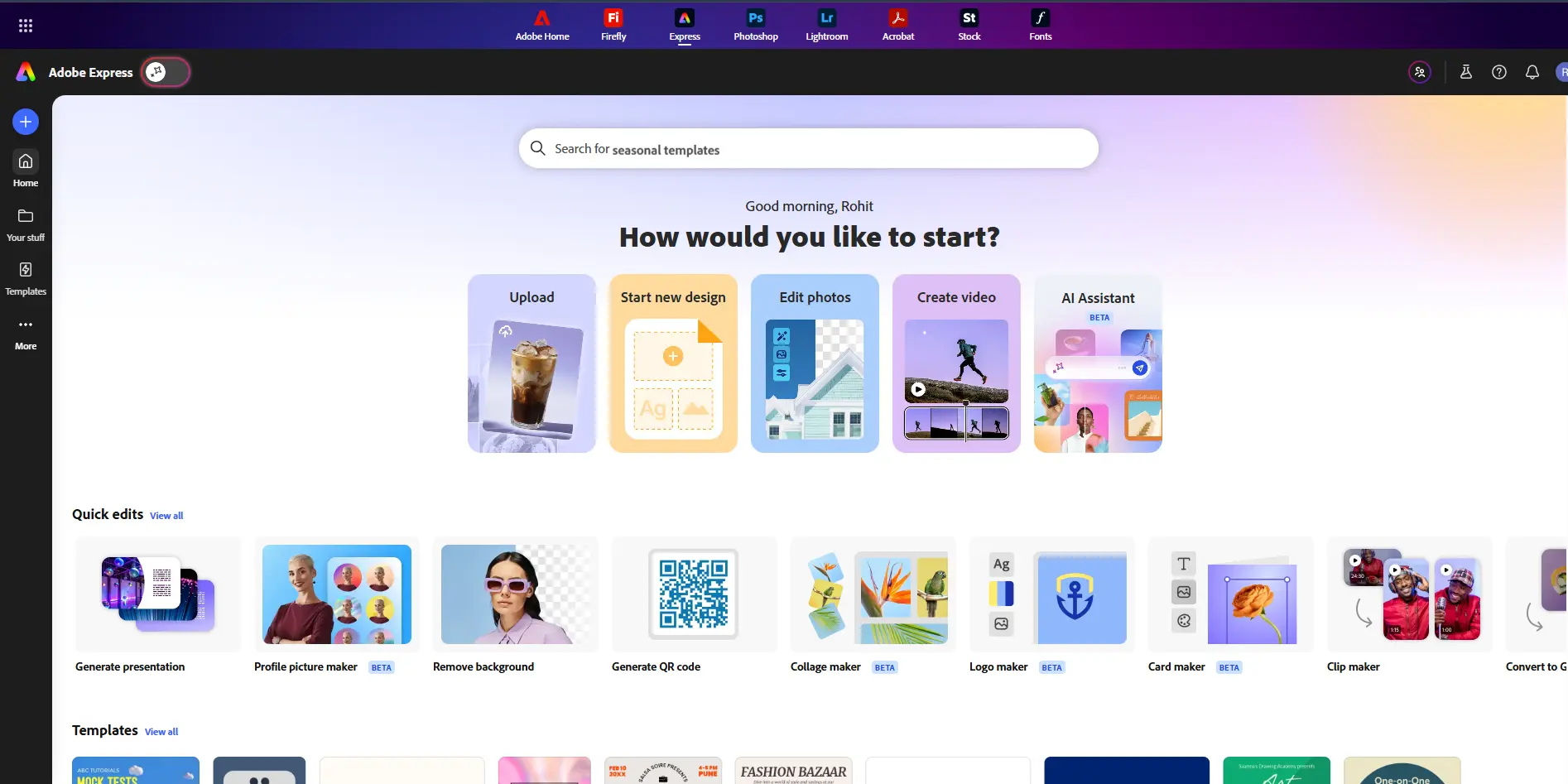
Adobe Photoshop continues to be the mainstay of high-end image editing software. The introduction of AI-enhanced functionality has made Photoshop an even more powerful program than ever before. With features such as Generative Fill, Object-Aware Editing, and Intelligent Retouching, this program provides users with full flexible creative control of their product images through every stage of development. As opposed to the basic image-editing programs available, Photoshop allows users to treat each aspect of their image, including light source and shadow position to texture and reflection.
Key Features
- AI Object Removal & Replacement
- Generative Fill (Background building)
- Enhanced Light & Colour Adjustment
- Advanced Level of Retouching Functionality
Why Choose Photoshop:
Photoshop is the ultimate program for those needing complete control and accuracy, allowing users to refine their work to the highest degree. As such, it is particularly well suited for creating high-end product photography and branding.
Best For
- Professional designers
- Creative agencies
- High-end brands
Phot AI
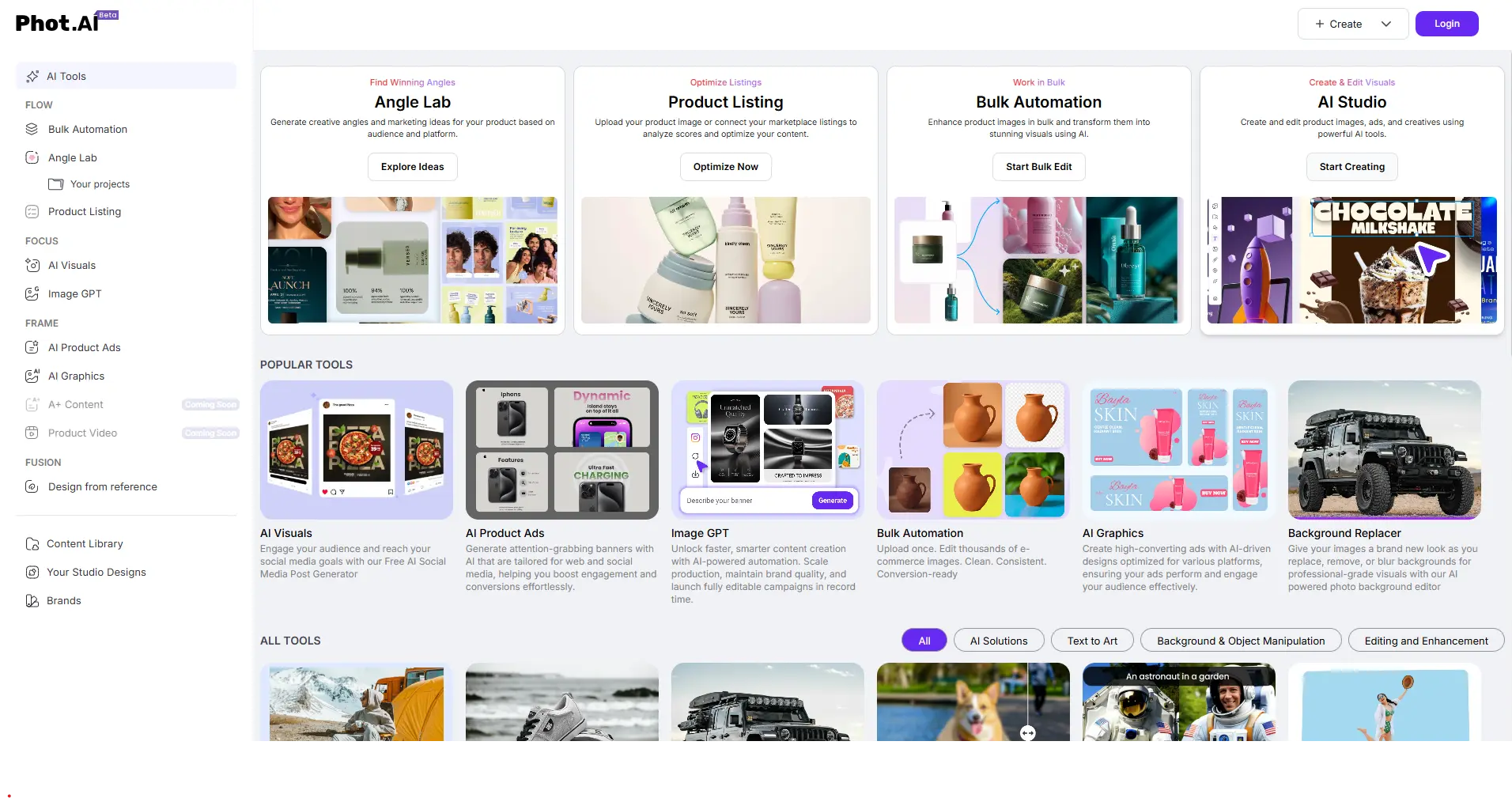
Phot AI has been created so that anyone can have quick results without having to learn complex editing programs. It provides a simple automated edit with straightforward tools so that everyone can edit their photos quickly and easily. You can do things like improve the quality of an image; change the background of an image; and make individual product photos look polished and professional in just a few clicks. Small sellers who want to receive their edited photos quickly with minimal amount of work will find this tool invaluable.
Key Features
- AI background replacement
- Automatic image enhancement
- Simple and intuitive interface
- Fast processing
Why Choose Phot AI:
Phot AI is perfect for those who are new to using editing software and want to get results as quickly as possible without needing to learn how to use more advanced software packages. The complete editing process is simplified to only a few steps with this tool.
Best For
- Small business owners
- Beginners
- Instagram sellers
Topaz Photo Ai
Topaz Photo Ai is an enhancement tool designed specifically for improving the resolution and overall quality of photos. Many businesses use it to improve the quality of their products when they have blurry photos, have noise in them or have poor lighting.
Using advanced artificial intelligence (AI) models, Topaz enhances low-quality images by sharpening edges, recovering fine detail, and upscaling the overall resolution while keeping the texture of the original photograph intact.
Key Features
- AI sharpening and noise reduction
- Resolution upscaling
- Detail enhancement
- Batch processing
Why Choose Topaz Photo AI:
One of the things that sets Topaz apart from other editing tools is that it provides enhancement, whereas most tools provide similar features to assist with editing. When used correctly, Topaz can turn low-quality photos into high-quality, professional-looking photos!
Best For
- Fixing low-quality images
- Professional retouching
- High-resolution product listings
Flair Ai
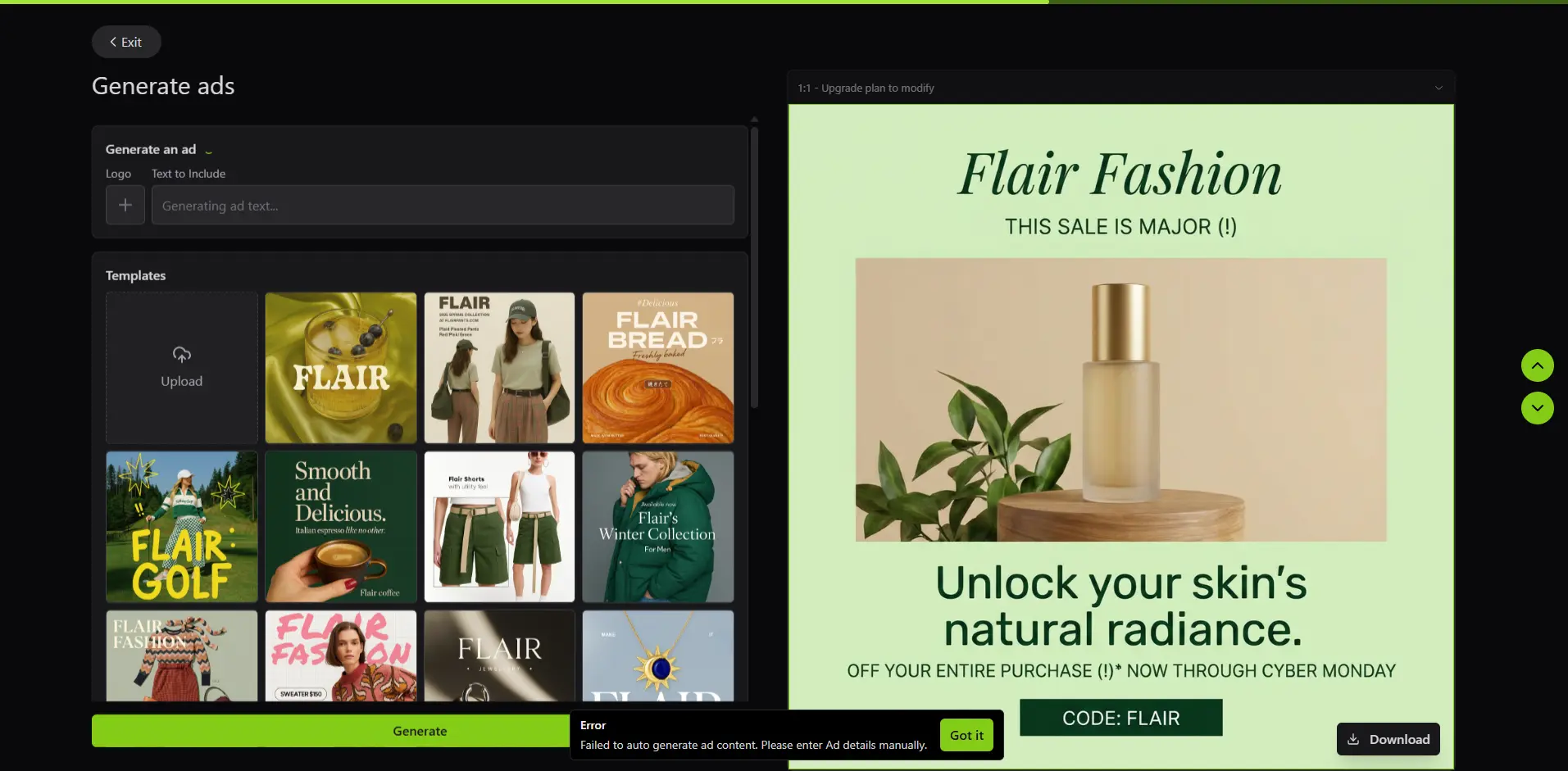
Flair AI is built specifically for marketers and brands that want visually striking product images for ads and social media. Instead of just editing images, it helps you design complete scenes and creatives.
With drag-and-drop functionality and AI-generated environments, you can create scroll-stopping visuals that are ready for campaigns. It’s particularly useful for businesses running paid ads or building a strong brand identity.
Key Features
- AI-generated backgrounds
- Drag-and-drop product staging
- Ready-to-use templates
- Marketing-focused designs
Why Choose Flair Ai
Flair AI helps you create eye catching ad creatives without hiring designers. It is ideal for producing scroll-stopping visuals for social media and paid campaigns.
Best For
- Facebook and Instagram ads
- Branding and marketing campaigns
- Creative product presentations
Comparison Table
| Tool Name | Ease of Use | AI Features | Editing Power | Best Use Case | Price Range |
|---|---|---|---|---|---|
| PhotoRoom | Very Easy | Strong | High | E-commerce & daily editing | Low |
| Adobe Photoshop | Advanced | Very Advanced | Very High | Professional editing | Medium–High |
| Phot AI | Very Easy | Moderate | Medium | Beginners & small sellers | Low |
| Topaz Photo AI | Moderate | Specialized | High (Enhancement) | Image quality improvement | High |
| Flair AI | Easy | Creative-focused | Medium | Ads & marketing visuals | Medium |
Frequently Asked Question
Conclusion
In 2026, AI image editing technology fundamentally changed the landscape of e-commerce and digital advertising. Smart AI technology has made it faster and more affordable to create high-quality images without ever having to set foot in a studio or hire a talented editor.
- PhotoRoom - Great all-purpose option.
- Photoshop - Advanced professional option.
- Phot AI - User-friendly option for amateurs.
- Topaz Photo AI - Improves image quality.
- Flair AI - Creates high-quality advertisement image.
You must consider your end goals, your total budget and your experience when deciding which AI tool to invest in; however, exposing your product to the world through effective product images will decrease your expenses and increase your sales.