Animation has become a core part of modern digital communication, transforming the way stories, ideas, and messages are shared across industries. With continuous advancements in technology, animation is now widely used in films, television shows, video games, marketing campaigns, educational content, and social media. It allows creators to combine visuals, motion, and sound to produce engaging content that captures attention and delivers information in a compelling way. As a result, animation has grown from a specialized skill into a widely sought-after creative discipline.
Despite its growing popularity, finding the right animation software can be a difficult task. Beginners often look for tools that are easy to learn and provide a smooth introduction to animation basics, while professionals require software that offers precision, advanced features, and compatibility with professional workflows. With various options available in the market, making the right choice can feel overwhelming. This article highlights some of the best animation software available today, carefully selected to meet the needs of both beginners and professionals, helping creators choose tools that support learning, creativity, and long-term growth.
Why These Five Animation Software Are Chosen as the Top Five
The selection of this animation software is based on their real-world usefulness, long-term learning value, and ability to meet both beginner and professional animation needs. These tools were chosen for solving essential creative challenges rather than following short-lived trends.
They Solve the Most Common Animation Challenges
These five-animation software were selected because they directly address the key problems animators face at every stage of creation. From beginners learning basic 2D animation to professionals working on complex studio projects, these tools provide reliable solutions for drawing, character movement, visual effects, and rendering. Together, they cover essential animation needs such as storytelling, motion design, and production-quality output, making them practical choices for real-world use rather than experimental or niche tools.
They Are Suitable for Beginners and Professionals
- Beginner-friendly interfaces and learning modes
- Advanced features unlocked as skills improve
- No need to change software when moving to professional projects
- Suitable for students, freelancers, and studio animators
- Encourages long-term skill development
They Are Proven and Trusted in the market
- Used in animation studios and production houses
- Accepted tools for film, TV, and digital media projects
- Frequently required or preferred in animation job roles
- Trusted by professionals for commercial work
They Offer Long-Term Value for Learning and Professional Growth
Another reason this software stand out is their ability to support long-term skill development. Beginners can start with simple tools and gradually explore advanced features without switching platforms. At the same time, professionals benefit from industry-standard workflows, advanced controls, and compatibility with professional production pipelines. This balance makes the software useful not just for learning animation, but also for building careers, portfolios, and commercial projects.
They Improve Workflow Efficiency and Productivity
- Faster rendering and playback performance
- Integration with other creative tools
- Non-destructive editing and revisions
- Customizable workspaces and shortcuts
- Efficient asset and file management
5 Animation Software Every Beginner Should Try
Adobe Animate
Adobe Animate is a widely used animation software known for its simplicity and flexibility. It is primarily designed for creating 2D animations, interactive content, and web-based animations such as banners, games, and cartoons. The software offers a clean and user-friendly interface, making it easy for beginners to understand animation basics like keyframes, timelines, and motion paths. At the same time, it provides enough advanced tools to support more experienced animators working on professional projects.
Pros:
- Easy to learn for beginners
- Vector-based animations stay sharp at any resolution
- Strong integration with other Adobe tools
- Supports interactive and web-based content
Cons:
- Requires a paid subscription
- Limited when it comes to advanced 3D animation
- Not ideal for high-end cinematic projects
Best for: Beginners and intermediate animators looking to create cartoons, web animations, and interactive media.
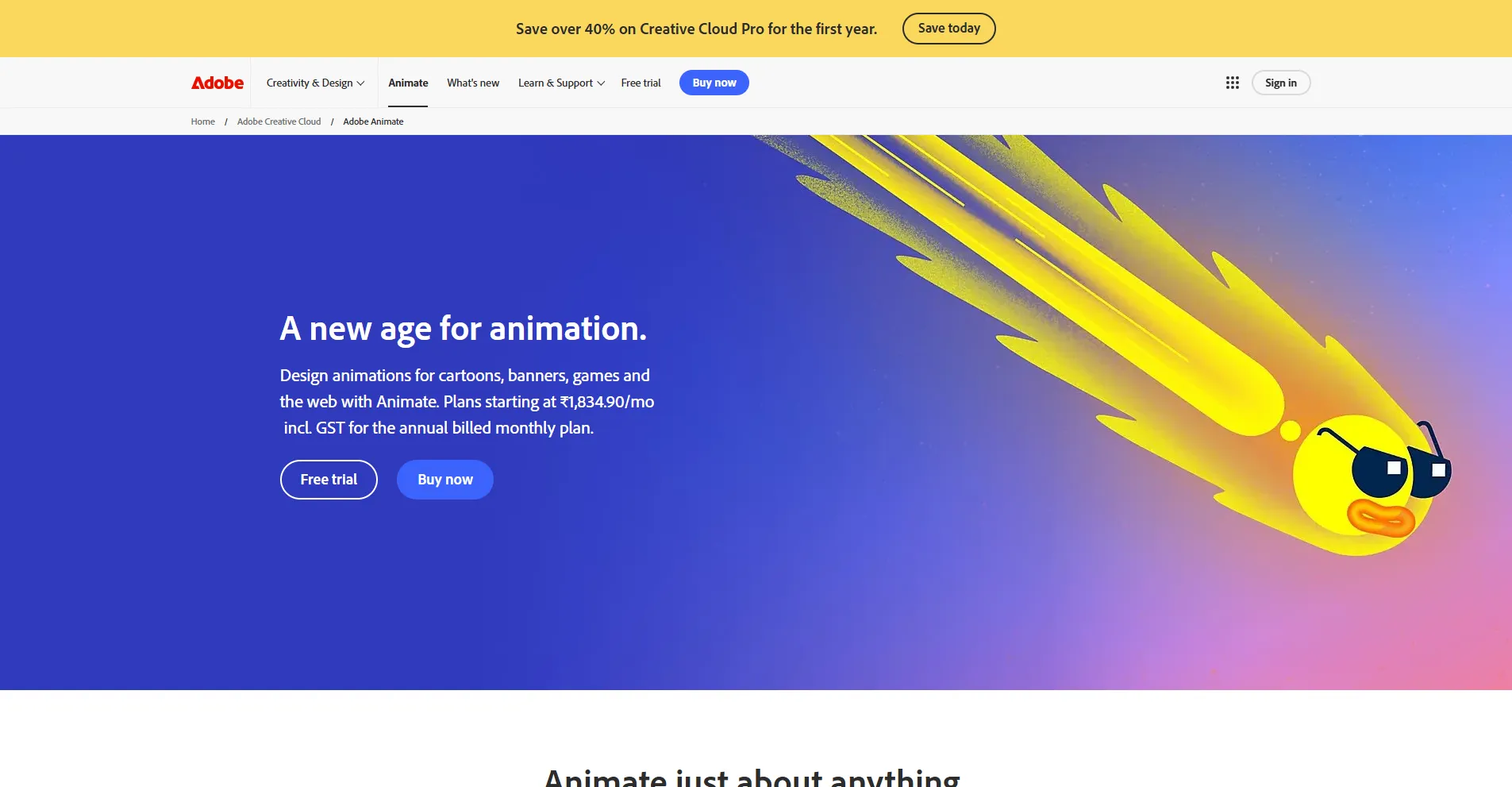
You can explore more details on the official website:
Adobe Animate Official Site:
https://www.adobe.com/products/animate.html
Opentoonz
OpenToonz is a free, open-source animation software that offers professional-level 2D animation tools without any cost. It is widely used in educational environments and by independent creators, and it has also been adopted in professional studio workflows. OpenToonz focuses on traditional animation techniques while providing a fully digital, paperless workflow.
The software supports both raster and vector graphics, allowing artists to choose their preferred drawing style. OpenToonz includes advanced effects, camera tools, and scanning features that are useful for traditional frame-by-frame animation. Although the interface may feel complex at first, it becomes a powerful tool once users are familiar with it.
Pros:
- Completely free and open-source
- Professional-grade 2D animation features
- Supports both vector and raster artwork
- Strong community-driven development
Cons:
- Steeper learning curve for beginners
- Interface is less polished than paid software
- Fewer official tutorials compared to commercial tools
Best for: Beginners and professionals on a budget who want a free but powerful 2D animation tool.
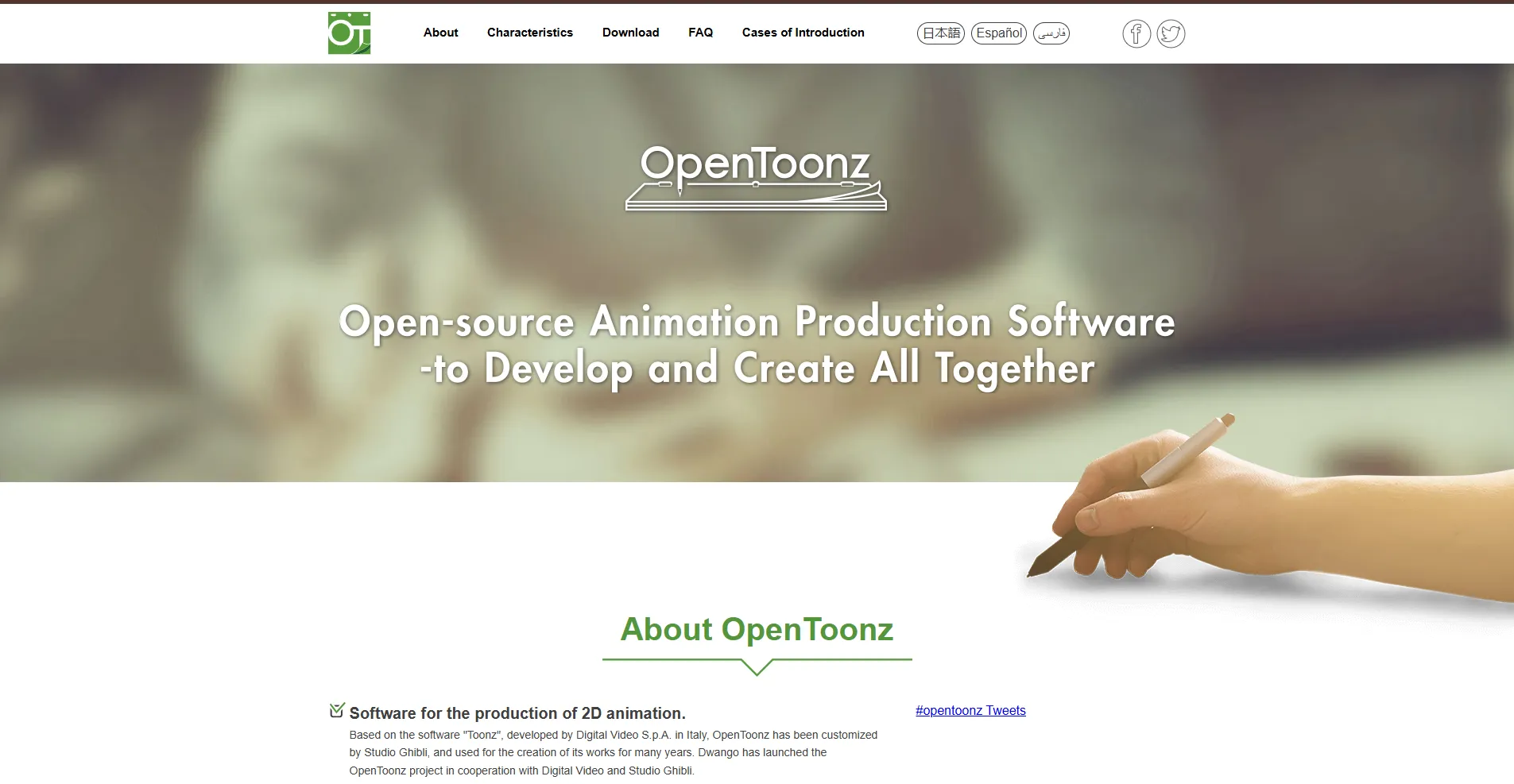
You can explore more details on the official website:
OpenToonz Official Site:
https://opentoonz.github.io/e/index.html
Toon Boom Harmony
Toon Boom Harmony is considered one of the most advanced and trusted 2D animation software in the industry. It is widely used by professional studios for producing television shows, films, and high-quality animated content. The software supports both traditional frame-by-frame animation and modern rig-based workflows, making it extremely versatile.
Harmony offers advanced tools for character rigging, lip-syncing, compositing, and camera movement. It allows animators to combine hand-drawn artwork with digital efficiency, reducing production time while maintaining high-quality results. Although it is beginner-friendly at a basic level, mastering its full potential requires time and practice.
Pros:
- Industry-standard software used by major studios
- Advanced rigging and character animation tools
- Supports multiple animation techniques
- Excellent production and compositing features
Cons:
- Expensive compared to beginner tools
- Requires a powerful system for smooth performance
- Learning curve can be challenging
Best for: Professionals working in animation studios or individuals looking to pursue a professional animation career.
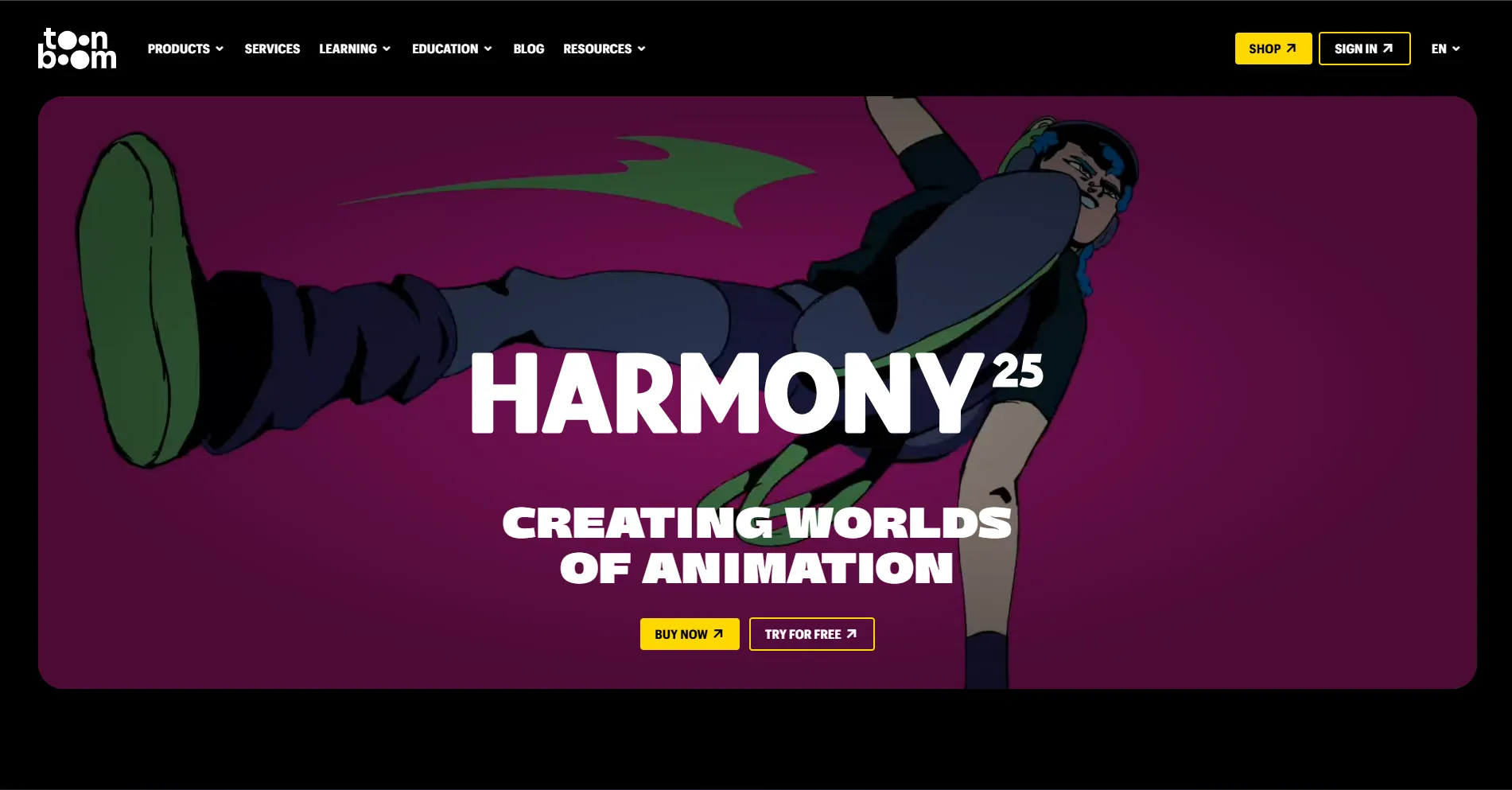
You can explore more details on the official website:
Toon Boom Harmony Official Site:
https://www.toonboom.com/products/harmony
Adobe After Effects
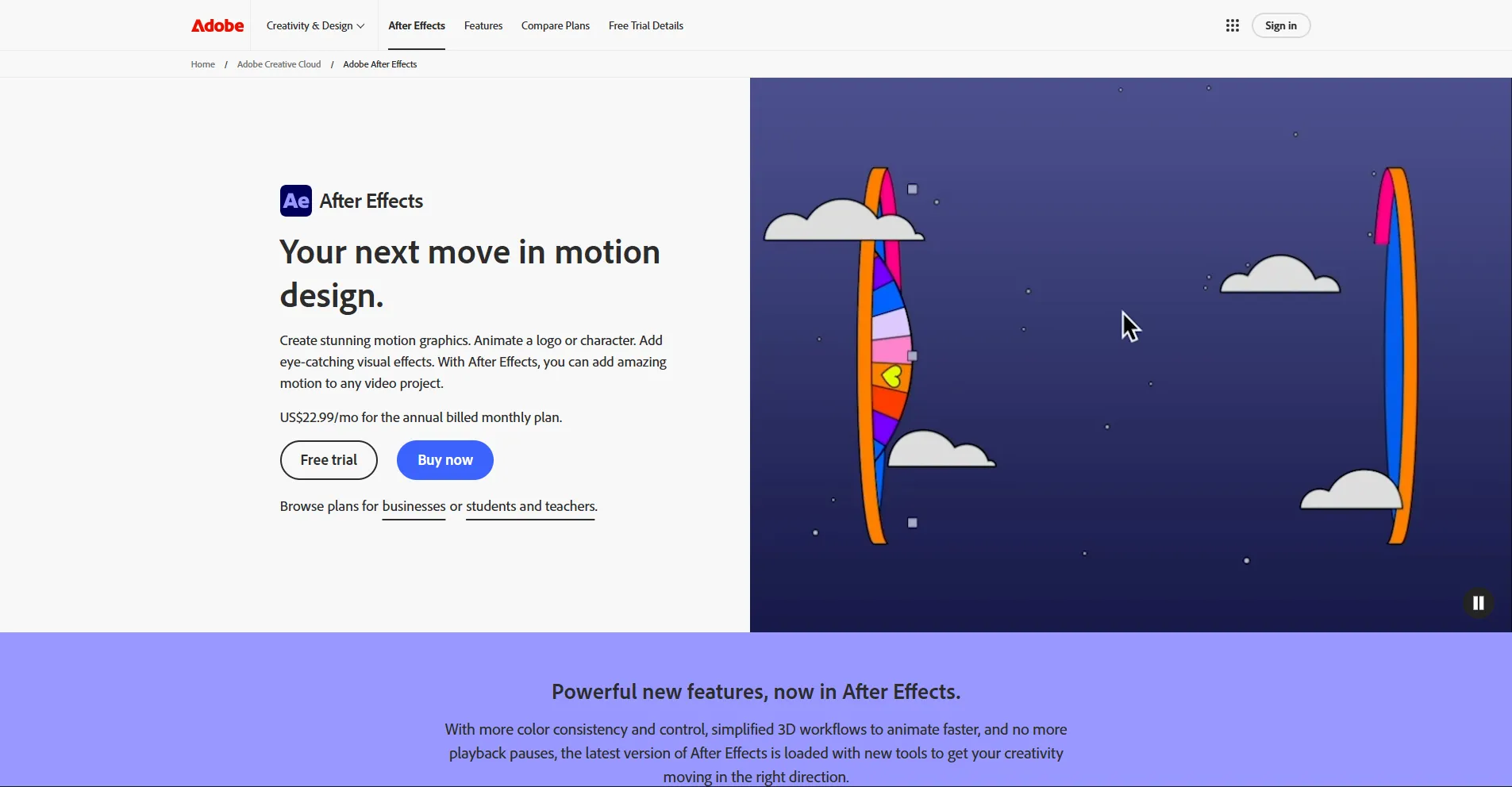
Adobe After Effects is a powerful software used mainly for motion graphics, visual effects, and compositing rather than traditional animation. It is widely used in advertising, film, television, and digital media to create animated text, transitions, visual effects, and layered compositions. While it is not designed for character animation, it excels at enhancing videos with dynamic motion and effects.
The software works seamlessly with Adobe Premiere Pro, Photoshop, and Illustrator, making it a key part of many professional post-production workflows. With thousands of plugins and templates available, After Effects offers endless creative possibilities, though it can be demanding in terms of system resources.
Pros:
- Excellent for motion graphics and visual effects
- Massive plugin and template ecosystem
- Strong integration with other Adobe software
- Industry-standard for post-production
Cons:
- Not ideal for traditional character animation
- Steep learning curve for beginners
- Can be resource-intensive
Best for: Professionals and creatives working in advertising and motion graphics design.
You can explore more details on the official website:
Adobe After Effects Official Site:
https://www.adobe.com/products/aftereffects.html
Autodesk Maya
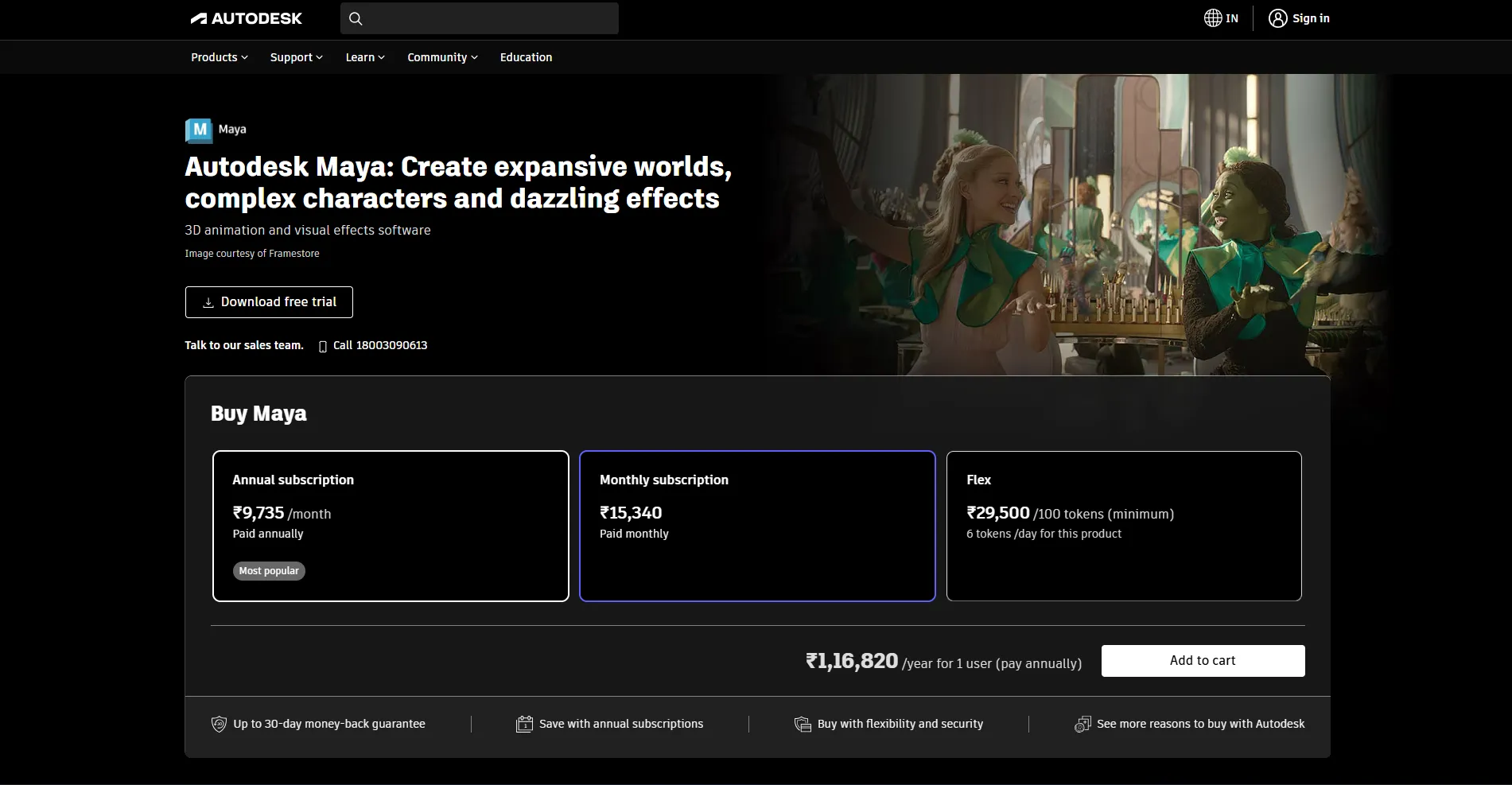
Autodesk Maya is one of the most powerful and widely used 3D animation software in the world. It is designed for high-end 3D modeling, animation, rendering, and simulation. Maya is commonly used in blockbuster films, television series, and video games, making it a top choice for serious 3D animators.
The software offers advanced tools for character animation, realistic simulations such as cloth and fluids, and high-quality rendering through Arnold Renderer. While Maya provides unmatched control and realism, it also comes with a steep learning curve, requiring dedication and practice to master.
Pros:
- Industry-leading 3D animation and modeling tools
- Highly realistic simulations and rendering
- Widely used in film and game industries
- Extremely flexible and powerful
Cons:
- Expensive subscription cost
- Complex interface for beginners
- Requires strong hardware
Best for: Professionals who want to specialize in 3D animation and visual effects.
You can explore more details on the official website:
Autodesk Maya Official Site:
https://www.autodesk.com/products/maya/overview
Comparison
| Software | Type | Pros | Cons |
|---|---|---|---|
| Adobe Animate | 2D Animation | Easy to learn; vector-based; integrates with Adobe tools; supports web content | Subscription-based; limited 3D capabilities; not for cinematic projects |
| OpenToonz | 2D Animation (Open source) | Free; professional grade features; vector & raster support; community driven | Steep learning curve; less polished interface; fewer official tutorials |
| Toon Boom Harmony | 2D Animation | Industry standard; advanced rigging; multiple animation techniques; strong production tools | Expensive; requires powerful system; steep learning curve |
| Adobe After Effects | Motion Graphics & VFX | Excellent for motion graphics; massive plugin ecosystem; integrates with Adobe suite | Not ideal for traditional character animation; resource intensive |
| Autodesk Maya | 3D Animation & Modelling | Industry leading 3D tools; realistic simulations; widely used in film/games | Expensive; complex for beginners; requires strong hardware |
Conclusion
Choosing the right animation software depends on your requirements, and the type of projects you want to create. Beginners can start with user-friendly tools like Adobe Animate or free options like OpenToonz to learn the basics without feeling overwhelmed, while professionals benefit from advanced software like Toon Boom Harmony, Adobe After Effects, and Autodesk Maya for studio-level production and high-quality output. Each software has its strengths and limitations, but all provide valuable features that help animators bring their ideas to life.
Ultimately, these top five animation tools were selected for their versatility, reliability, and industry relevance. They cover a wide range of animation styles—from 2D cartoons and motion graphics to 3D modeling and visual effects—allowing creators to grow their skills and pursue professional opportunities. By understanding their features, pros, and cons, animators can choose the right software to match their creative vision, workflow needs, and long-term career goals.