Developers in 2026 are expected to ship features faster, manage increasingly complex codebases, and collaborate smoothly, all while avoiding burnout. This is precisely why the selection of the right tools has become more important than ever.
Whether you are a beginner starting out with your first projects, a professional developer working on large-scale production applications, or a member of a startup team that moves at a rapid pace, these tools will help you improve your daily workflow and productivity.
Cursor (AI-Native IDE)
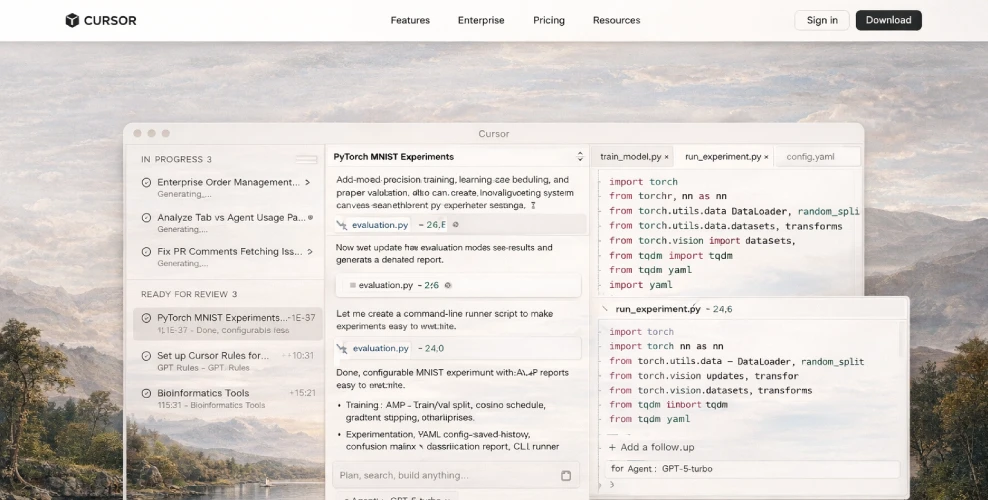
Cursor is a VS Code fork that has been completely revamped to integrate AI directly into the editor itself, as opposed to being an afterthought in the form of a plugin. Due to its deep integration with AI, it is considered one of the best AI-first code editors currently available in the market.
Cursor is a new generation AI IDE that is built on top of VS Code and combines AI capabilities with traditional development workflows. AI is no longer an afterthought in the development process but is native to the environment, and the editor and AI are able to work together seamlessly with a deep understanding of your entire codebase and project context.
Key Feature
- Coding in Natural Language
- Deep Awareness of the Codebase
- Refactoring Multiple Files
- AI-Powered Autonomous Agents for Error Detection (Agent Mode)
- Advantages of VS Code Compatibility
Pros
- Significant increases in productivity: jobs that used to take hours can now be finished in minutes.
- VS Code users will find it easy to adopt.
- AI with context awareness outperforms single-file assistants.
- smooth interactions with Slack, GitHub, and other workflow tools.
- Excellent for learning; it works with you as an interactive tutor.
Cons
- The code produced by AI has to be reviewed by a human.
- There may be performance degradation if the codebase is very large.
- The pricing model may be confusing to understand, with credits and limits to remember.
- There could be privacy concerns if the context of the code is being processed elsewhere other than the application.
- There is a learning curve, especially when using Agent Mode.
 cursor.com
GitHub Copilot & Copilot Chat
GitHub Copilot assists developers in spending more time on problem-solving and collaboration and less time on repetitive and boilerplate code. This results in developers using GitHub Copilot experiencing 75% more job satisfaction and 55% more productivity in coding without any compromise on quality.
GitHub Copilot is fully integrated with popular editors such as Visual Studio Code, Visual Studio, JetBrains IDEs, and Neovim. Unlike all other AI coding assistants, GitHub Copilot is fully integrated into the GitHub platform itself.
Key Feature
- AI-Powered Code Suggestions
- Copilot Chat (Natural Language Assistance)
- Multi-Language Support
- Framework and Library Awareness
- Test Case Generation
- Code Explanation and Refactoring
- IDE Integration
Pros
- Time-saving on repetitive code
- Learning new programming languages and frameworks
- Reduces context switching by eliminating the need to constantly search
- Increases productivity without altering the current workflow
- Chat Copilot is like having a mentor right in your editor
Cons
- Code generated by AI still needs to be carefully tested
- Sometimes proposes inefficient patterns
- Not a completely free tool for all users
- Dependence on the tool may hinder skill development
 github.com/features/copilot
Docker
Docker is another popular containerization platform that enables developers to bundle an application with all the things it needs to run code libraries, system configurations, and dependencies in a single, lightweight container.
A container can be likened to a portable box. Inside this box is your application and all its requirements. No matter which computer you transfer it to, whether it is your local computer or your colleague’s computer or a cloud server, it will behave in the same way every single time.
Key Feature
- Containerization
- Docker Images
- Docker Hub
- Docker Compose
- Fast Deployment
- Version Control for Environments
Pros
- Significantly reduces setup and configuration time
- Keeps environments consistent across different teams
- Lightweight and more efficient compared to virtual machines
- Makes scaling and deployment straightforward
- Works seamlessly with CI/CD pipelines
Cons
- Can have a learning curve for beginners
- Debugging containers may feel challenging at first
- Not ideal for applications that rely heavily on graphical interfaces
- May be excessive for very small or simple projects
 docker.com
Postman
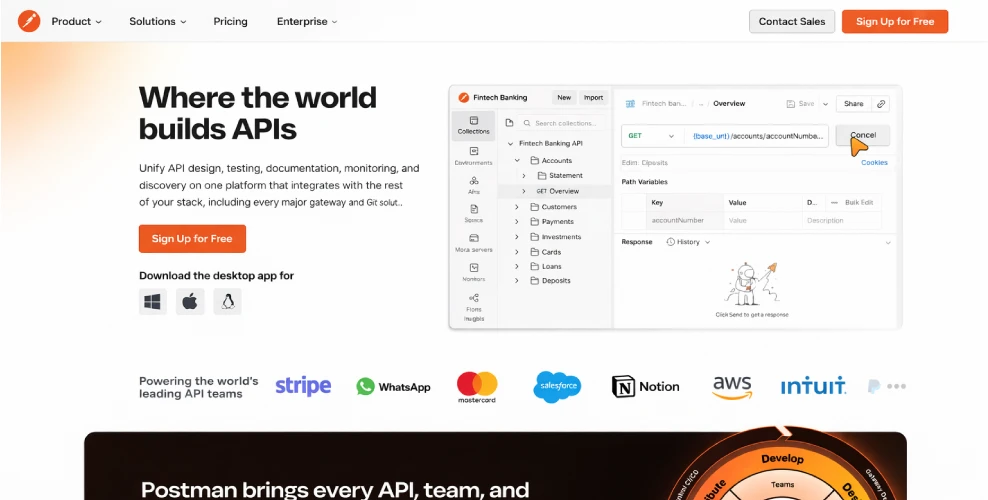
Operators manage the entire API lifecycle - from design and testing to debugging and documentation - all within a single interface.
If you have ever developed or worked with APIs, you are aware of how annoying testing can be, particularly when unexpected results appear. Many developers recall the days when they had to guess headers, manually call endpoints in a browser, and paste JSON into text files. The procedure was clumsy, slow, and prone to error.
Key Feature
- API Request Builder
- Collections
- Environment Variables
- Automated Testing
- API Documentation
- Collaboration Tools
- Mock Servers
Pros
- Very easy to use, even if you’re just getting started
- Helps speed up API testing and debugging
- Clean, intuitive interface with clear visual response handling
- Built-in support for automation and scripting
- Great tools for smooth team collaboration
- Strong community support and resources for learning
Cons
- Can feel a bit heavy when you only need to run very basic API checks
- Advanced and premium features are locked behind a paid plan
- Large collections may become slow if they aren’t properly organized
- The desktop application can consume a noticeable amount of system resources
 postman.com
GitHub Actions
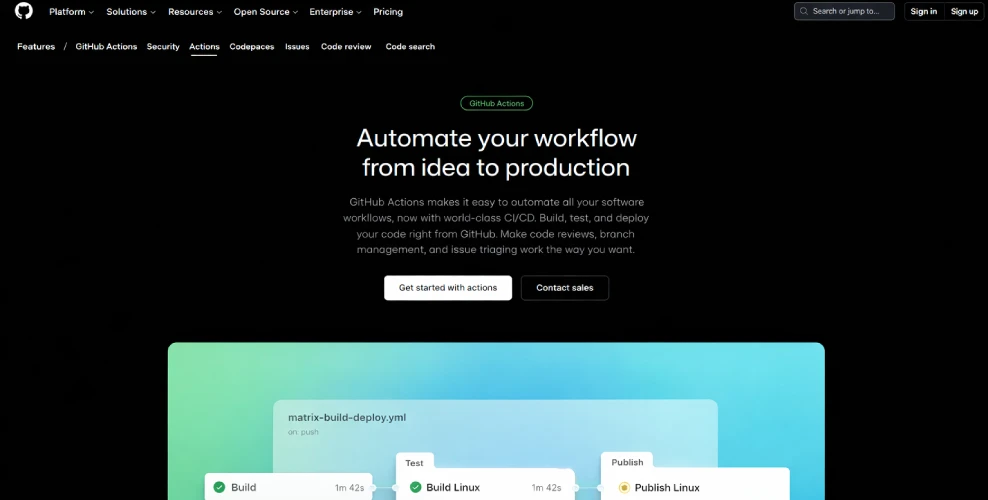
GitHub Actions provides developers with an easy way to automate software development processes directly from their GitHub repositories. The GitHub Actions functionality includes an automation and CI/CD tool that is included with the GitHub platform, enabling developers to build, test, and deploy their code automatically, without requiring any external services or tools.
Key Feature
- Event-Based Automation
- Pre-Built Actions Marketplace
- CI/CD Pipelines
- Multi-Platform Support
- Secrets Management
- Matrix Builds
Pros
- Fully integrated with GitHub
- Easy to set up and maintain
- Excellent for CI/CD automation
- Large ecosystem of reusable actions
- Generous free tier for most projects
- Reduces human error during deployments
Cons
- YAML configuration can be confusing at first
- Debugging failed workflows takes practice
- Complex pipelines can become difficult to manage
- Less customization compared to self-hosted CI solutions
 github.com
Comparision
| Tool | Primary Purpose | Key Benefit for Time/Effort |
|---|---|---|
| Cursor | AI-Native IDE | Repository-aware AI coding and editing |
| GitHub Copilot | AI Autocomplete | Reduces boilerplate code and repetitive typing |
| Docker | Containerization | Eliminates environment configuration issues |
| Postman | API Development | Automated API testing and documentation |
| GitHub Actions | CI/CD Automation | Automates testing and deployment workflows |
Conclusion
Saving time as a developer is not about working harder, but it’s all about working smarter. The tools that have been listed above are the solution to the problems that developers face every day.
- Cursor and GitHub Copilot are tools that help developers write, understand, and refactor code more efficiently.
- Docker is a tool that removes the problems associated with environments.
- Postman is a tool that helps developers build APIs faster and debug them easily.
- GitHub Actions is a tool that automates the testing and deployment process, reducing the chances of human error.