Visual Studio Code has been at the top of the dev world for many years. Light weight, easy to customize, easy for new coders to use, and owned by Microsoft. Millions of developers use VS Code on a daily basis for web development, app development, DevOps, AI coding, and cloud dev.
However, VS Code isn't perfect. An increasing number of devs are looking for alternatives to providing faster performance, greater security, AI based workflows, lower resource usage, greater levels of customisation, and a more focused intended development use. In some instances, editors or IDEs provide superior performance to what VS Code can do. While others have an increased level of coding intelligence, better integration with Git, or more robust terminal workflows.
This article will highlight the 5 best editors/IDEs that may provide a better workflow for devs than using VS Code that can be selected based upon a user's workflow and dev needs. We will compare editors by features, performance, cost, customization, and user experience so that readers may find out which editor/IDE performs best for them to put into their toolkit.
Why Developers Are Looking Beyond VS Code
While VS Code remains excellent for many users, advanced developers often want tools optimized for specific workflows.
That’s where the following editors shine.
Before discussing possible alternatives, we need to take a step back and consider why many developers are skipping out on using VSCode altogether. For the most part, developers complain about:
- High Memory Use (RAM) with Various Extensions
- Slow Start-Up Time On Older Machines
- Reliance on Electron for Development, Which Consumes Resources
- Extensions Having Too Many Dependencies
- Security Concerns When It Comes To Telemetry Data
- IDE-Like Functionality Being Limited
- Integrating AI Into Their Workflows
- Performance Impacts From Large Code Bases
VSCode is still a fantastic tool for the vast majority of users; however, as an advanced developer, there are many situations where you may require a tool that is optimised for a specific use case.
Zed
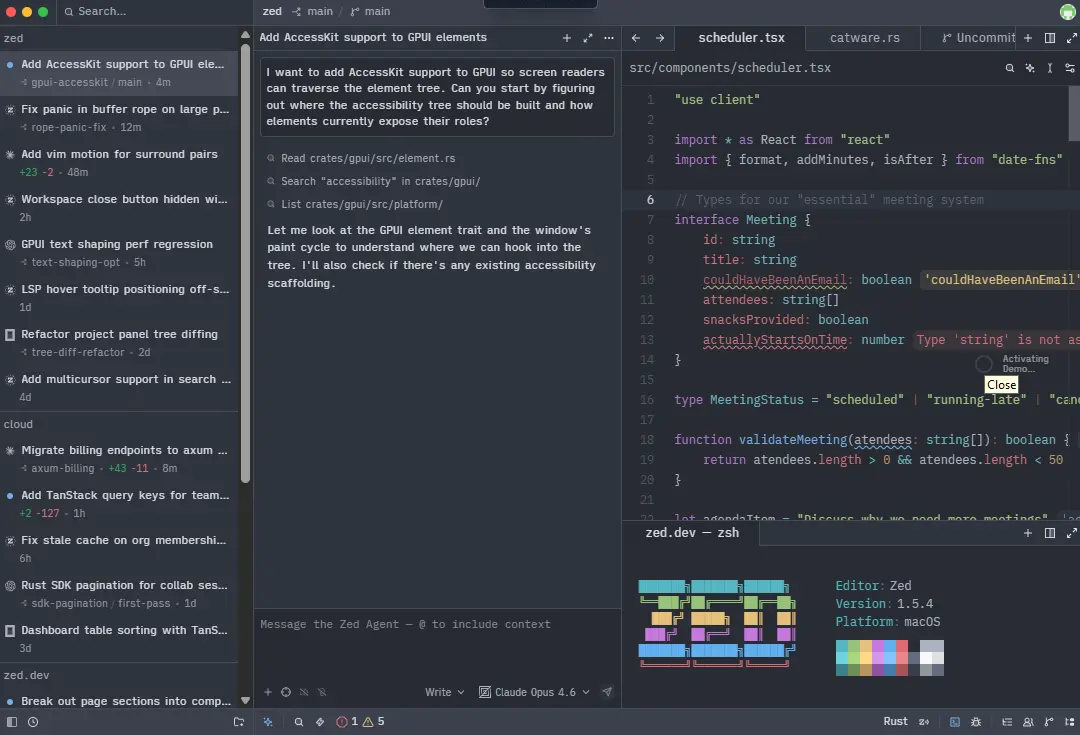
One of the hottest modern code editors in development today is ZED. ZED was developed by former developers of Atom and has a strong focus on speed, collaboration and providing the user with an AI (native) coding experience, unlike VS CODE which runs on Electron and therefore can be slow, ZED is built on rust making it much faster and more resource efficient.
Why Zed Is Better Than VS Code
Lightning-Fast Performance
ZED launches almost instantly and works effortlessly with large projects, especially when developers are working in a monorepo.
Multiplayer Collaboration
Real-Time Multi-player Collaboration
ZED provides real-time multi-player collaboration directly into the editor thereby eliminating the need for third-party software when doing pair programming.
AI-Native Experience
AI features are tightly integrated within the ZED editor and not bolted on with additional extensions. Therefore, there is a more seamless workflow for creating and refactoring code when using ZED.
Minimal Yet Powerful
The user interface is clean and minimal distractions, so coding feels much quicker and more focused.
Best For
- Modern web developers
- Rust developers
- Developers working in teams
- AI-assisted coding workflows
- Developers wanting maximum speed
Downsides
- Smaller extension ecosystem than VS Code
- Still evolving
- Limited plugin maturity
Neovim
Neovim isn’t just an editor for many developers — it becomes an entire workflow.
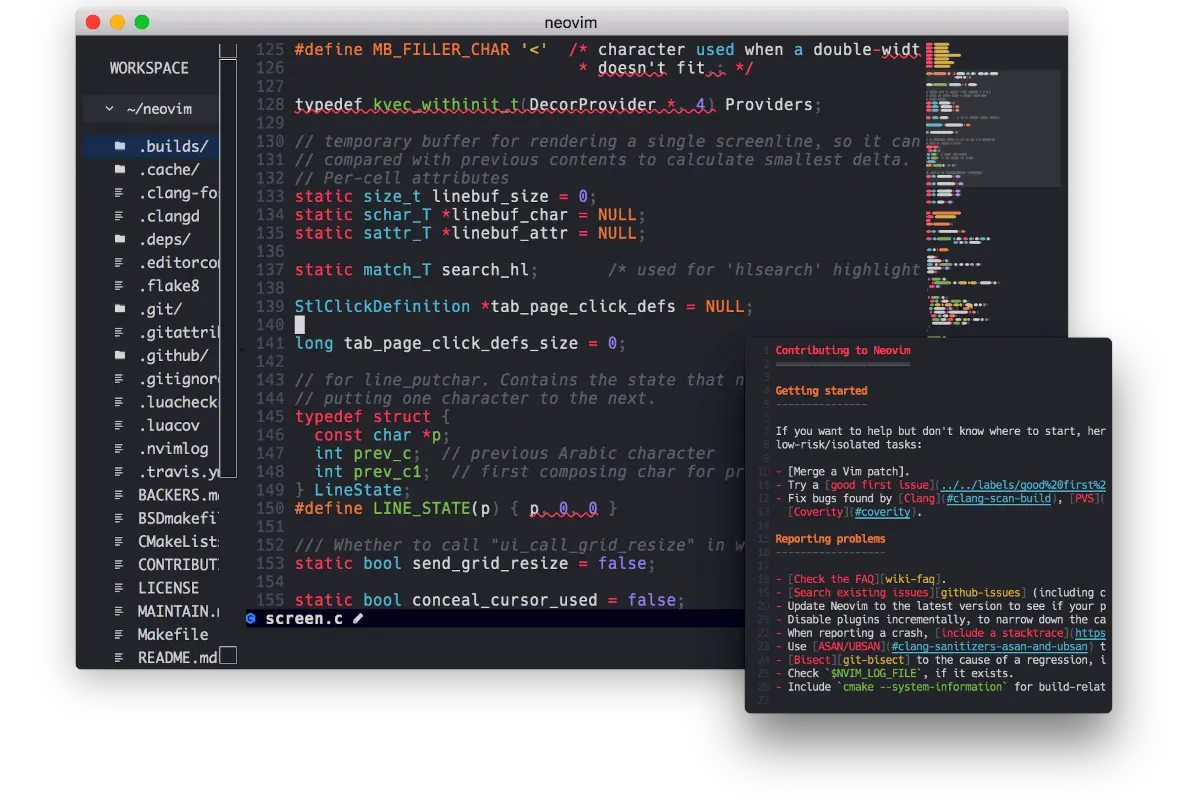
Built as a modern version of Vim, Neovim focuses on keyboard-driven productivity, deep customization, and incredible speed.
Once you learn it properly, it can feel dramatically faster than traditional editors.
Why Neovim Stands Out
Lightning-Fast Performance
It’s lightweight and runs smoothly even on older machines.
Keyboard-First Workflow
You rarely need a mouse, which can massively improve coding efficiency.
Endless Customization
Almost everything can be customized:
- keybindings
- themes
- plugins
- terminal behavior
- workflows
Better Terminal Experience
For developers who live in the terminal, Neovim feels far more natural than VS Code.
Best For
- Linux users
- Backend developers
- Terminal enthusiasts
- Productivity-focused programmers
Downsides
- Steep learning curve
- Setup can take time
- Not beginner-friendly
Sublime Text
Even after all these years, Sublime Text still has a loyal fanbase.
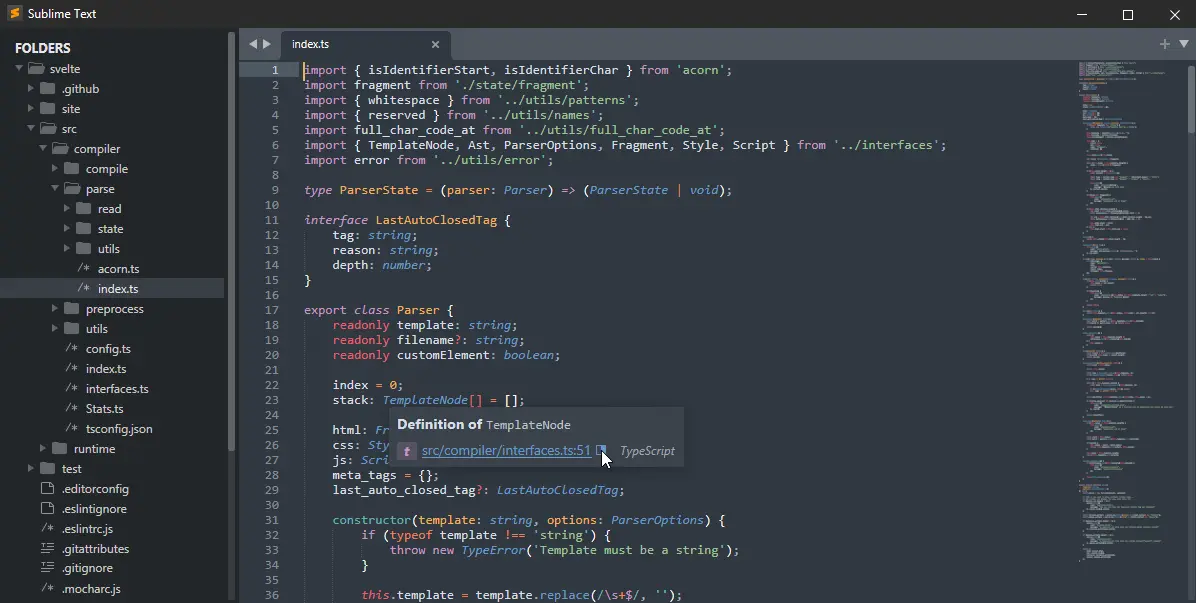
While VS Code became mainstream, many developers stuck with Sublime because it feels cleaner, simpler, and much faster.
Why Developers Still Love Sublime Text
Very Lightweight
It uses far fewer system resources compared to VS Code.
Instant Navigation
Searching files and switching projects feels almost instant.
Excellent Multi-Cursor Editing
Sublime popularized multi-cursor editing long before many other editors adopted it.
Distraction-Free Interface
The minimal design helps you stay focused on writing code.
Best For
- Frontend developers
- Writers who code
- Older hardware
- Developers who prefer simplicity
Downsides
- Paid license
- Smaller community
- Fewer built-in advanced tools
JetBrains Fleet
JetBrains Fleet is designed by the team behind IntelliJ IDEA and PyCharm.
It tries to combine the simplicity of a lightweight editor with the intelligence of a full IDE.
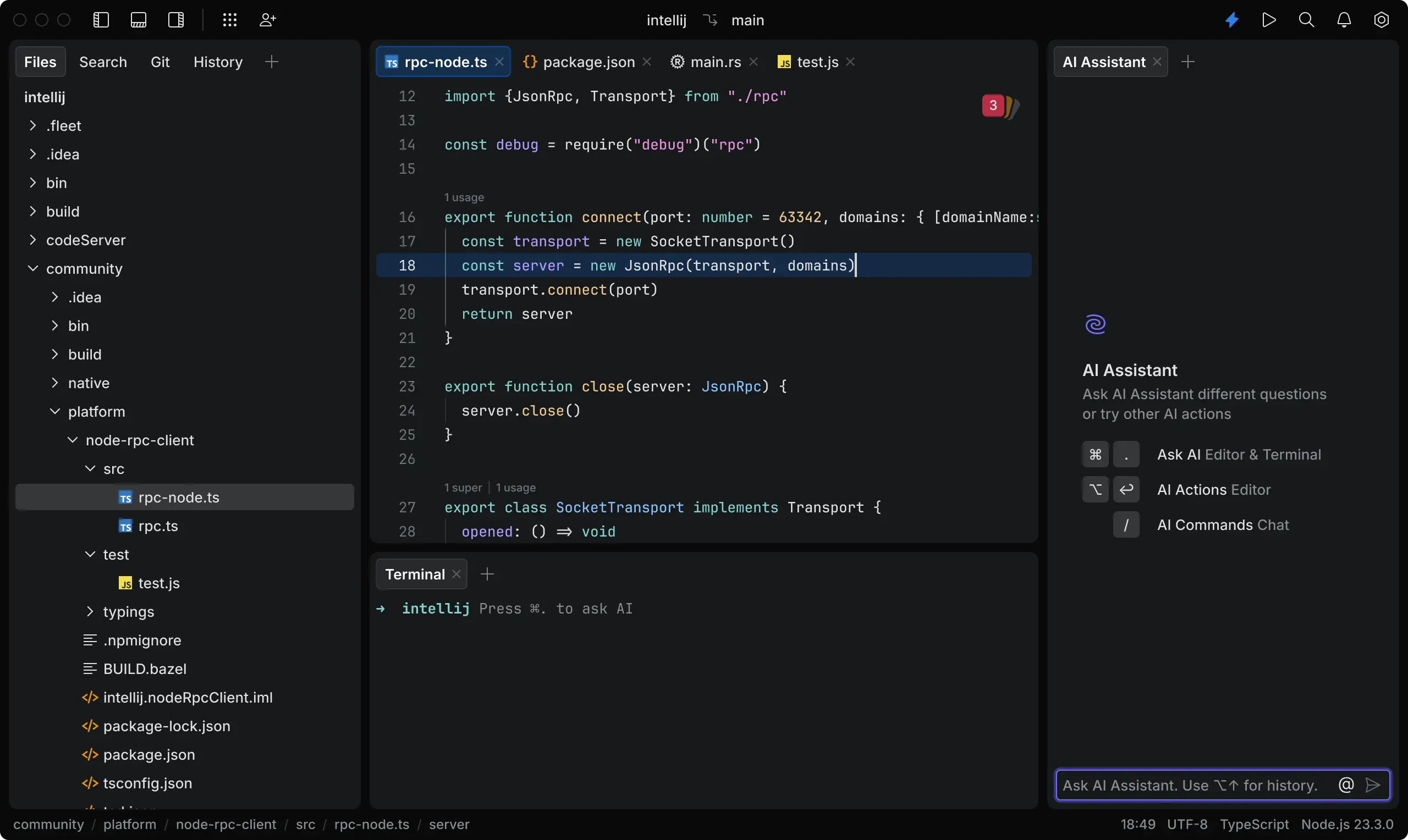
Why Fleet Feels Smarter Than VS Code
Better Code Intelligence
Fleet understands code deeply across many languages.
Advanced Developer Tools
You get:
- smarter autocomplete
- advanced refactoring
- intelligent navigation
- better code analysis
Built-In Collaboration
Fleet also includes collaborative development tools directly inside the editor.
Hybrid Workflow
It can behave like a lightweight editor or scale into a full IDE when needed.
Best For
- Enterprise teams
- Java developers
- Full-stack teams
- JetBrains users
Downsides
- Higher system requirements
- Still growing
- Works best inside the JetBrains ecosystem
Helix
Helix is a newer terminal editor inspired by Vim and Kakoune.
The biggest difference? It works beautifully right out of the box.
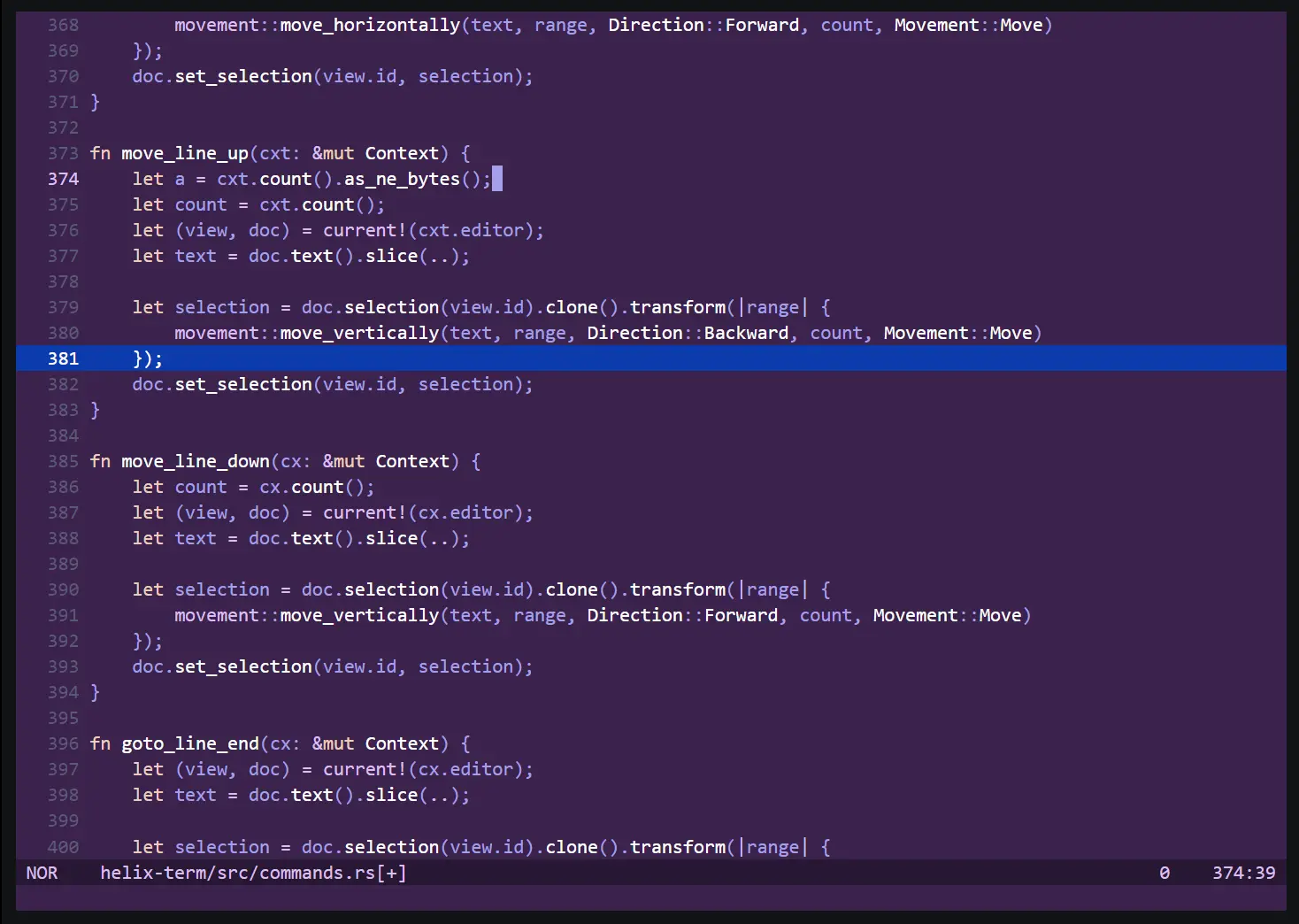
Why Developers Like Helix
Built-In Language Support
LSP support comes preconfigured, so setup is much easier than Neovim.
Modern Editing Model
Its selection-first editing style feels intuitive once you learn it.
Fast and Responsive
Like other Rust-based tools, Helix feels incredibly lightweight.
Minimal Setup Required
Most features work immediately without spending hours configuring plugins.
Best For
- Terminal-focused developers
- Minimalists
- Rust developers
- Developers who dislike bloated software
Downsides
- Smaller ecosystem
- Modal editing learning curve
- Not ideal for complete beginners
Comparison Table:
| Editor | Performance | Customization | AI Features | Learning Curve | Resource Usage | Best For |
|---|---|---|---|---|---|---|
| VS Code | Good | Excellent | Good | Easy | Medium-High | General development |
| Zed | Excellent | Growing | Excellent | Easy | Low | Modern AI workflows |
| Neovim | Outstanding | Infinite | Plugin-based | Hard | Very Low | Power users |
| Sublime Text | Excellent | Moderate | Limited | Easy | Very Low | Lightweight coding |
| JetBrains Fleet | Very Good | Good | Excellent | Moderate | Medium-High | Enterprise workflows |
| Helix | Excellent | Moderate | Built-in LSP | Moderate | Very Low | Terminal developers |
Which Code Editor Should You Choose?
Choosing the best editor depends entirely on your workflow.
Select Zed As Your Editor If:
- You Want to Use the Most Advanced Modern GUI Editor Available Today
- You’re a Fan of AI Coding Tools
- You Regularly Collaborate on Code with Others
- You’re Looking for a Current Developer Experience
Select Neovim If You Want to Use:
- Productivity At Its Highest Potential
- Terminal Workflows
- An Editor That Is Highly Customizable
- Very Lightweight Performance
Select Sublime Text If You Appreciate:
- Simplicity
- Immediate Responsiveness
- No Bloatware
- A Completely Distraction-Free Work Space
Select JetBrains Fleet If You:
- Work in A Corporate Environment
- Require Advanced Code Intelligence
- Frequently Work with Java/Kotlin
- Need IDE Level Tool Support
Select Helix If You Want to Use:
- The Speed of A Terminal Editor Without a Large Amount of Preconfiguration
- The Ability to Use A Modern Modal Editor
- Minimal Configuration Required
- Language Support Built Directly in the Editor
The Rise of AI-Native Editors
The rising use of AI-assisted coding is one of the main reasons why software developers are looking for alternate software applications. With coding editors such as Zed and Fleet being designed with AI-first workflows from the start, this trend is likely to continue. Some examples of AI-assisted coding included in this trend include:
- AI code completion,
- intelligent debugging,
- automated refactoring,
- AI documentation creation, and
- context-aware coding assistants.
Because traditional code editors may not be able to adapt as quickly to these new technologies, the landscape of code editors is expected to change considerably within the next few years.
Frequently Asked Questions
Conclusion
Despite being an excellent code editor, Visual Studio Code is now joined by great alternatives.
Now that there are specialized software options available for developers, several tools exist that are faster, allow more customization, have advanced AI capabilities, and improve productivity compared to VS Code.
Here is a summary of popular alternatives:
- Zed (Speed / AI Workflows)
- Neovim (Power Users)
- Sublime Text (Lightweight / Fast / Simple)
- JetBrains Fleet (Enterprise Intelligence Tooling)
- Helix (Modern Terminal Productivity)
The “best” code editor is relative to the developer; their unique workflow, goals, and coding style all impact their choice in editor.
If you currently utilize VS Code and are happy, there is not an urgent need for you to switch editors, although exploring any of the aforementioned alternatives could greatly benefit your productivity and coding experience.
The software and tools available today for development will continue to evolve quickly; it would be helpful for developers to continually understand these trends.