
Creating content feels simpler now, yet somehow takes more effort than before.
A single laptop now holds tools for making images, cutting clips, crafting words, checking results, plus handling online posts. Yet people want endless output, sharper work, speed like never seen.
Back then, sticking to just one place online was enough to grow a following. These days? Most folks share stuff across YouTube, Instagram, TikTok, LinkedIn, X, Pinterest, blogs, emails, and audio shows - all at once. Trying to handle it all by hand tends to spiral fast.
Right tools shape how creators work. Picking wisely changes everything. The wrong ones slow things down. Good choices open doors quietly. Each tool carries weight in daily flow. Thoughtful picks bring steady progress. This decides what gets built.
Most useful tools do more than cut minutes off your day - they smooth out mental blocks. When things click easily, people make work steadily, keep standards high, because energy shifts from fixing small loops to doing what matters. Effort flows where it should, not stuck on repeat jobs.
Most folks who make things online tend to lean on the same handful of apps. Try a bunch, watch others do it, patterns show up fast. Five choices keep popping into view more than the rest. Not flashy picks - just what actually gets used. Real people using real stuff, again and again
- Canva
- CapCut
- Descript
- Claude
- Metricool
One tackles a unique part of making content. When combined, these tools create a useful system that fits how today’s creators actually work.
Peering in more deeply now. A different view unfolds gradually.
Creator Tools Gain Greater Importance
Most people who make things online think posting often leads to bigger audiences.
Most of the time, getting better happens when you create things faster.
A YouTuber spending time on videos
- 4 hours editing a video
- 2 hours designing thumbnails
- 1 hour writing descriptions
- 1 hour scheduling content
- 30 minutes checking analytics
Just about a full day at work spent on helping duties.
Most top creators know making content goes beyond being creative. It’s really about having clear methods behind the work.
The Right Tools For Creating Content
- Maintain consistency
- Publish faster
- Improve content quality
- Understand audience behavior
- Repurpose content efficiently
- Reduce burnout
What makes these tools stand out is how each one tackles a separate part of making content. Not every tool works the same way through the steps involved.
Canva Simple Design Tools For Everyone
Most folks picture tough programs with tricky controls when it comes to graphic design.
Canva changed that.
A humble beginning in design software slowly transformed - now it stands among the top tools for social media creators. Growth wasn’t rushed; each step added quiet value without loud promises or flashy turns.
From Instagram updates to YouTube covers, even slides or flyers, Canva makes sharp designs feel within reach. Though tools differ, this platform keeps things clear and simple. Because effort shouldn’t define quality, many turn here first. Even complex layouts become manageable, almost quietly. When visuals matter but time does not stretch far, it stays a go-to spot. So whether handing out brochures or building ads, results look finished - without fuss.
Key Features
- Drag-and-drop editor
- Thousands of templates
- Brand kits
- AI-powered design suggestions
- Background remover
- Video editing tools
- Magic Resize feature
- Team collaboration options
Benefits
Design work takes way less time with Canva. A shortcut appears where hours once lived.
Faster tools let creators skip long design sessions. Minutes replace hours when making polished images for online posts.
What stands out about Canva? Consistency shows up strong. Team members pick the right color because it lives where everyone can reach it. Fonts stay uniform, not by accident - by design. Saved elements appear again in different work, without starting over. Reuse keeps things steady, project after project.
Best Use Cases
- Instagram content
- Pinterest graphics
- YouTube thumbnails
- Presentations
- Marketing materials
- Lead magnets
- Blog visuals
Pros
- Beginner-friendly
- Large template library
- Fast workflow
- Excellent collaboration tools
Cons
- Only basic options available for shaping complex layouts
- Some templates look overused
- Premium features require a subscription
Creators Favor This
Most people who make things enjoy using Canva - it just works without needing extra skills.
Most folks think you need training to make things look sharp. Not true. A clean result comes from choices, not credentials. Focus on spacing, pick readable fonts, use consistent colors. Mistakes stand out more than fancy skills. Clarity beats complexity every time. Simple layouts often impress most. Anyone can learn what works by trying, adjusting, noticing. Good taste isn’t locked behind a degree.
One person working alone feels it right away. A tiny group notices the difference fast.
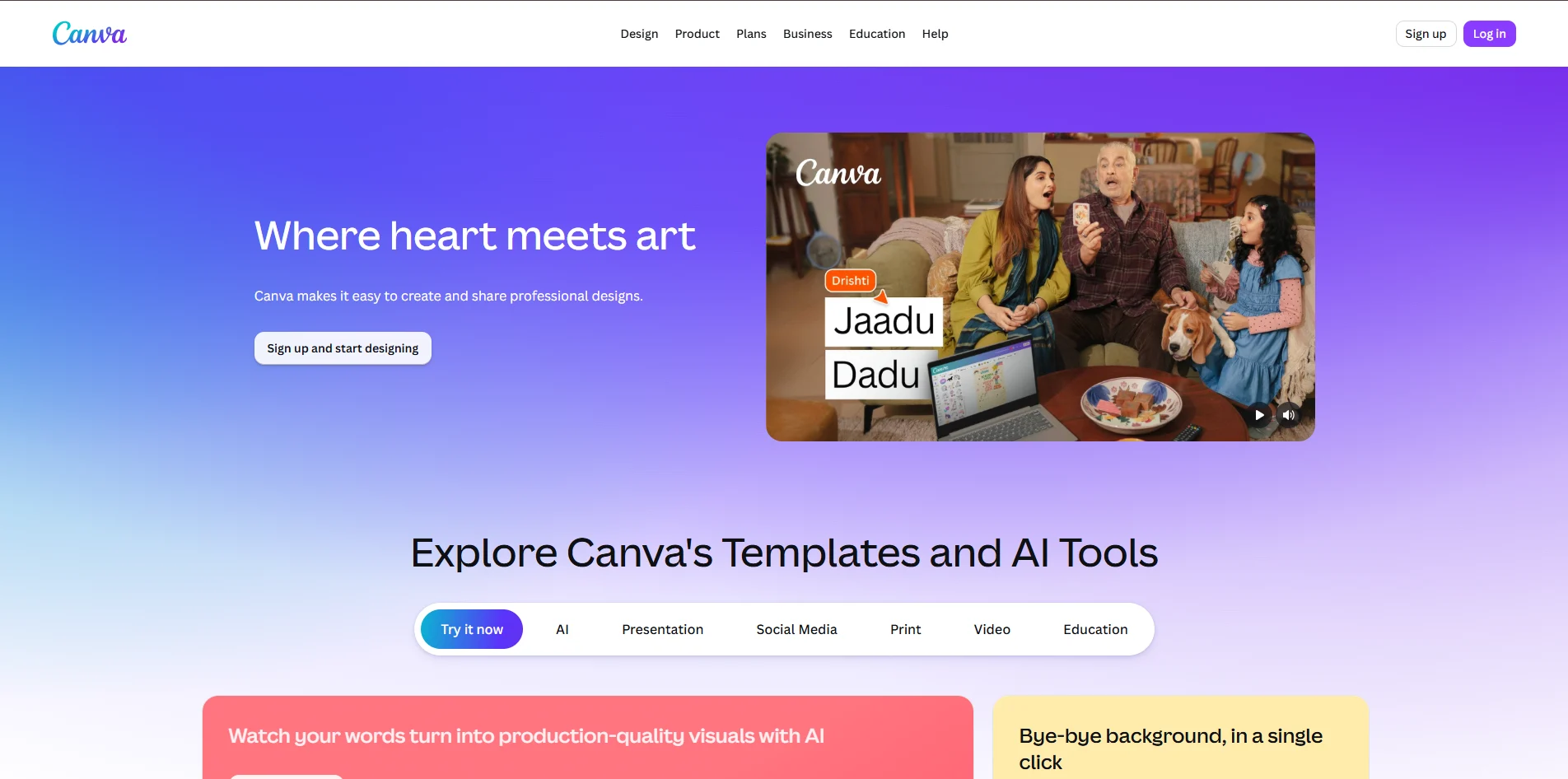
CapCut Simple Video Editor
Still rolling strong, video rules the web. CapCut now stands out among editing apps used by creators everywhere.
What made it work? A basic thought, really - clear at the start, strong through the middle, solid at the end
Anyone can make clean changes without needing expert training. A steady hand matters less than clear intent showing through each adjustment.
What stands out about CapCut is how it keeps things straightforward without losing depth. A tool like this doesn’t often manage both ease and flexibility so well.
Key Features
- Timeline-based editing
- Auto captions
- AI background removal
- Motion effects
- Transitions
- Text animations
- Audio enhancement
- On phones, it works just fine. For laptops or bigger screens, everything lines up neatly too
Benefits
With CapCut, making quick videos becomes a smooth process. Creators find it handy when putting together brief clips fast. It works well for those building content on tight schedules. The tool fits neatly into daily creative routines.
Out of nowhere, quick clips like Reels or TikToks take shape without needing deep tech skills. Sometimes a simple tool shapes Shorts just right. Editing promo footage? It happens fast, minus the steep learning curve. Smooth results come through clarity, not complicated steps.
Creators find they spend less time when captions happen automatically.
Best Use Cases
- YouTube Shorts
- Instagram Reels
- TikTok videos
- Product videos
- Tutorials
- Vlogs
Pros
- Easy to learn
- Excellent mobile experience
- Strong AI features
- Fast export workflow
Cons
- Limited advanced editing compared to professional software
- Large projects can become difficult to manage
- Pro plans unlock certain features
Creators Find It Useful
CapCut helps creators move quickly.
Fast work comes first for plenty of top creators - keeping a steady pace beats flawless results most times.
Perfectly aligned, CapCut lives up to that idea without extra noise.
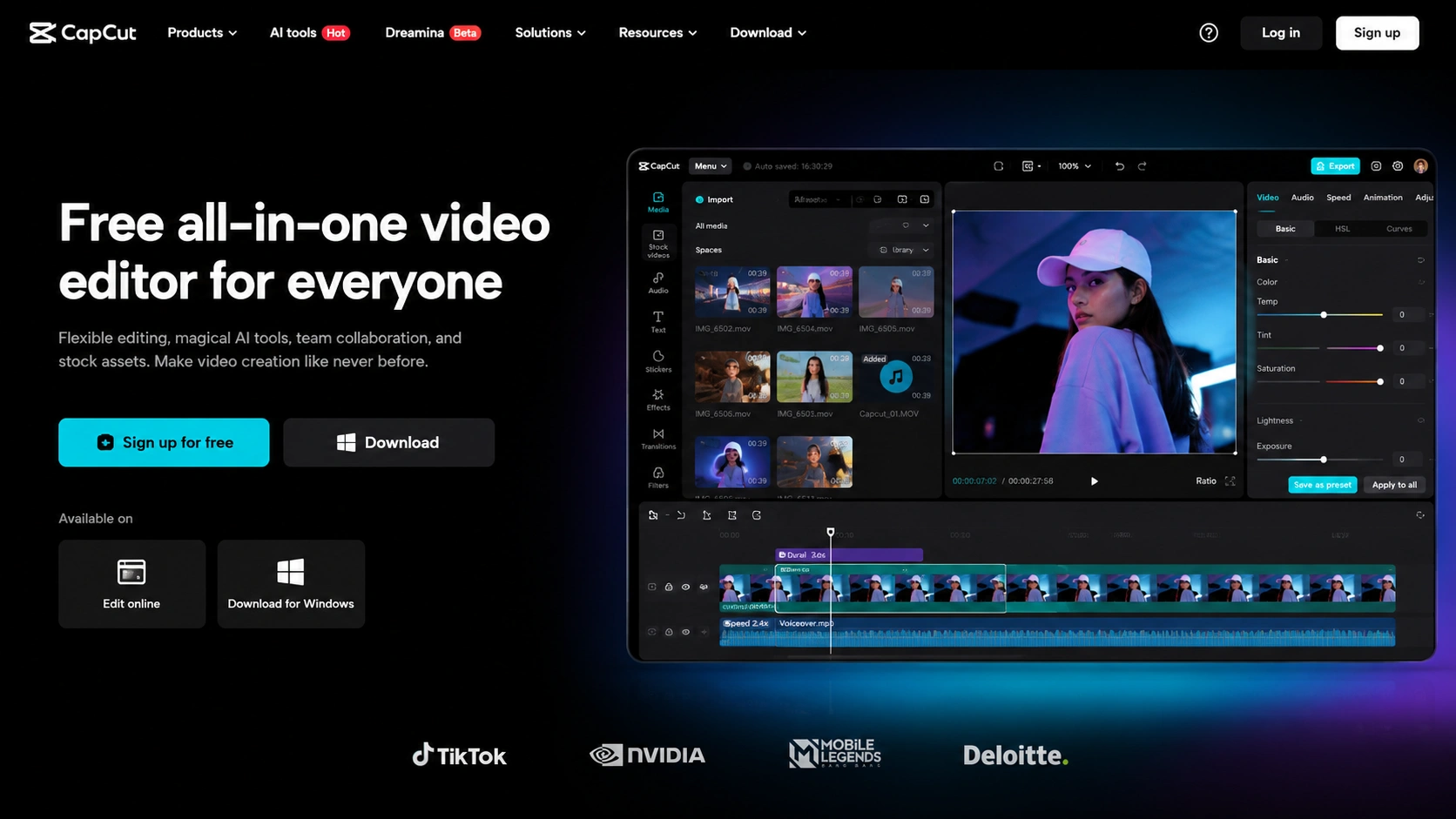
Text editing for video and audio
A fresh idea landed, one that grabbed the interest of people who make things right away
Edit audio and video like a document.
Editing video no longer means dragging pieces across a screen. With this tool, changing words changes the footage. A sentence tweak trims a scene just right. Type adjustments reshape the sequence naturally. Words guide timing now, not handles or tracks. Rewrite a line, watch the clip adapt instantly. The script becomes the timeline in disguise.
Remove one line of text, then the clip adjusts itself right away. The moment words vanish, visuals shift without extra steps.
Today’s tools for making content include some fascinating options. This stands out among them.
Key Features
- Text-based editing
- Automatic transcription
- Screen recording
- Audio cleanup
- AI voice correction
- Podcast editing
- Multi-track editing
Benefits
Editing feels lighter with Descript. Complexity fades when tasks simplify through its tools.
Words let podcasters, educators, and YouTubers move quicker through edits instead of wrestling with time-based tracks. While old-school editing drags, typing changes cuts the effort sharply. With text as their guide, reshaping audio feels more like writing a note than splicing tape. Since they tweak sentences now, not waveforms, speed comes naturally. That shift - text over timeline - opens room for quick fixes without replaying clips. For these creators, rewriting beats scrubbing every single second.
Faster output happens now because of this change.
Best Use Cases
- Podcasts
- Interviews
- Educational videos
- Webinars
- Screen recordings
- Talking-head content
Pros
- Innovative workflow
- Excellent transcription quality
- Great for podcasts
- Saves editing time
Cons
- Not ideal for complex cinematic edits
- Learning curve for traditional editors
- Advanced features require higher-tier plans
Creators Find It Useful
Descript feels intuitive.
Most folks process thoughts using words strung together like paths through a forest. By tapping into that rhythm - Descript turns what feels complex into something you can almost talk your way through.

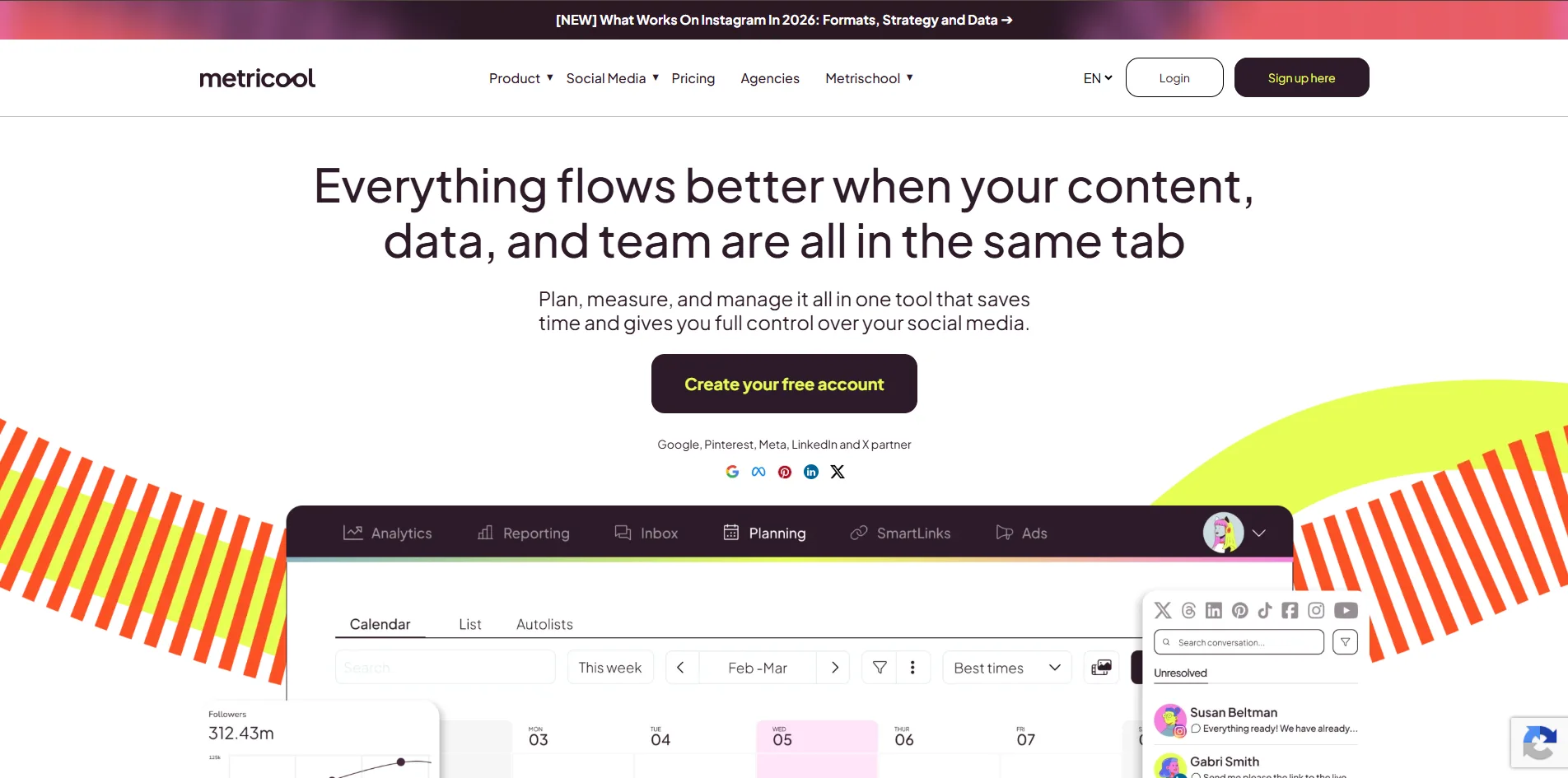
Claude AI assistant for writing and ideas
Most people who make things face one problem sooner or later
Running out of ideas.
Now showing up strong, Claude stands out among tools that help writers think and create. A go-to helper, it shapes ideas without getting in the way. Built for real work, it keeps pace with how people actually write.
Most writing tools just produce words. Yet Claude guides you deeper into your thoughts. Instead it supports shaping raw ideas. Rather than rushing output, it helps untangle messy thinking. While others repeat patterns, this tool questions direction. So planning gains clarity. Because of its approach, strategy builds step by step. Not simply drafting, but evolving purpose happens here.
Key Features
- Long-form content generation
- Brainstorming assistance
- Outline creation
- Content repurposing
- Research summaries
- Writing refinement
- Tone customization
Benefits
Claude reduces creative friction.
Out of nowhere, a fresh thought pops up when writers face an empty sheet. Ideas begin to form fast, without waiting. From that point, structure takes shape - outlines appear almost on their own. Scripts follow, built piece by piece. Captions emerge, short but clear. Drafts unfold slowly, line after line. With each step, the page fills, not forced, just flowing.
Writers find fresh angles easier when they step outside their usual patterns.
Best Use Cases
- Blog writing
- Script writing
- Content planning
- Brainstorming
- Social captions
- Email newsletters
Pros
- Strong writing quality
- Excellent brainstorming capabilities
- Handles long context well
- Flexible output styles
Cons
- Requires prompt experimentation
- Human editing is still important
- At times, it might overlook a narrow situation
Creators Find It Useful
Creators don't use Claude because it replaces creativity.
For them, speed sparks new ideas. Creativity moves faster when time bends its rules.
Fixing up something already made can be simpler than starting fresh. Sometimes a tweak beats building from nothing.
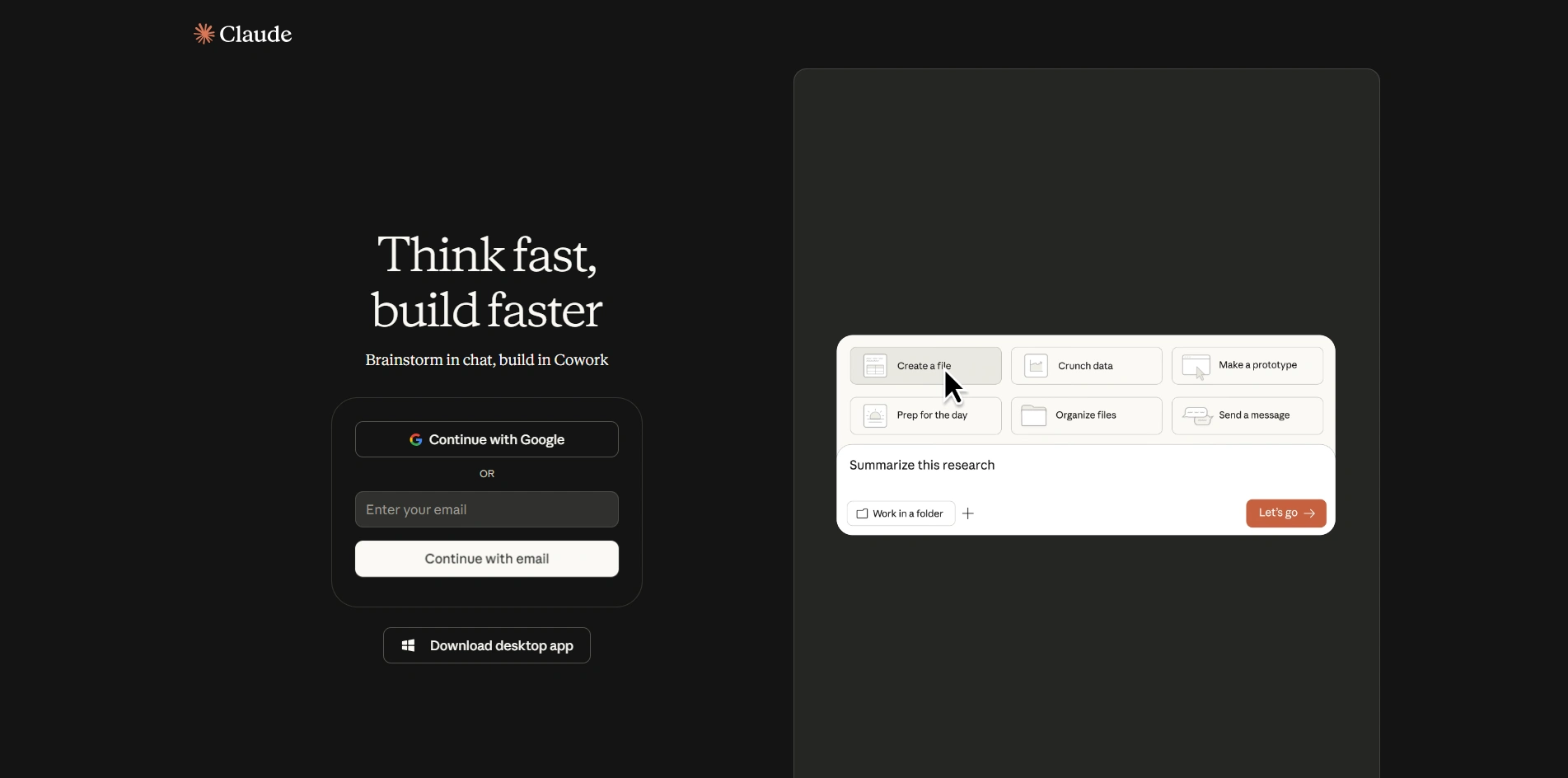
Metricool analytics and social media scheduling
Most of the work happens after you finish writing.
Besides knowing what works, grasping how well it performs matters just as much.
From inside the workflow, Metricool gives creators tools to watch how posts perform. Moving ahead, posting times get lined up automatically through its system. Instead of guessing, users spot trends using clear reports it builds. Beyond one network, it works across several channels at once.
Some makers find this spot where everything clicks into place. A hub takes shape, slowly, without fanfare. It runs on routine, not force. Things gather here - ideas, tools, drafts. Not by plan, but habit. This is where work finds its rhythm. Quietly, steadily, day after day.
Key Features
- Social media scheduling
- Analytics dashboard
- Competitor analysis
- Performance tracking
- Multi-platform publishing
- Link tracking
- Reporting tools
Benefits
Metricool eliminates platform hopping.
One spot shows how things are doing, so makers skip hopping between apps. A single place pulls it together, cutting the need to search everywhere else.
Decisions become simpler because of this.
Best Use Cases
- Social media management
- Agency workflows
- Creator analytics
- Content scheduling
- Performance reporting
Pros
- Strong reporting tools
- Multi-platform support
- Helpful scheduling features
- Easy analytics visualization
Cons
- Advanced features require paid plans
- Analytics can feel overwhelming initially
- Some platform limitations depend on APIs
Creators Find It Useful
Metricool provides clarity.
Instead of wondering what might catch on, creators lean on real results to shape their next moves.
Top Creator Tech Tools Compare
| Tool | Best For | Main Use | Ease of Use |
|---|---|---|---|
| Canva | Beginners and creators | Design | Easy |
| CapCut | Video creators | Short-form video editing | Easy |
| Descript | Podcasters and educators | Audio and video editing | Medium |
| Claude | Writers and planners | Writing and ideation | Easy |
| Metricool | Social media managers | Analytics and scheduling | Medium |
Frequently Asked Questions
Conclusion
Finding space online feels harder now, yet getting started takes less effort than before.
Back then, fancy gear stayed locked inside big studios. Now anyone can grab what pros used to keep behind closed doors.
Out of all the choices out there, a handful stand out - not because they promise more, but because they deliver day after day. Five of them keep showing up where it matters
- Canva for design
- CapCut for video editing
- Descript for audio and video workflows
- Claude for writing and ideation
- Metricool for analytics and scheduling
One tool tackles one problem, yet when combined they build a working system for making content, helping creators move forward no matter where they are. Each piece fits where it's needed most.
Success often skips those who grind without pause. Some thrive by moving differently, not faster.
Most times, it's these folks who pick the best tools - helping them spend time on what counts. Crafting words that actually reach others.