A screenshot is a popular way of capturing important information and conversations that contribute to an important cause. In a professional setting, the ease of screenshotting can make your work easier by reducing time, increasing speed, and improving accuracy. It is used to create tutorials, generate documents, and claim authenticity of conversations. In this blog, we’ll watch the top 5 screenshot tools for the professionals, each with its own features, benefits, and use cases. These tools are designed to streamline processes and increase your workflow.
Why These Five Screenshot Tools Rank Among the Best
The market have many screenshot applications, but only a few truly meet professional standards. The tools are as per—ShareX, Droplr, Greenshot, Loom, and Snagit—were selected based on usage, efficiency, and long-term reliability in real-world work culture.
Built for Professional Workflows
These tools are not limited to basic screen capture. They support professional tasks such as documentation, training, client communication, and internal reporting. Features like annotations, screen recording, and instant sharing help reduce repetitive work.
Strong Balance Between Power and Simplicity
While some tools focus on advanced users and others on beginners, these five strike the right balance. Professionals can perform quick captures when needed and still access advanced features without complexity.
Time-Saving Capabilities
Speed matters in professional environments. From customizable shortcuts to instant cloud uploads, these tools help users capture, edit, and share content in seconds rather than minutes.
Suitable for Multiple Industries
- Software development
- Marketing and design
- Education and training
- Customer support
- Remote team collaboration
Their flexibility makes them relevant across industries rather than limited to a single use case.
Trusted and Continuously Improved
All five tools are actively maintained and updated, hence are assured of better security, improved performance, as well as compatibility with modern operating systems.
ShareX
Official link:https://getsharex.com/
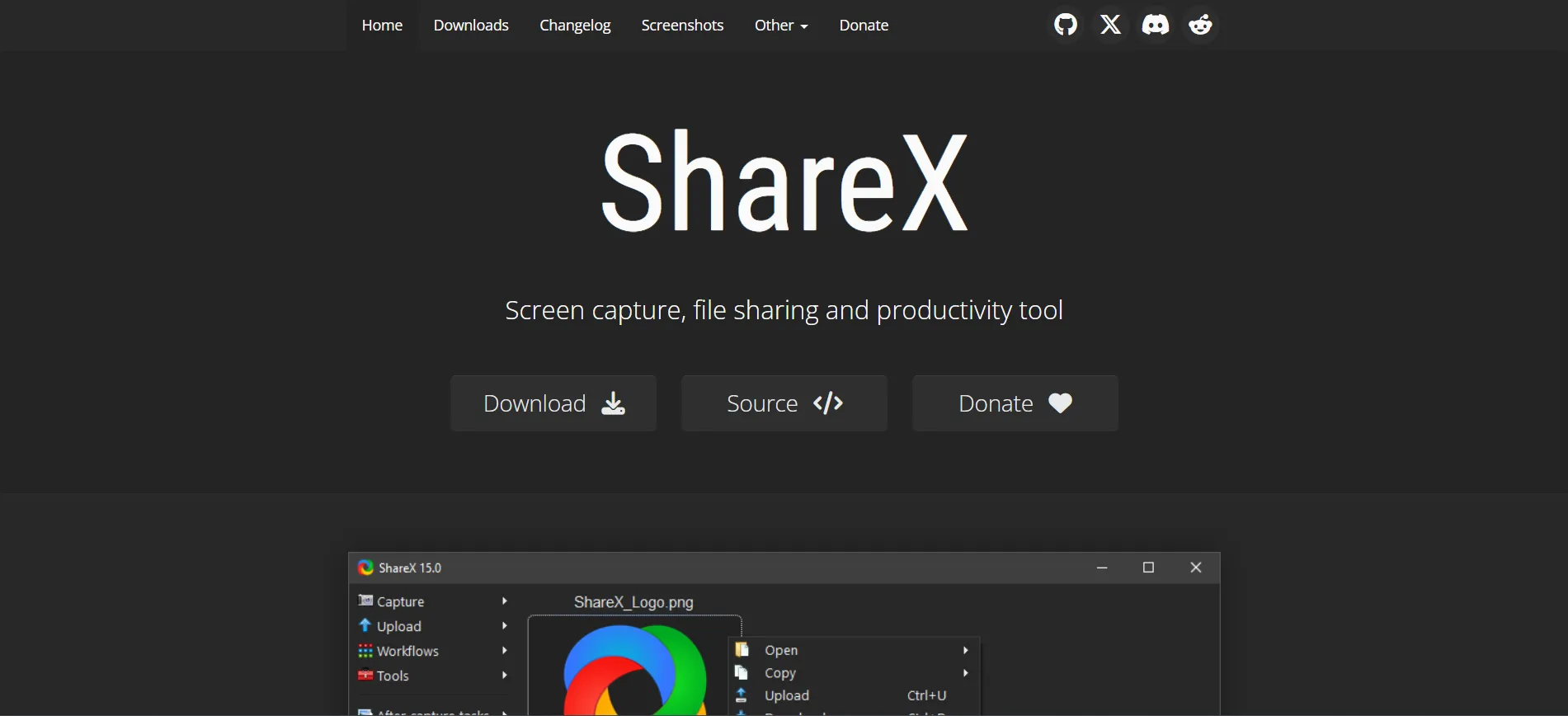
It is an absolutely free and open-source image or screenshot software which gained massive traction among tech-savvy individuals and developers quickly because of its numerous customization options accompanied by ample tools. It is ideal for anyone desiring control over their screenshots.
Features:
- Customizable Hotkeys: In the ShareX tool, you can set and use custom hotkeys for quick and efficient screenshot capture.
- Annotation Tools: In this tool, you can edit screenshots using annotations such as text, arrows, and shapes, making it easy to highlight key points.
- Multiple File Formats: It supports a variety of file formats, including PNG, JPG, GIF, and PDF. This makes it a versatile tool for all users.
Droplr
Official link:https://droplr.com/
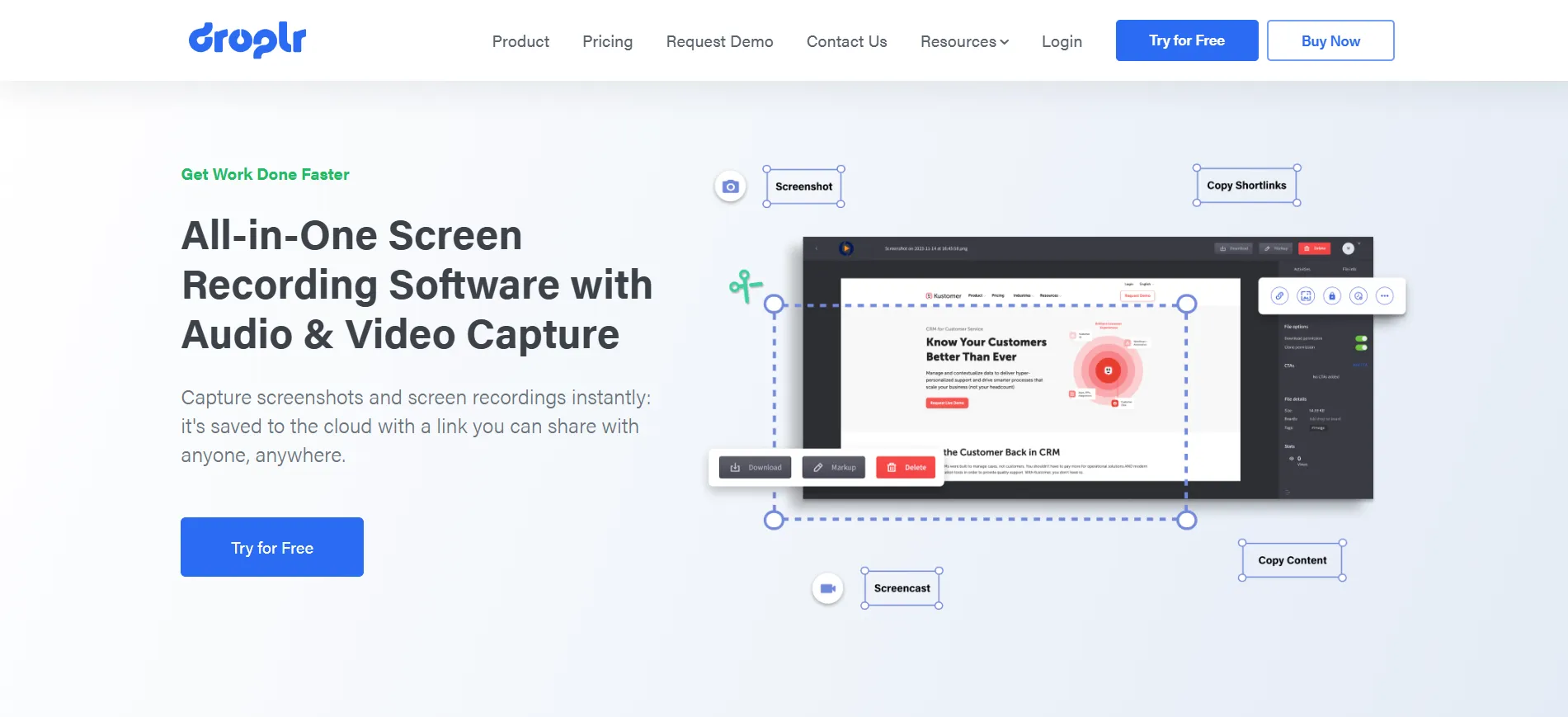
Droplr is a simple, cloud-based screen-shotting and file-sharing tool. It's made for professionals who need the speed and simplicity of taking screenshots with instant sharing. It's always the choice of teams in marketing, design, and customer service because it boasts seamless integration into the cloud.
Features:
- Cloud Sharing: Droplr instantly uploads your screenshots to the cloud and provides you with a link to share with others. It makes Doplr an excellent tool for remote and collaborative work.
- Video Recording: It also allows you to capture short video clips of your screen, perfect for bug videos or product demos.
- Integrated Team Collaboration: The tool is built with a special motive in mind, the need to offer collaboration features like shared workspaces and project management integration.
Greenshot
Official link:https://getgreenshot.org/
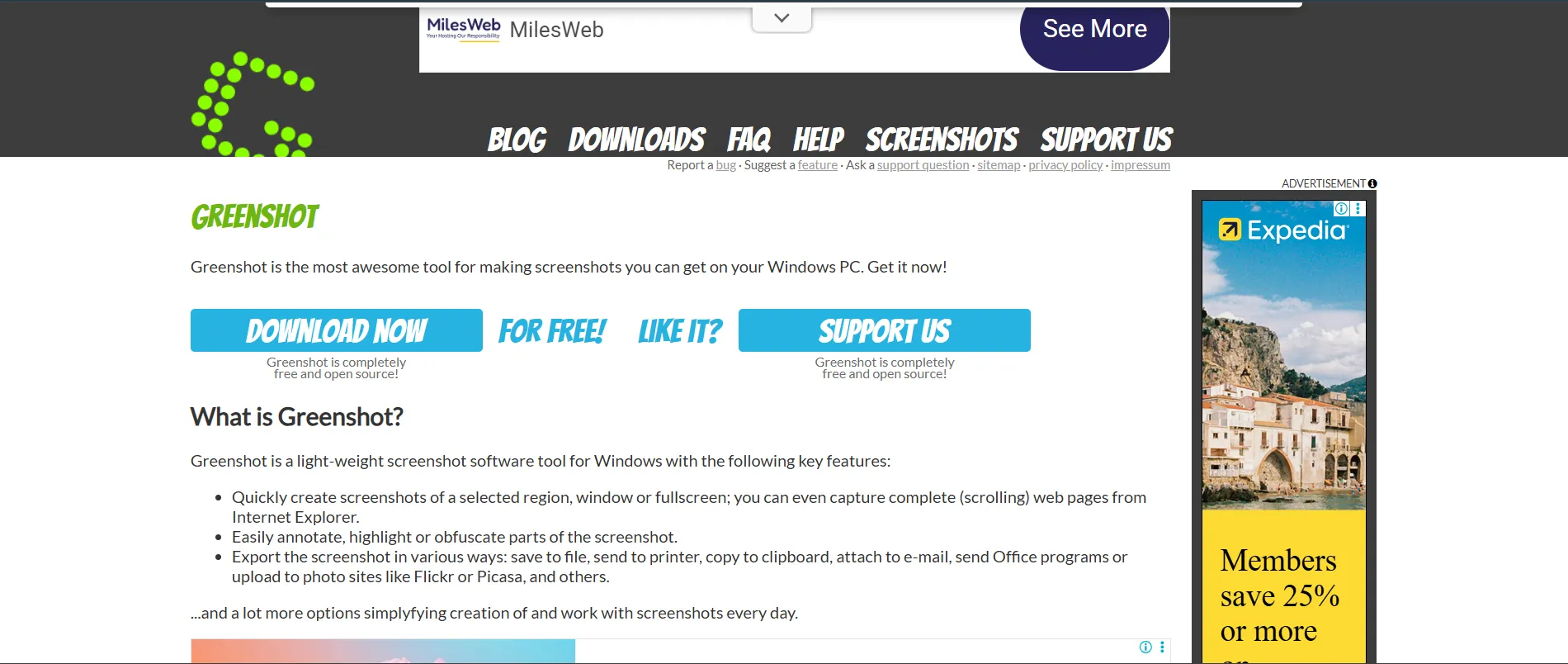
Greenshot is an open-source and userfriendly screenshot tool designed for video users. This tool is a favorite among professionals, mainly due to its simple interface and accessible features. It works best for professionals who need a screenshot tool for their daily tasks, especially office workers and teachers.
Features:
- Capture Mode: GreenShot supports region, window, and full-screen capture, giving you the flexibility to customize it to your needs.
- Built-in Editor: Using this tool, you can highlight your screenshots right in GreenShot’s editor, which includes features like adding text, arrows, and shapes.
- Export Options: It allows you to quickly export your screenshots to a variety of formats or upload them to cloud services like Dropbox or Imgur.
Loom
Official link:https://www.loom.com/screenshot
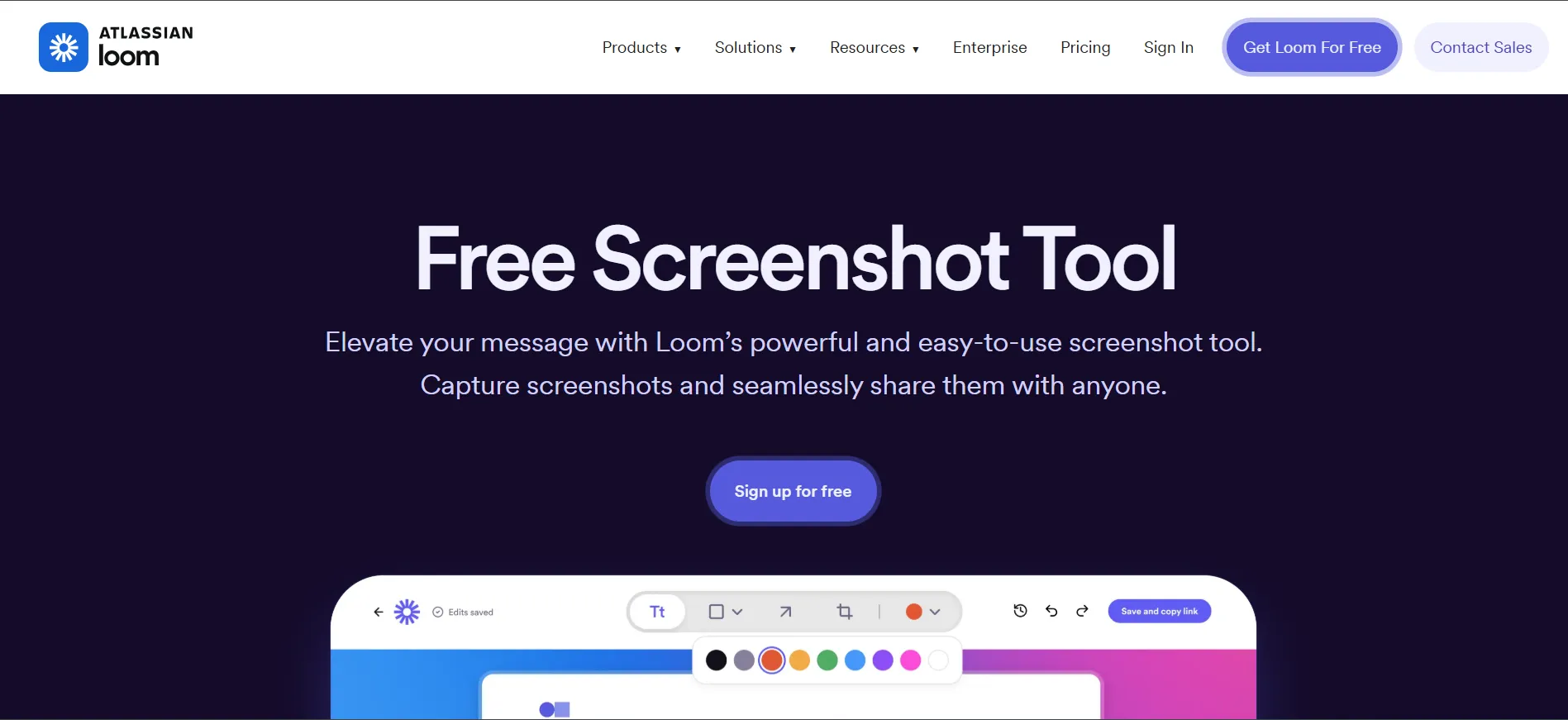
Loom is a unique screenshot tool that focuses primarily on video recording rather than just static screenshots. While it's known for its video recording capabilities, Loom also offers screenshot functionality along with a variety of annotation tools, making it an excellent tool for business communication, including remote teams.
Features:
- Screen Recording with Video Annotation: Loom allows you to record your screen while providing video messages with voiceover, which is excellent for remote team communication and feedback.
- Simple Interface: The interface is user-friendly, with minimal setup required to start recording or taking screenshots.
- Cloud-based: All videos and screenshots are stored in the cloud, enabling quick access and sharing across devices.
Snagit
Official link:https://www.techsmith.com/snagit/
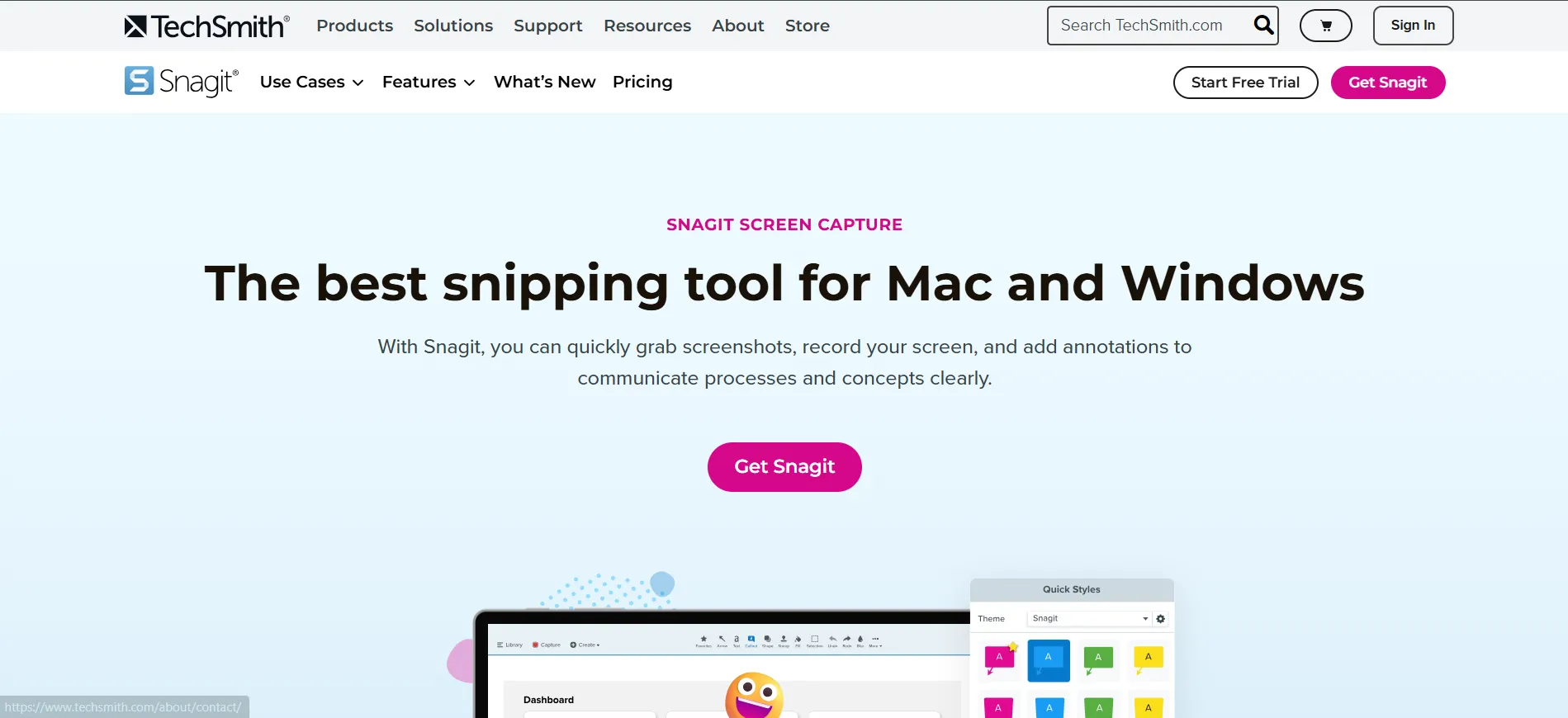
Snagit is the greatest professional-grade screenshot and screen recording software tool. It is developed by TechSmith. It is known for its powerful editing tools and straightforward interface. These features make it ideal for professionals in a variety of industries, including design, customer service, marketing, and content creation.
Features:
- Advanced Editing Tools: Snagit provides a comprehensive set of editing tools that allow you to add text, arrows, highlights, and many shapes to your screenshots.
- ScreenCapture: Snagit can capture long web pages, documents, or any content that requires scrolling.
- Cloud Storage: You can save your screenshots directly to the cloud. Or share them via email, social media, or messaging apps.
Comparison Table
| Tool | Ideal Use Case | Key Advantage | Screen Recording | Cloud Sharing | Cost |
|---|---|---|---|---|---|
| ShareX | Technical & advanced users | Deep customization and automation | Yes | Optional | Free |
| Droplr | Team collaboration | Instant shareable links | Yes | Yes | Paid |
| Greenshot | Everyday office tasks | Lightweight and simple | Limited | Optional | Free |
| Loom | Video communication | Voice-based screen recording | Yes | Yes | Free / Paid |
| Snagit | Professional documentation | Powerful editing and scrolling capture | Yes | Yes | Paid |
Conclusion
The resultant work environment is fast-paced and technological. The screenshot, which was once just an image, has evolved to incorporate many functions. The screenshot tool that you choose to work with is not about having the most popular tool, but the one that best aligns with your work routine. The work environment is fast-paced, and technology is rapidly increasing. The screenshot tool acts as an image, and its functions will be discussed in this chapter.
Out of all the screenshot software reviewed in this blog, ShareX, Droplr, Greenshot, Loom, and Snagit, it is what sets them apart from other software in terms of having different professional uses, despite all of them being of high quality. ShareX is for those people who like their services customized. Droplr is for people working among teams, allowing them to share files immediately. Greenshot can be considered an ideal software for people working in an office setup. Loom is for people who like to give voice to their explanations, making them more personal. Snagit is for people who like their software to be professional, allowing them to edit. "All tools have their strong points, and there isn’t a ‘best tool’ for all situations," Jesse writes. "The trick is recognizing your intended purpose: speed, collaboration, ease-of-use, or power tools—and choosing a tool based on its compatibility with your aim." Taking the time to use the proper screenshot software can eliminate discrepancies and increase overall work quality.