Today, social media is one of the strongest marketing channels available to users of all types (businesses, brands, creators, etc.). Websites like Instagram/Facebook/LinkedIn allow users to engage with audiences they want to market to, showcase their products, and build a strong online community around their product(s). However, if you're looking to create professional-looking, attractive posts/graphics for Facebook/Instagram/LinkedIn at a consistent rate without the proper tools, it can be very hard.
Luckily, there are countless online resources available to help make designing graphics and writing post captions, scheduling posts, and managing many different social media sites all in one location much easier than before. These resources also save time while assisting marketers in keeping their branding and content creation efforts uniform and consistent.
This article will provide information about the top five platforms to use for creating Instagram/Facebook/LinkedIn posts for companies. It will compare each of these platforms based on their features, advantages, and best uses, so you can determine which one fits best with your own company’s needs.
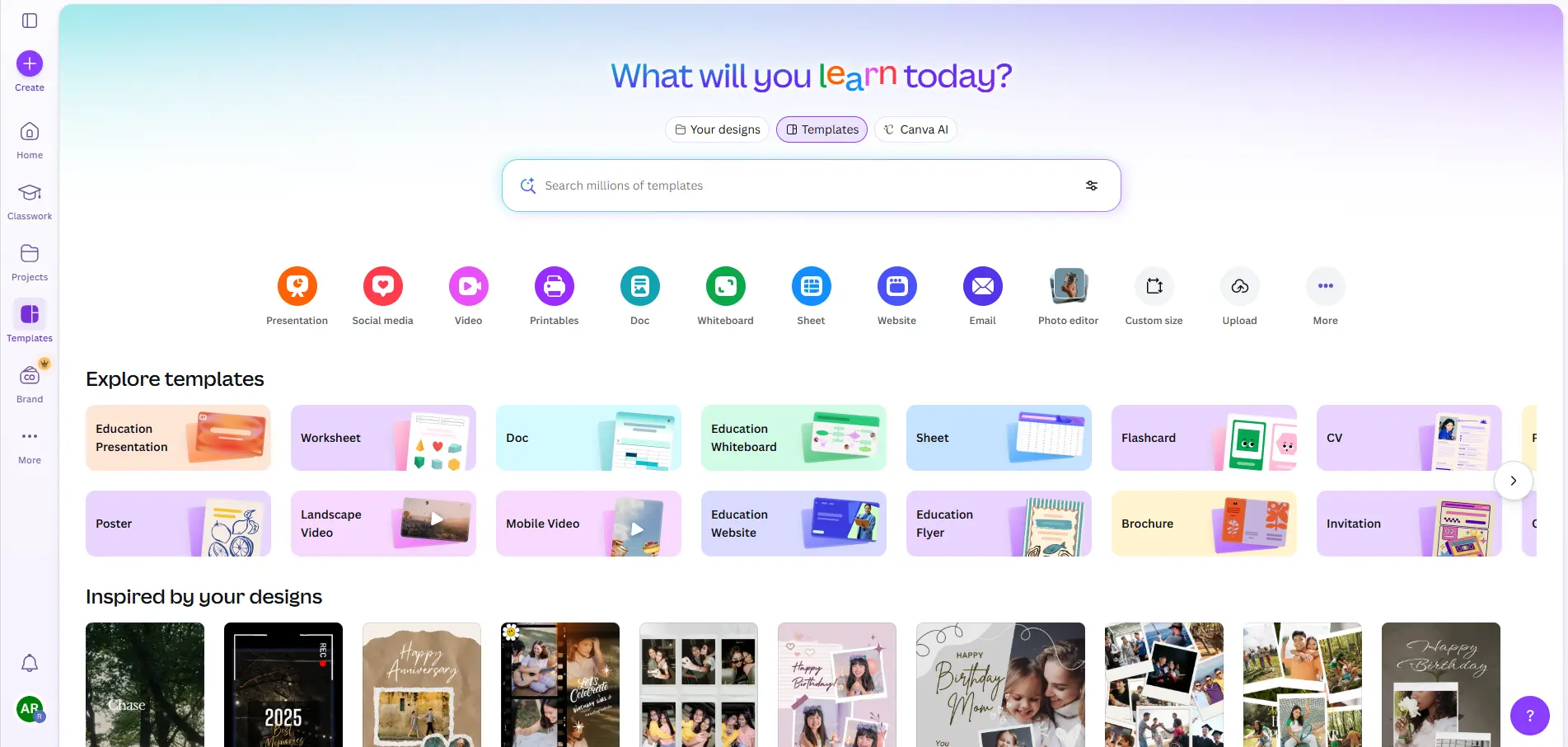
Canva
Canva is a widely accepted graphic design tool designed to create social media content. It is recognised as a quick and easy way to create designs and has a large library of templates to choose from.
Canva has thousands of templates available for Instagram posts, Facebook ads, LinkedIn banners and stories for social media.
Features:
- Drag and drop editing
- Thousands of templates for social media
- Built in library of images and videos
- Brand kits keep your designs consistent
- AI generated suggestions for designs
With so many great features available on Canva, beginner users and small businesses will benefit by providing them the ability to make quality posts fast. In addition, users can quickly resize their designs based on the selected social media outlet(s).
Best For:
- Beginners
- Small businesses
- Marketing teams creating quick visuals
- Best For
- Beginners
- Small businesses
- Marketing teams creating quick visuals
Adobe Express
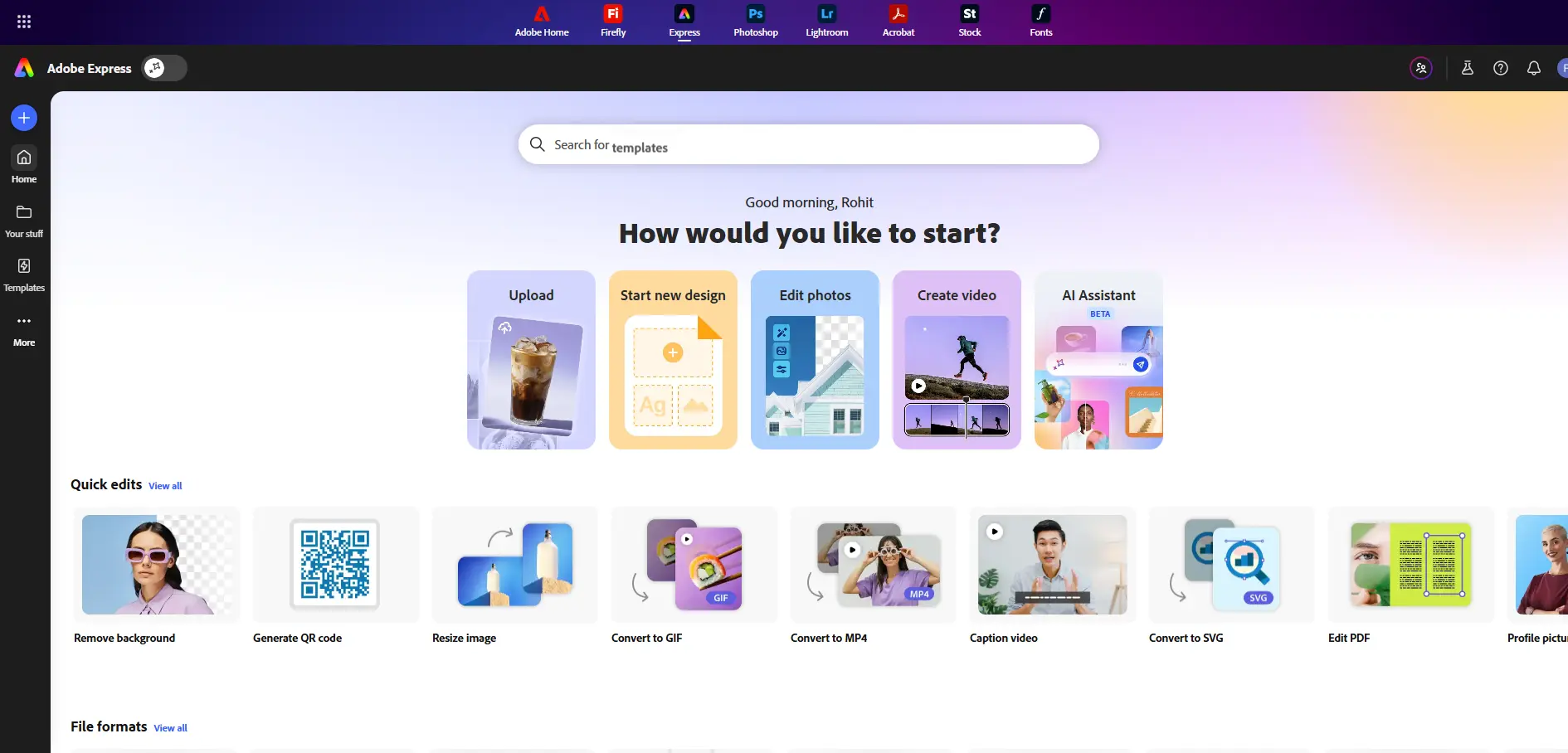
Adobe Express is a great resource for creating amazing visual content, such as social media posts and videos, with its extensive library of Customizable templates and Professional editing capabilities.
You can create graphics, videos and animations that can be used on various social media platforms like Instagram and Facebook, as well as create social media posts using specific sizes to save you time and make sure your designs are properly formatted.
Key Features
- Professional templates and design assets
- Quick photo editing tools
- Video and animation creation
- Social media post resizing
- Integration with other Adobe tools
Best For
- Content creators
- Digital marketers
- Brands looking for high-quality designs
Buffer
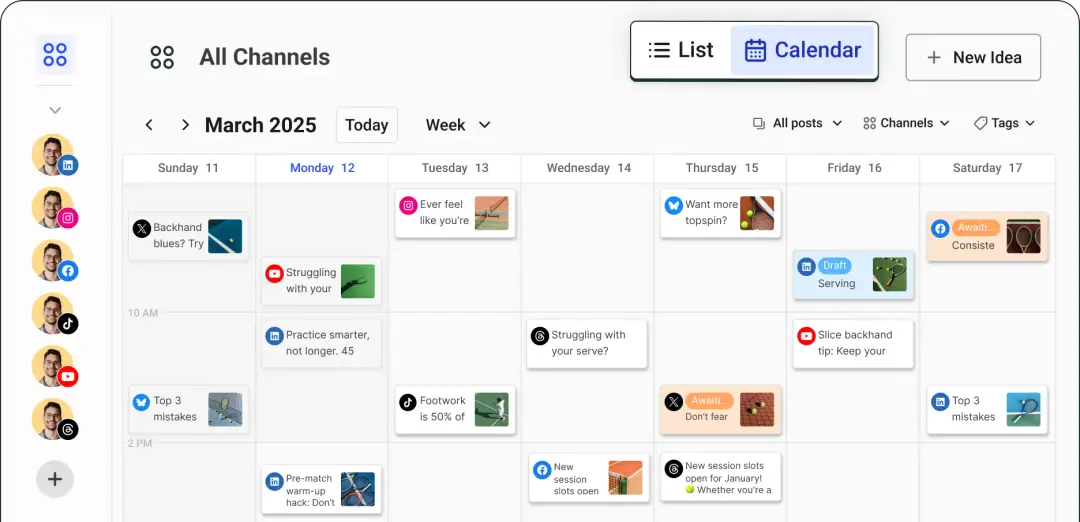
Buffer is one of the leading social media management tools that allows users to plan and post their social media content across various channels. While not a solely designbased tool, Buffer plays a key role in the overall process of managing and distributing social media content.
Buffer lets users schedule posts for Instagram, Facebook, LinkedIn, and other channels from one account. Additionally, Buffer allows users to track results and engagement levels through the platform.
From a scheduling and publishing perspective, Buffer is beneficial because it supports scheduling and publishing posts across many different social networks, allowing marketers to have greater control over their social media presence.
Key Features
- Post scheduling and automation
- Social media calendar
- Performance analytics
- Multi-platform publishing
- Collaboration tools
Best For
- Social media managers
- Marketing teams
- Businesses managing multiple accounts
Hootsuite
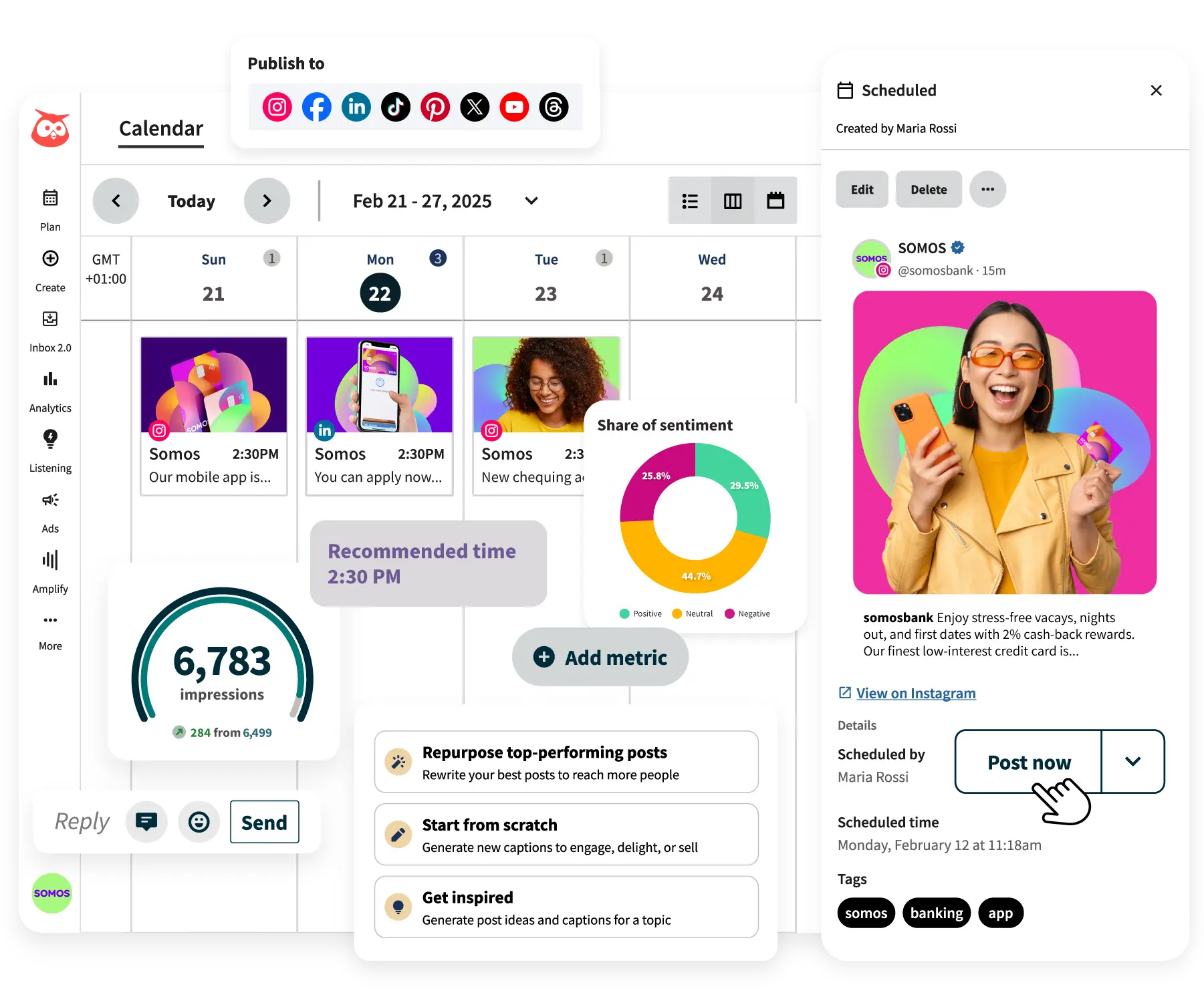
Hootsuite is the leading Social Media Management Software available now. Through Hootsuite users can create, schedule, and monitor their social media campaign from one dashboard across all of their social media accounts and platforms.
Many large companies will use Hootsuite to run their social media marketing campaigns and also to manage audience engagement by analyzing their posts’ performance through detailed reporting options.
Key Features
- Social media scheduling
- Content calendar
- Advanced analytics
- Team collaboration tools
- Social media monitoring
Best For
- Agencies
- Large businesses
- Enterprise marketing teams
VistaCreate
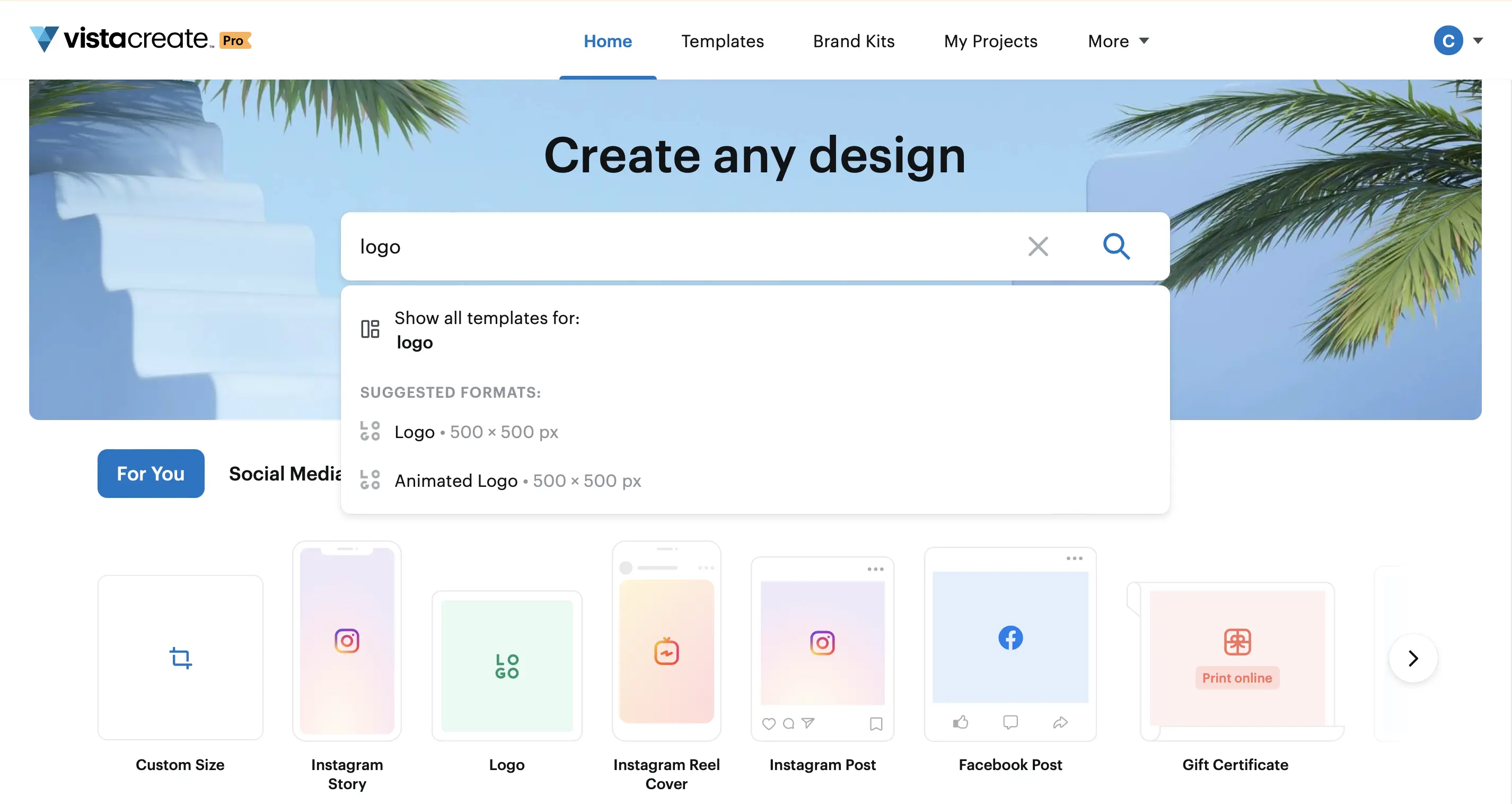
Vista Create, previously known as Crello, is an amazing design tool that allows you to create graphics for social media. With thousands of different templates, animations, and stock imagery available through the platform, you'll be able to create great content!
The best part? One of the very best features of the application is that you can create animated and short-form videos, making it easier than ever to get noticed in your audience's crowded social media feed.
Key Features
- 50,000+ design templates
- Animated graphics
- Built-in stock photos and videos
- Drag-and-drop editor
- Brand customization options
Best For
- Social media designers
- Content creators
- Businesses creating animated posts
Comparison Table
| Tool | Best Feature | Ideal For | Free Plan | Platforms Supported |
|---|---|---|---|---|
| Canva | Easy drag-and-drop design | Beginners & small businesses | Yes | Instagram, Facebook, LinkedIn |
| Adobe Express | Professional design tools | Content creators & marketers | Yes | Instagram, Facebook, LinkedIn |
| Buffer | Social media scheduling | Social media managers | Yes | Multiple platforms |
| Hootsuite | Advanced analytics & management | Agencies & large teams | Limited | Multiple platforms |
| VistaCreate | Animated social media graphics | Designers & creators | Yes | Instagram, Facebook, LinkedIn |
Frequently Asked Question
Conclusion
Creating posts for Instagram, Facebook and LinkedIn is really important for having a strong presence online.. It can be tough to make good posts all the time without the right help.
There are some websites like Canva, Adobe Express, Buffer, Hootsuite and VistaCreate that make it easy to make posts schedule them and see how they do. These websites help people save time make their posts look better and handle social media accounts at the same time.
If you are just starting out Canva or VistaCreate can help you make posts that look great fast. For people who work in marketing tools, like Buffer and Hootsuite have a lot of features that help with scheduling and seeing how posts do.
By picking the tool for what you need you can make your social media work easier and focus more on making posts that people will like and that will help your brand grow.