
In today’s digital world, your website works as your online identity. It needs to be available all the time, 24/7. If you run a store a software platform, a portfolio website or just a simple blog your websites downtime can hurt your business. A few minutes of downtime can mean lost sales, less trust from customers and a bad reputation.This is where website uptime monitoring tools come in.These tools keep an eye on your websites availability and performance from locations around the world.
They automatically check if your website is live and send you a notification if theres a problem.Uptime monitoring tools give you real-time alerts, performance insights and detailed reports to help you keep your presence professional and reliable.Uptime monitoring is not just about knowing when your site goes down.It also helps you understand performance trends find recurring issues and improve your infrastructure.For businesses that rely on their presence these tools are a must.
Why These 5 Website Uptime Monitoring Tools Were Chosen
We chose these tools because they are reliable have great features can grow with your needs and are easy to use.The five tools. UptimeRobot, Pingdom, StatusCake, Better Uptime and Site24x7. Cover a range of user needs.Each tool has something For example UptimeRobot is great for beginners because its simple and has a plan. Pingdom is excellent for performance monitoring and detailed analytics. StatusCake offers flexibility and customization for developers. Better Uptime has an interface and incident management capabilities. Site24x7 is a monitoring solution for complex infrastructures.
UptimeRobot
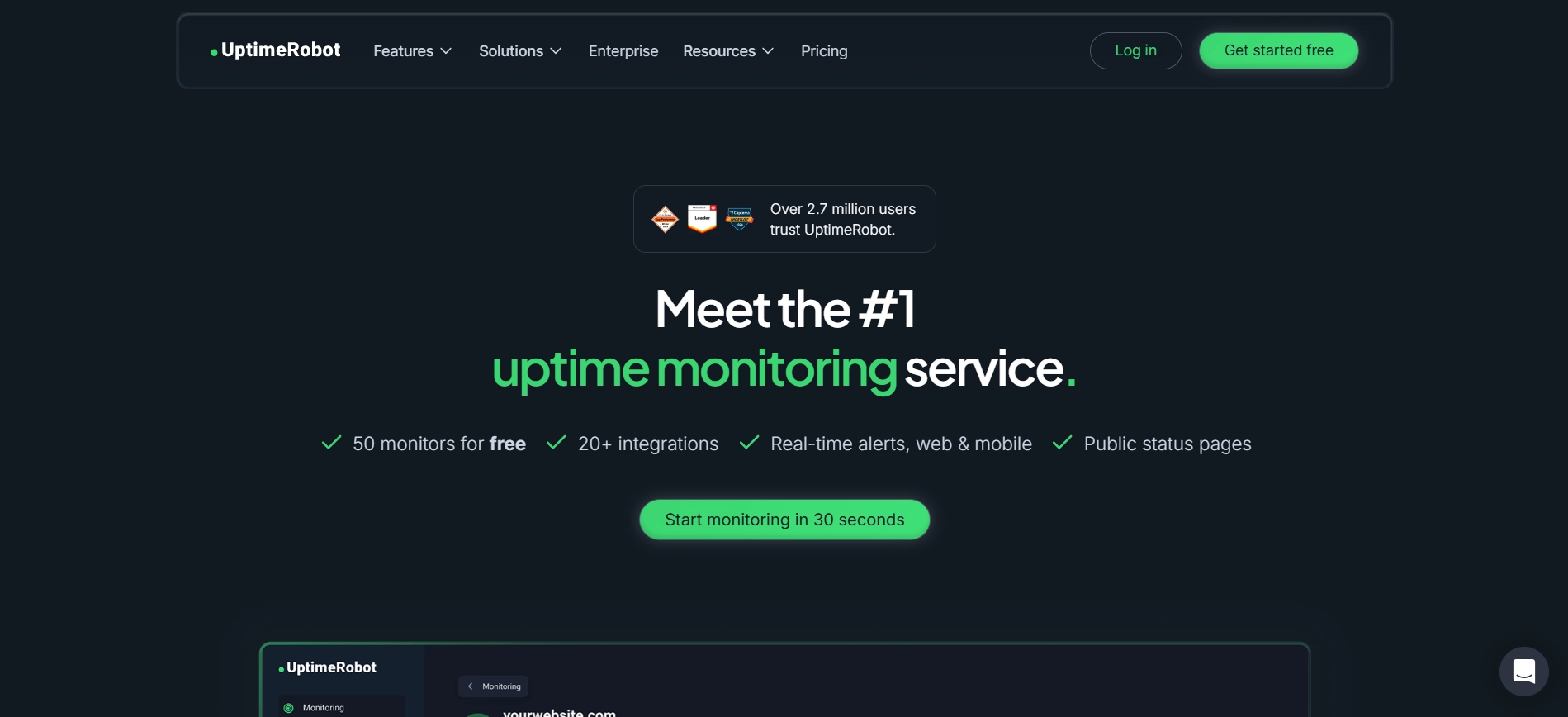
UptimeRobot is an uptime monitoring tool, especially for beginners and small businesses. It's simple and affordable. You can set up UptimeRobot in minutes without needing expertise. The tool checks your website regularly. Sends alerts when it detects downtime. This way you can fix issues quickly before they affect users. UptimeRobot has a free plan that lets you monitor multiple websites for free. UptimeRobot also supports alerting methods like email, SMS, Slack and webhook integrations.You can create public status pages to share with customers during outages.
Key Features:
- 5-minute monitoring intervals
- Up to 50 monitors, in plan
- Multiple alert channels
- Public status pages
Pros
- Free plan available
- Very easy to use
- Quick setup process
Cons
- advanced analytics
- Basic reporting features
https://uptimerobot.com/
Pingdom
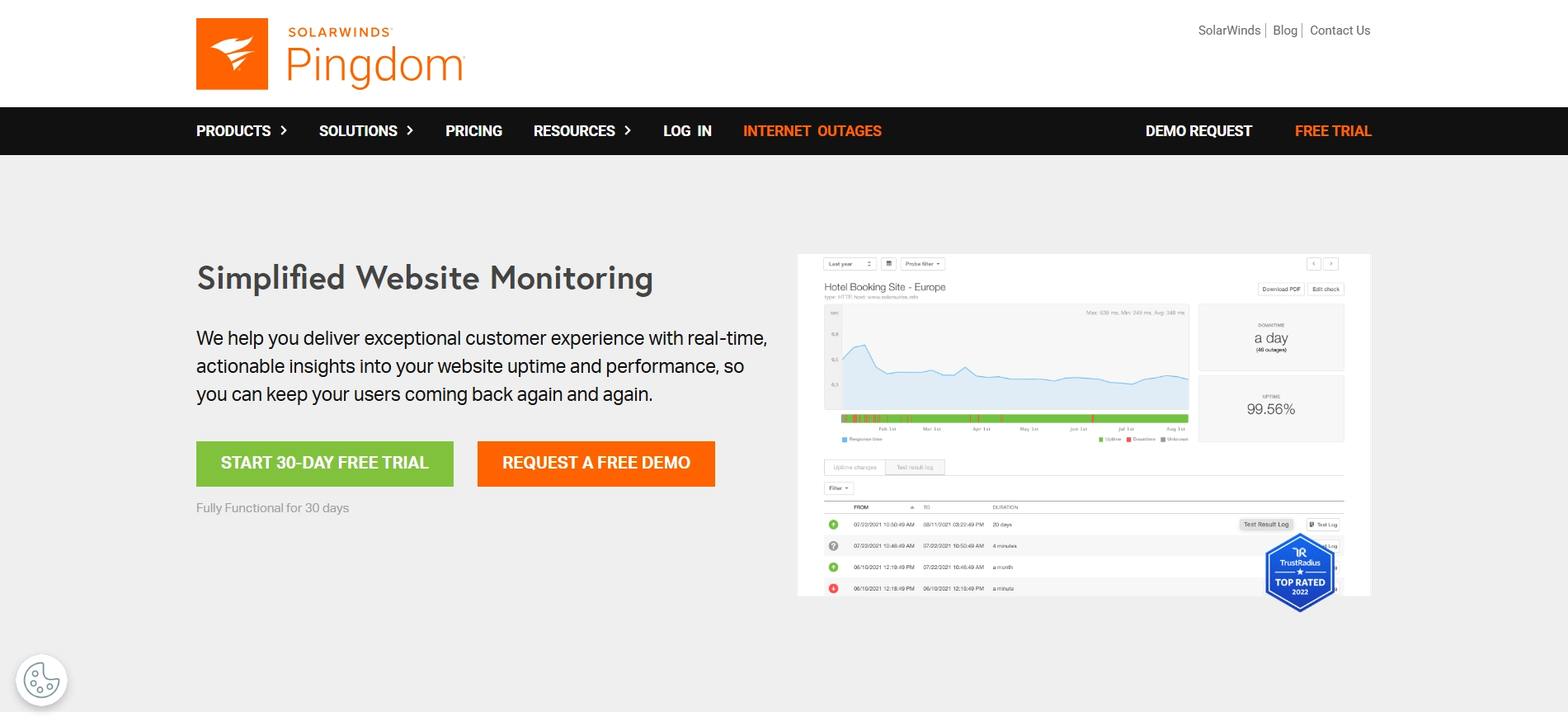
Pingdom is a tool that a lot of businesses use to check if their website is working properly. It goes beyond simply checking whether the website functions properly. Also how fast it is and how people are using it in different parts of the world. Pingdom has a lot of servers around the world that check your website from many different places. This helps you find out if your website is slow in some areas and you can make it better. The people who made Pingdom also made it very easy to use even though it has a lot of features.
Key Features:
- Pingdom does real-time uptime monitoring
- It analyzes how fast your website loads
- Pingdom has servers around the world to check your website
- It gives you reports about your websites performance
Pros
- Pingdom is very accurate
- It gives you information about your websites performance
- The interface is intuitive
Cons
- Pingdom does not have a free plan
- It is more expensive than some tools
https://www.pingdom.com/
StatusCake
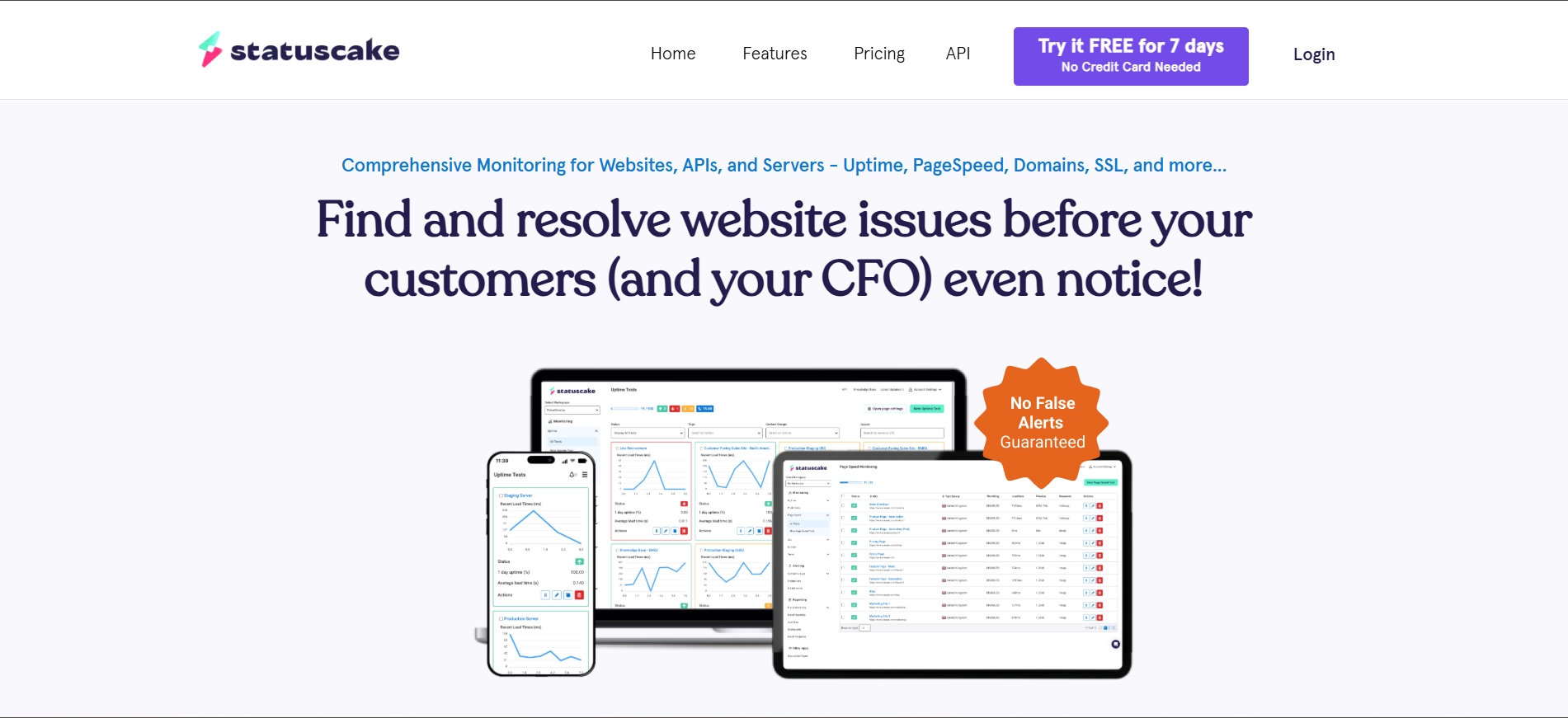
StatusCake is a good tool that helps you check if your website is working properly. It is not too expensive. It has a lot of advanced features. A lot of developers and businesses use StatusCake because it can do a lot of things. It can check if your website is working, how fast it is and even if your security certificate is up to date. You can also tell StatusCake how you want to be notified if something's wrong with your website.
Key Features:
- StatusCake checks your website from different locations
- It checks your security certificate and domain
- StatusCake tests how fast your website loads
- You can customize the alerts to how you want them
Pros
- StatusCake has a plan
- You can customize it to how you want it
- The reports are detailed
Cons
- The interface is a bit old
- It can be hard to use if you are new, to it
https://www.statuscake.com/
Better Stack
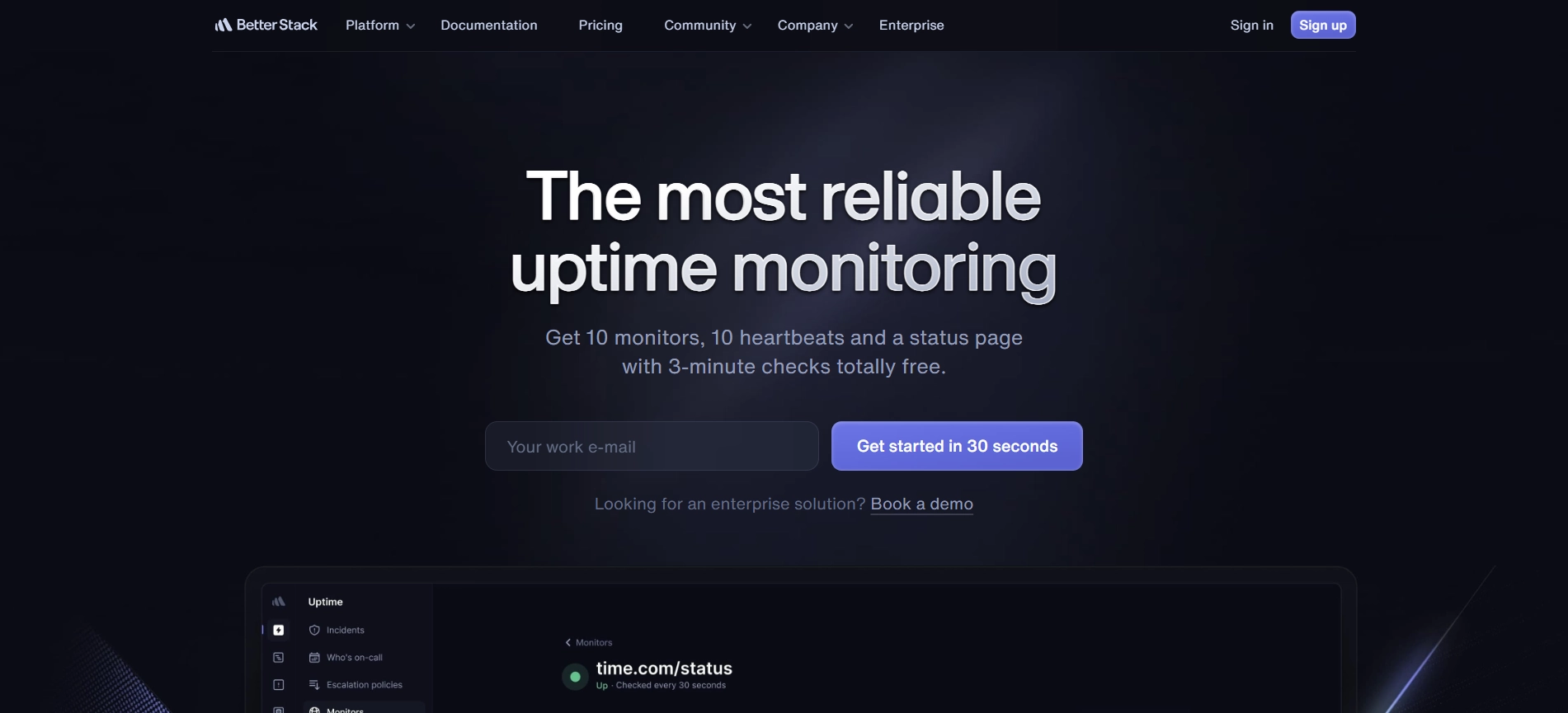
Better Uptime is a tool for keeping track of your website. It does more than just check if your site's up or not. It also helps you manage problems when they happen. This makes it perfect for teams and new startups. One of the things about Better Uptime is that it checks your site very often. As often as every 30 seconds. This means if your site goes down you find out away. It also shows you what went wrong and how you fixed it in a timeline. Better Uptime has tools that help teams work together. For example you can schedule who is on call. Send notifications to the right person. This helps you fix problems faster. You can also make a page to tell your users whats going on when theres a problem.
Key Features:
- Check your site every 30 seconds
- Help you manage problems
- Schedule on-call team members
- Make custom pages for your users
Pros
- It looks modern. Is easy to use
- It does two things: monitors your site and helps you manage problems
- It's great for teams
Cons
- The free plan is limited
- It can get expensive as you grow
https://betterstack.com/uptime
Site24x7
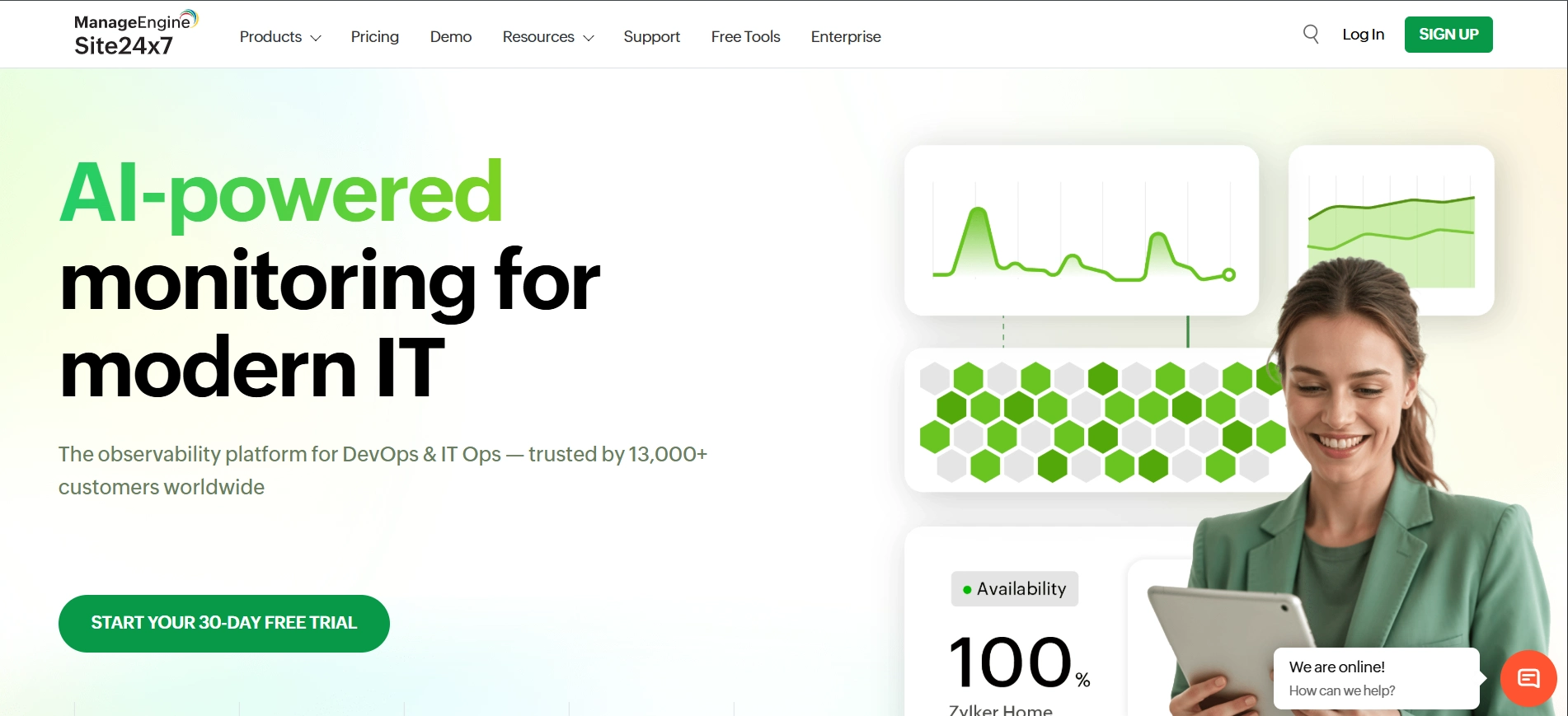
Site24 x 7 is a business solution for you. It gives you insight into everything - Web site, servers, networks, apps, etc.It shows you how real people are using your website, allowing you to identify problems that you may not have noticed otherwise.Site 24x7 also gives you lots of data and reports for you to detect and correct as many issues prior to their impacting your customers as possible.
Key Features:
- Website uptime monitoring
- Server and network monitoring
- See how real users experience your website
- Advanced reports and analytics
Pros
- It does a lot. It's a solution
- It can grow with your business
- It gives you insights into performance
Cons
- It can be complex, for beginners
- It costs more
https://www.site24x7.com/
Comparison Table
| Tool | Free Plan | Best For | Monitoring Speed | Key Strength |
|---|---|---|---|---|
| UptimeRobot | Yes | Beginners | 5 min | Easy & free monitoring |
| Pingdom | No | Performance tracking | 1 min | Detailed insights |
| StatusCake | Yes | Developers & agencies | 1 min | Flexible features |
| Better Uptime | Yes | Teams & startups | 30 sec | Incident management |
| Site24x7 | No | Enterprises | 1 min | All-in-one monitoring |
Conclusion
Choosing the tool to monitor your websites uptime depends on what you need your technical skills and how much you can spend. If you are just starting out or running a website, tools like UptimeRobot and StatusCake are great because they offer free plans with basic features. These tools can help you keep an eye on your website without costing much. On the hand if you want to focus on performance and user experience Pingdom is a good choice. It provides information that can help you make your website better.For teams and startups Better Uptime is a tool that includes features for working together and managing incidents.For businesses Site24x7 is a complete solution that monitors everything from uptime to infrastructure and real user analytics.
Investing in an uptime monitoring tool is crucial. It's not about finding out when your website is down. It's about making sure your users have a smooth experience protecting your brand and supporting your business growth. A website that is always up and running well builds trust with users makes them happier and gives you an edge over competitors. This is important in the world. Uptime monitoring tools, like UptimeRobot, StatusCake, Pingdom, Better Uptime and Site24x7 can help you achieve this. They offer features that can help you keep your website up and running smoothly.