In today’s digital world, your website works as your online identity. It needs to be available all the time, 24/7. If you run a store a software platform, a portfolio website or just a simple blog your websites downtime can hurt your business. A few minutes of downtime can mean lost sales, less trust from customers and a bad reputation.This is where website uptime monitoring tools come in.These tools keep an eye on your websites availability and performance from locations around the world.
They automatically check if your website is live and send you a notification if theres a problem.Uptime monitoring tools give you real-time alerts, performance insights and detailed reports to help you keep your presence professional and reliable.Uptime monitoring is not just about knowing when your site goes down.It also helps you understand performance trends find recurring issues and improve your infrastructure.For businesses that rely on their presence these tools are a must.
How We Evaluated These Uptime Monitoring Tools
At Aphonic Solutions, website uptime monitoring is taken very seriously. Whether you are running a business website, an eCommerce store, a SaaS, or a corporate website, every second of downtime affects your customers’ trust in you, your leads, and your revenue.
We have selected the tools below according to uptime monitoring frequency, alert features, user-friendliness, reports, integrations, and other useful attributes to website owners.
These tools are used by agencies, developers, and website owners around the world to ensure that their websites are available on the web at all times and perform their intended functions.
| Tool | Best For | Free Version | Rating |
|---|---|---|---|
| UptimeRobot | Small Businesses & Beginners | Yes | 9/10 |
| Pingdom | Performance Monitoring | No | 8.5/10 |
| StatusCake | Developers & Agencies | Yes | 8.5/10 |
| Better Stack | Teams & Startups | Yes | 9/10 |
| Site24x7 | Enterprises & Large Businesses | Limited | 9/10 |
UptimeRobot
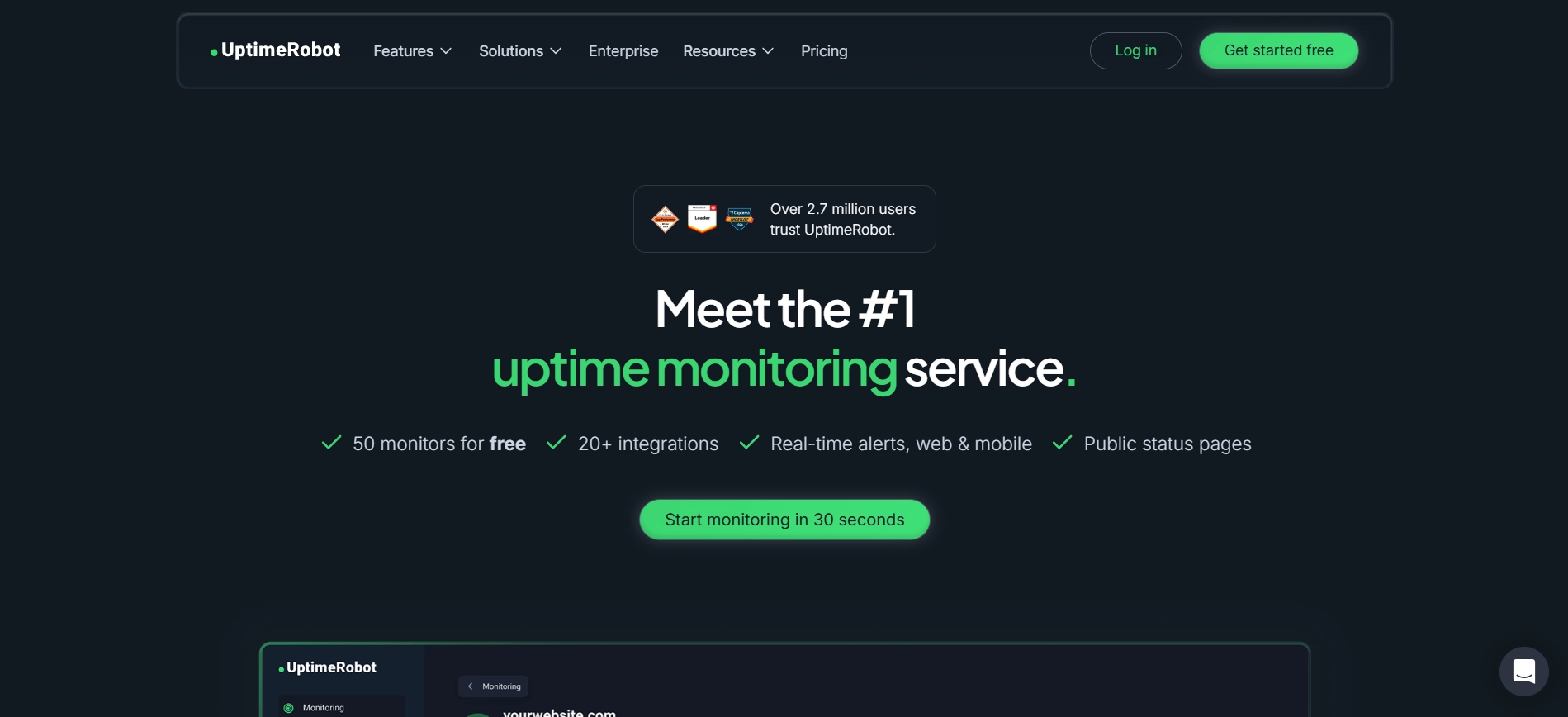
UptimeRobot is an uptime monitoring tool, especially for beginners and small businesses. It's simple and affordable. You can set up UptimeRobot in minutes without needing expertise. The tool checks your website regularly. Sends alerts when it detects downtime. This way you can fix issues quickly before they affect users. UptimeRobot has a free plan that lets you monitor multiple websites for free. UptimeRobot also supports alerting methods like email, SMS, Slack and webhook integrations.You can create public status pages to share with customers during outages.
Key Features:
- 5-minute monitoring intervals
- Up to 50 monitors, in plan
- Multiple alert channels
- Public status pages
Pros
- Free plan available
- Very easy to use
- Quick setup process
Cons
- advanced analytics
- Basic reporting features
Our Experience
UptimeRobot is one of the simplest tools which provides outstanding uptime monitoring services and is very convenient to use. It helps achieve reliability and has excellent alert options to inform you about any problem, and also offers a great free plan.
Overall Rating: 9/10
Main Benefits: It’s perfect for small businesses, bloggers, start-up companies and personal portfolios.
Pingdom
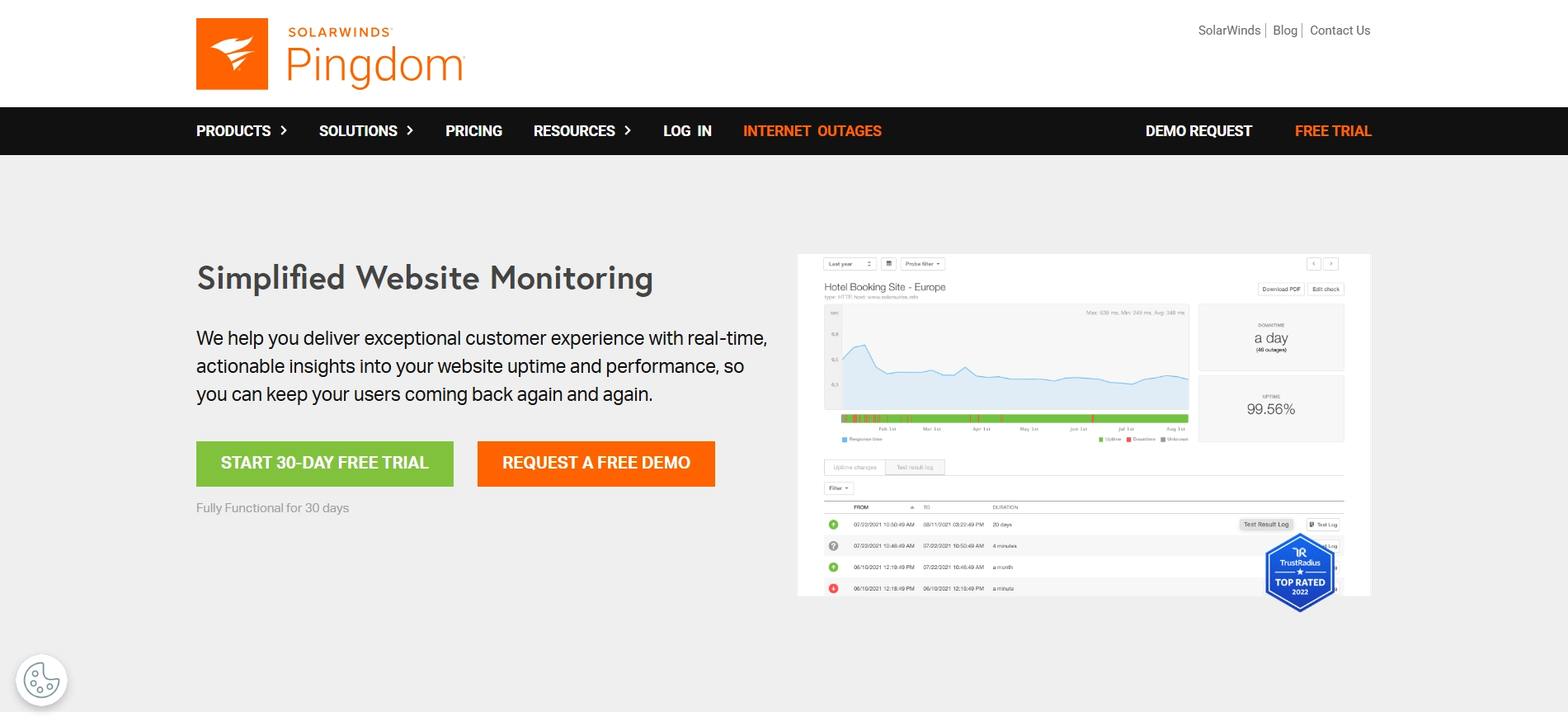
Pingdom is a tool that a lot of businesses use to check if their website is working properly. It goes beyond simply checking whether the website functions properly. Also how fast it is and how people are using it in different parts of the world. Pingdom has a lot of servers around the world that check your website from many different places. This helps you find out if your website is slow in some areas and you can make it better. The people who made Pingdom also made it very easy to use even though it has a lot of features.
Key Features:
- Pingdom does real-time uptime monitoring
- It analyzes how fast your website loads
- Pingdom has servers around the world to check your website
- It gives you reports about your websites performance
Pros
- Pingdom is very accurate
- It gives you information about your websites performance
- The interface is intuitive
Cons
- Pingdom does not have a free plan
- It is more expensive than some tools
Our Experience
There are a number of characteristics that make Pingdom different from others in the industry. The first characteristic is performance monitoring, and the second one is global location testing. In my opinion, the target audience of the product consists of those businesses that want to get an idea of how well their websites perform.
Rating: 8.5/10
Businesses interested in improving the website/user experience.
StatusCake
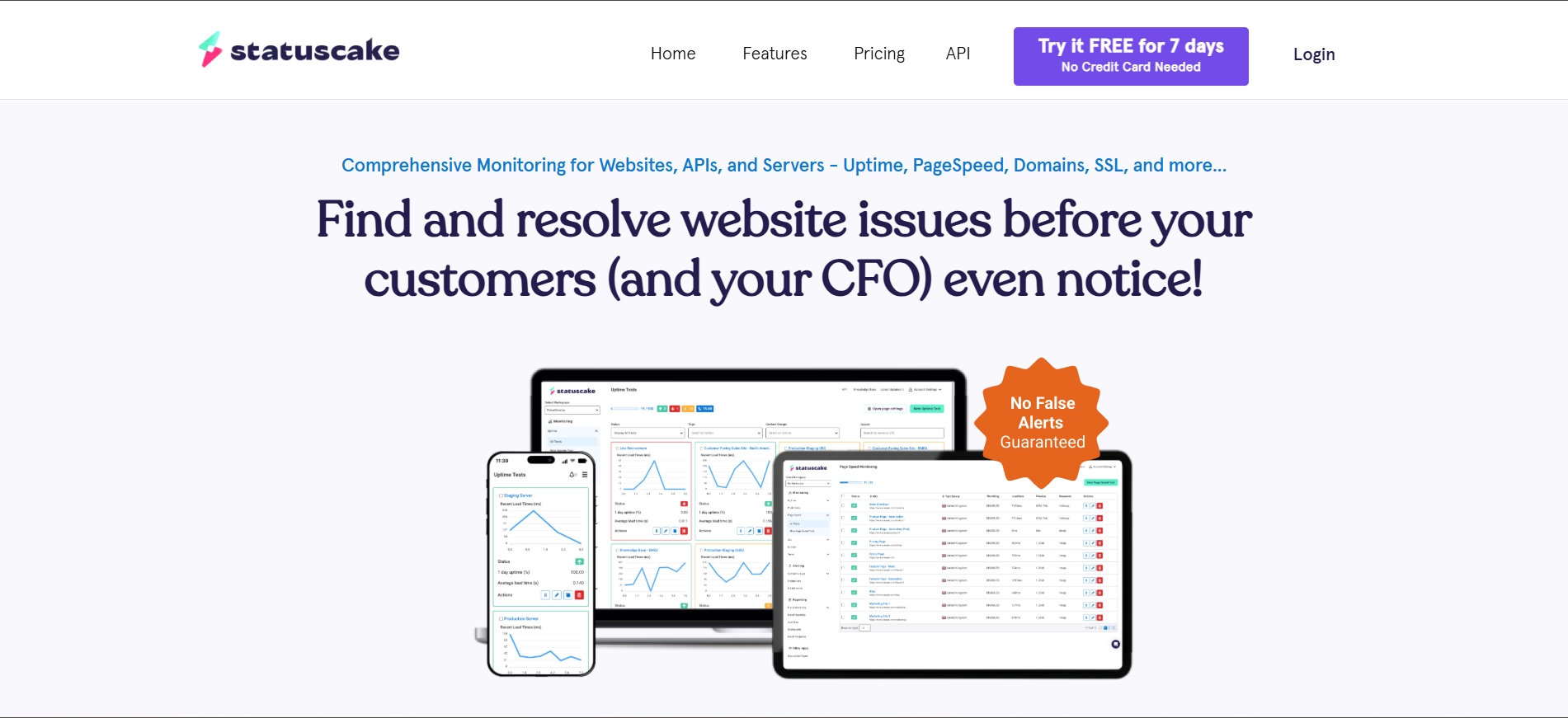
StatusCake is a good tool that helps you check if your website is working properly. It is not too expensive. It has a lot of advanced features. A lot of developers and businesses use StatusCake because it can do a lot of things. It can check if your website is working, how fast it is and even if your security certificate is up to date. You can also tell StatusCake how you want to be notified if something's wrong with your website.
Key Features:
- StatusCake checks your website from different locations
- It checks your security certificate and domain
- StatusCake tests how fast your website loads
- You can customize the alerts to how you want them
Pros
- StatusCake has a plan
- You can customize it to how you want it
- The reports are detailed
Cons
- The interface is a bit old
- It can be hard to use if you are new, to it
Our Experience
StatusCake offers a good balance between affordability and advanced monitoring capabilities. Its flexible alerting features along with its monitoring capabilities makes it a suitable solution for developers and agencies.
Rating: 8.5/10
Suitable for developers, agencies, and growing businesses.
Better Stack
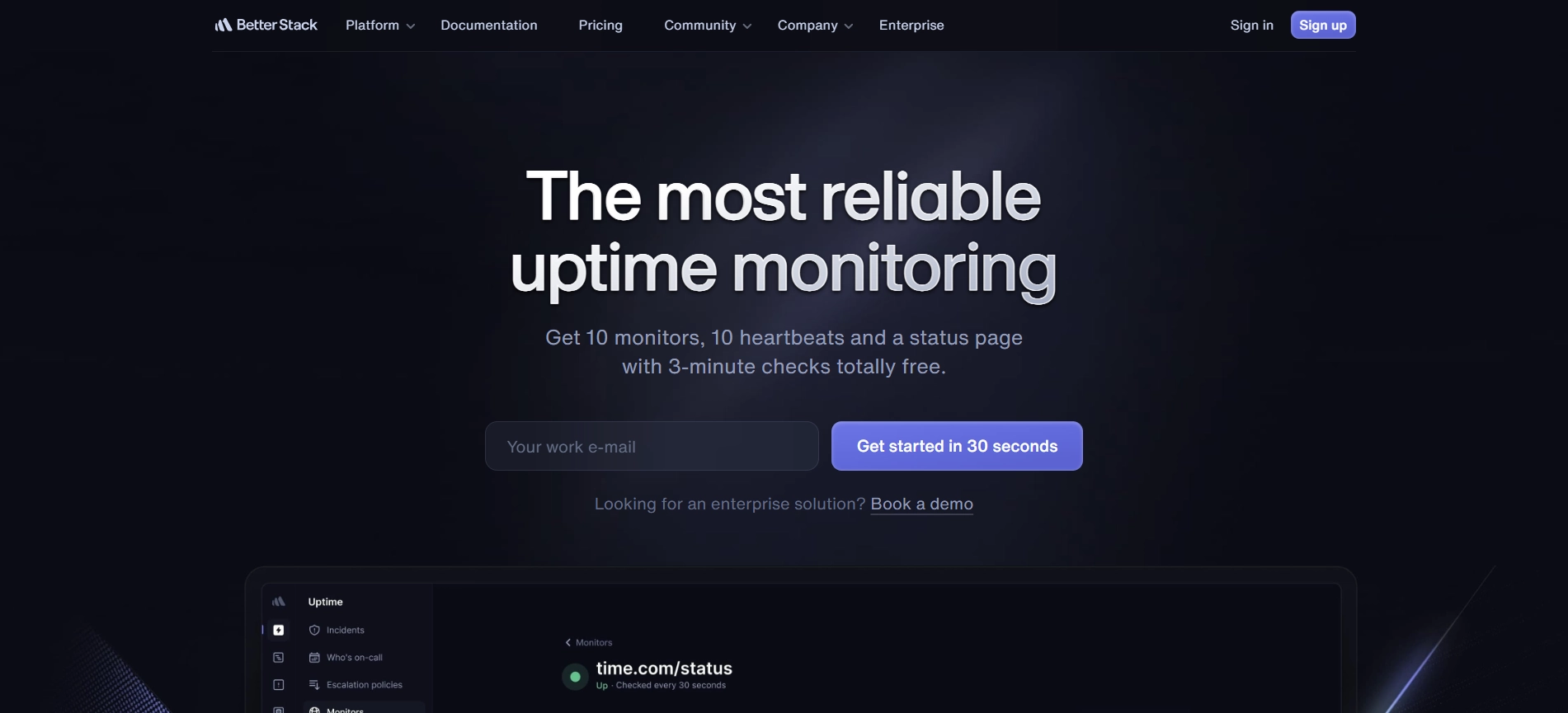
Better Uptime is a tool for keeping track of your website. It does more than just check if your site's up or not. It also helps you manage problems when they happen. This makes it perfect for teams and new startups. One of the things about Better Uptime is that it checks your site very often. As often as every 30 seconds. This means if your site goes down you find out away. It also shows you what went wrong and how you fixed it in a timeline. Better Uptime has tools that help teams work together. For example you can schedule who is on call. Send notifications to the right person. This helps you fix problems faster. You can also make a page to tell your users whats going on when theres a problem.
Key Features:
- Check your site every 30 seconds
- Help you manage problems
- Schedule on-call team members
- Make custom pages for your users
Pros
- It looks modern. Is easy to use
- It does two things: monitors your site and helps you manage problems
- It's great for teams
Cons
- The free plan is limited
- It can get expensive as you grow
Our Experience
Better Stack offers a combination of uptime monitoring and incident management software to provide a solution for organizations that need to remain highly responsive when down time occurs.
Rating: 9/10
Recommended for teams, startups and software as a service providers.
https://betterstack.com/uptime
Site24x7
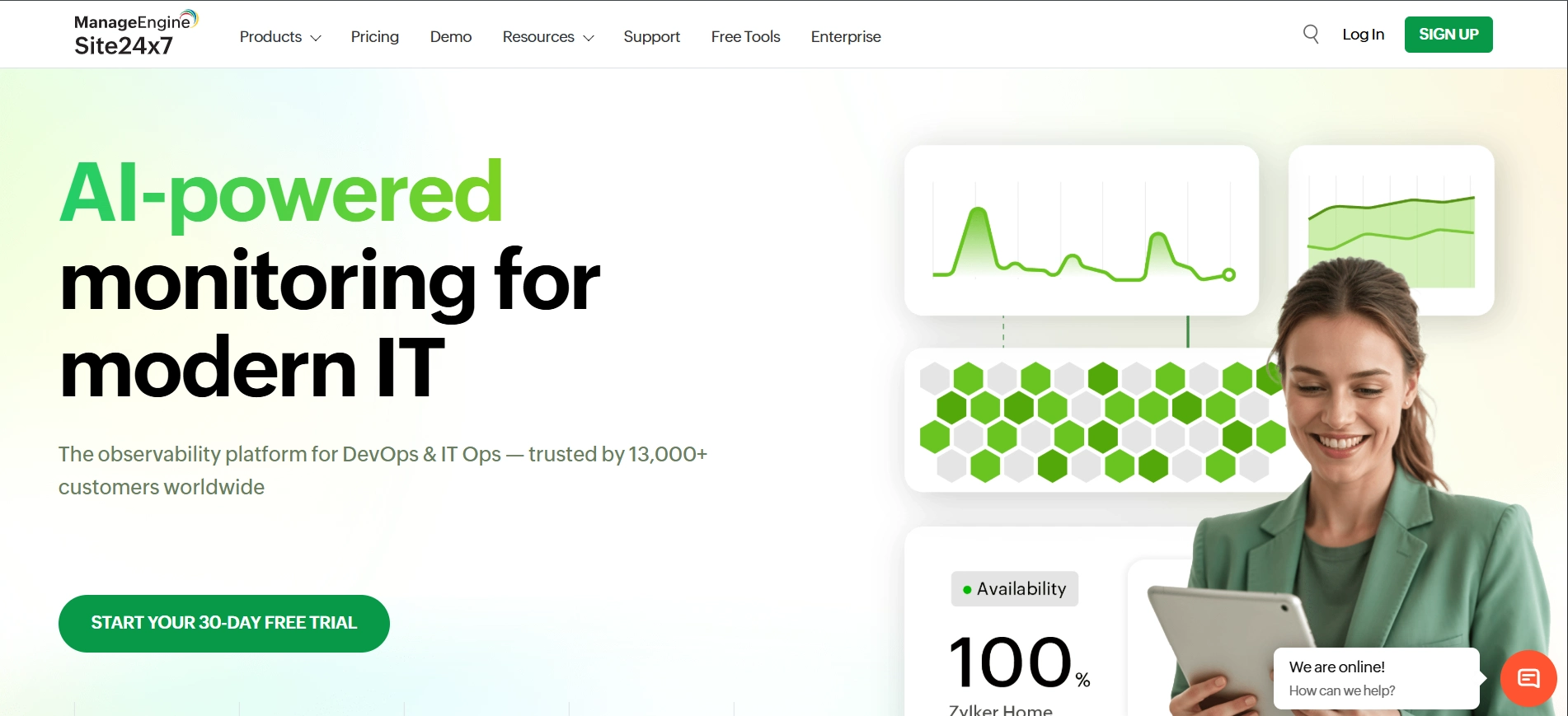
Site24 x 7 is a business solution for you. It gives you insight into everything - Web site, servers, networks, apps, etc.It shows you how real people are using your website, allowing you to identify problems that you may not have noticed otherwise.Site 24x7 also gives you lots of data and reports for you to detect and correct as many issues prior to their impacting your customers as possible.
Key Features:
- Website uptime monitoring
- Server and network monitoring
- See how real users experience your website
- Advanced reports and analytics
Pros
- It does a lot. It's a solution
- It can grow with your business
- It gives you insights into performance
Cons
- It can be complex, for beginners
- It costs more
Our Experience
Site24x7 provides comprehensive monitoring for websites, servers, networks, and applications. It is best suited for businesses that need a comprehensive solution for total monitoring from one source.
Rating: 9/10
Recommended For: Enterprises, IT teams, and organizations managing complex infrastructures.
Comparison Table
| Tool | Free Plan | Best For | Monitoring Speed | Key Strength |
|---|---|---|---|---|
| UptimeRobot | Yes | Beginners | 5 min | Easy & free monitoring |
| Pingdom | No | Performance tracking | 1 min | Detailed insights |
| StatusCake | Yes | Developers & agencies | 1 min | Flexible features |
| Better Uptime | Yes | Teams & startups | 30 sec | Incident management |
| Site24x7 | No | Enterprises | 1 min | All-in-one monitoring |
Why Website Uptime Monitoring Matters
Monitoring tools can help in increasing customer satisfaction, improving the user experience, and overall better performance. Even a short downtime can result in bad sales, loss of potential customers, and many other issues.
Some of the problems that can occur and be solved with uptime monitoring include:
- Server downtime
- Hosting issues
- DNS downtime
- SSL certificate down
- Website’s slow loading issues
- Network downtime
- Application malfunctions
All of these issues can occur and badly affect the user experience, and uptime monitoring services can easily detect and solve them.
Frequently Asked Questions
Related Resources
- Top 5 Free SEO Audit Tools
- Top 5 Website Speed Optimization Tools
- Top 5 Digital Marketing Tools to Generate More Leads
- Top 5 DNS Management Tools
- Top 5 AI Tools for Productivity
Our Recommendation
If you want to find a reliable and straightforward uptime monitoring tool, UptimeRobot is the best choice.
Pingdom provides a powerful set of features, offering to deeply dive into the performance of the monitored websites, and it is appropriate for businesses that want to get an in-depth understanding of the technical side of their online presence. Better Stack is designed primarily for teams and start-ups, as it is perfectly suited for efficient incident management. Lastly, Site24x7 is appropriate for companies that want to perform exhaustive infrastructure-level monitoring of their services and websites.
Aphonic Solutions advises that one chooses an uptime monitoring tool depending on the size of the website, monitoring needs, and business objectives.