In the past few years, you typically would have needed a good understanding of programming languages, frameworks, and deployment pipelines in order to create an app. There is a growing trend called "vibe coding", where instead of having to write lines of code, you describe what you want, and tools do the work of building it for you.
Welcome to the age of no-code and AI-powered application builders!
These tools are democratizing the market for software development. Entrepreneurs, freelancers, students, and business owners across different sectors can now build entire applications without writing code! Research has shown that many no-code platforms accounted for a large percentage of today's application development and by 2026, many of these platforms will continue to develop quickly.
But here's the issue:
There are just too many tools available today, and they are not created equal.
Some of these tools are user-friendly. Others are very powerful, but are complicated to use. Some of these tools are intended for use in creating prototypes, while others can be utilized in creating large-scale commercial businesses.
What is Vibe Coding?
Let's start by providing clarity on what vibe coding is.
Vibe coding essentially builds applications through the use of:
- A natural language-based prompt
- A graphic drag and drop interface
- An AI-assisted workflow
Rather than writing code, you simply describe what you want your application's "vibe" will be and the platform automatically creates a working version of your app.
Modern-day vibe coding tools are made up of:
- No code builder
- AI-generated content
- Visual Design System
- Back End Automation
With these four elements combined, they eliminate all technical barriers, giving anyone the ability to create applications.
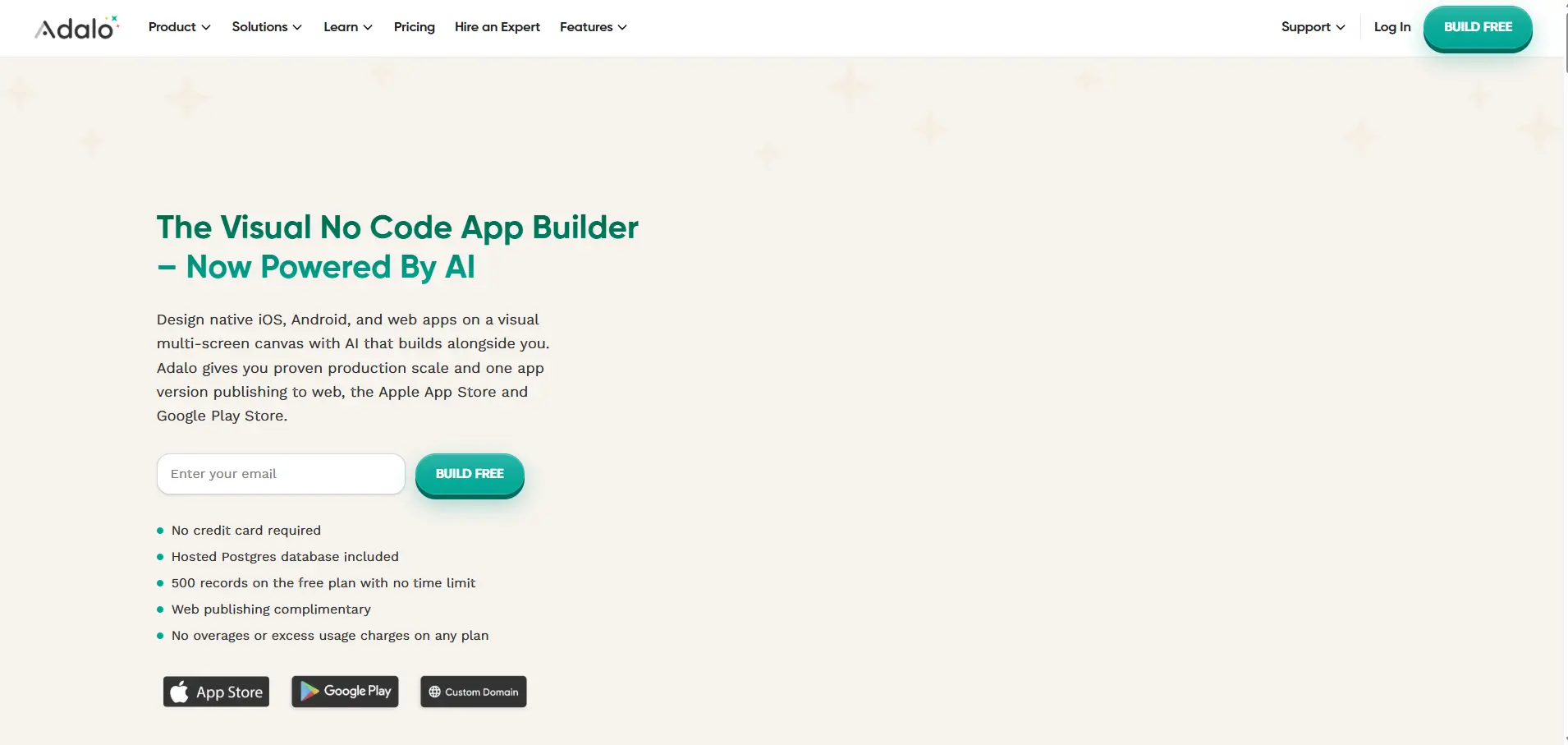
Adalo
If you're just starting your no-code journey, Adalo is one of the easiest and most powerful tools available today.
It allows you to build:
- Mobile apps (iOS + Android)
- Web apps
- Database-driven platforms
What makes Adalo stand out is its visual canvas + AI features, letting users create apps simply by describing features and tweaking them visually.
Key Features:
- Drag-and-drop builder
- Built-in database
- AI powered app generation Magic Start
- One-click publishing to app stores
Why It’s Great:
Adalo is designed for non-technical users, making it one of the most accessible tools on the market. It also offers true native mobile app publishing — something not all tools provide.
Limitations:
- Limited flexibility for complex logic
- May struggle with very large-scale apps
Bubble
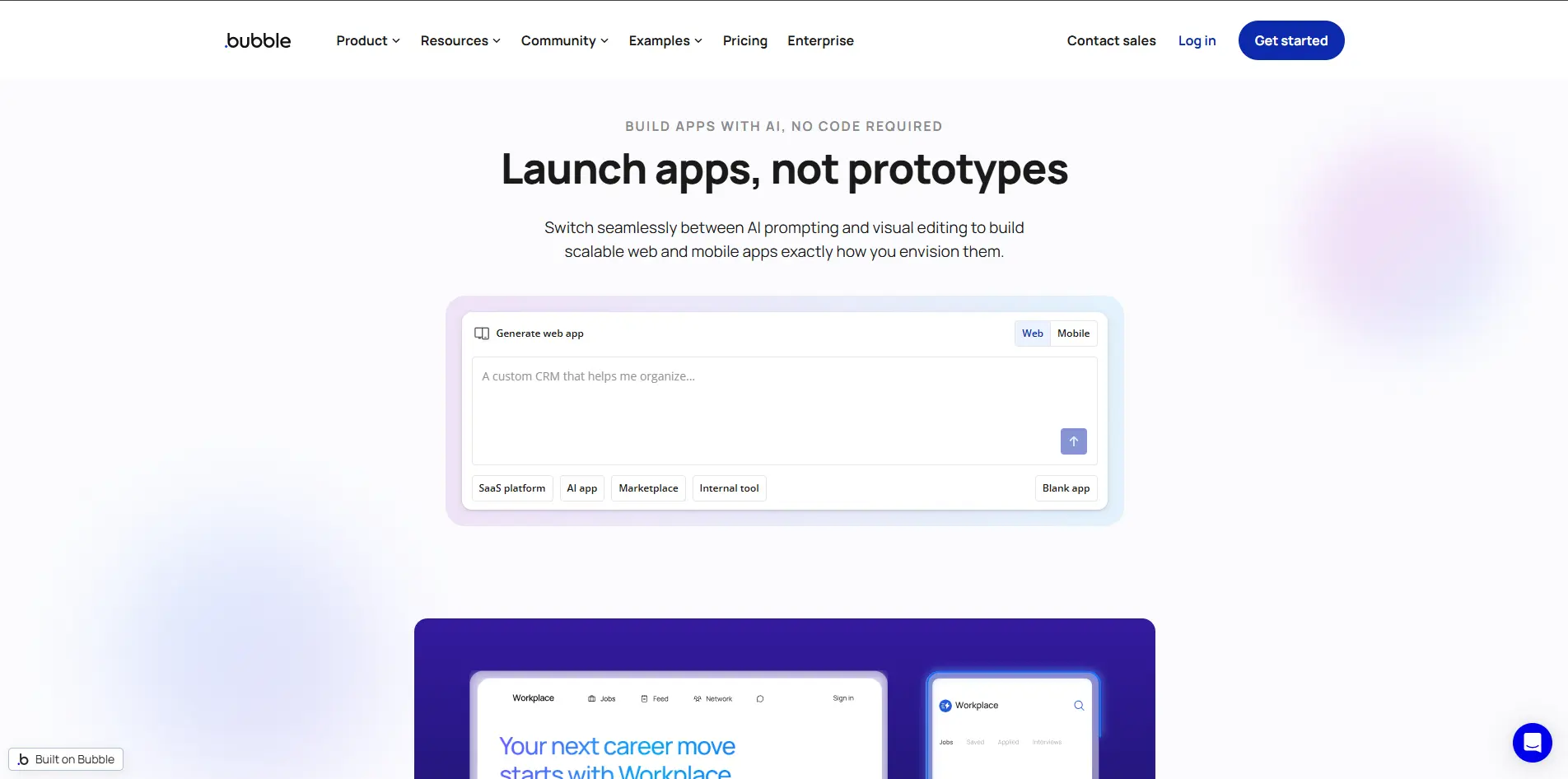
Bubble is one of the most well-known no-code platforms — and for good reason.
It’s incredibly powerful and allows you to build:
- SaaS platforms
- Marketplaces
- Internal tools
- Complex workflows
Key Features:
- Advanced workflow engine
- Plugin ecosystem (5000+ plugins)
- Backend logic handling
- API integrations
Why It’s Great:
Bubble gives you full control without code, making it ideal for serious projects.
Limitations:
- Steep learning curve
- Web-only focus (limited mobile support)
- Costs can scale with usage
FlutterFlow
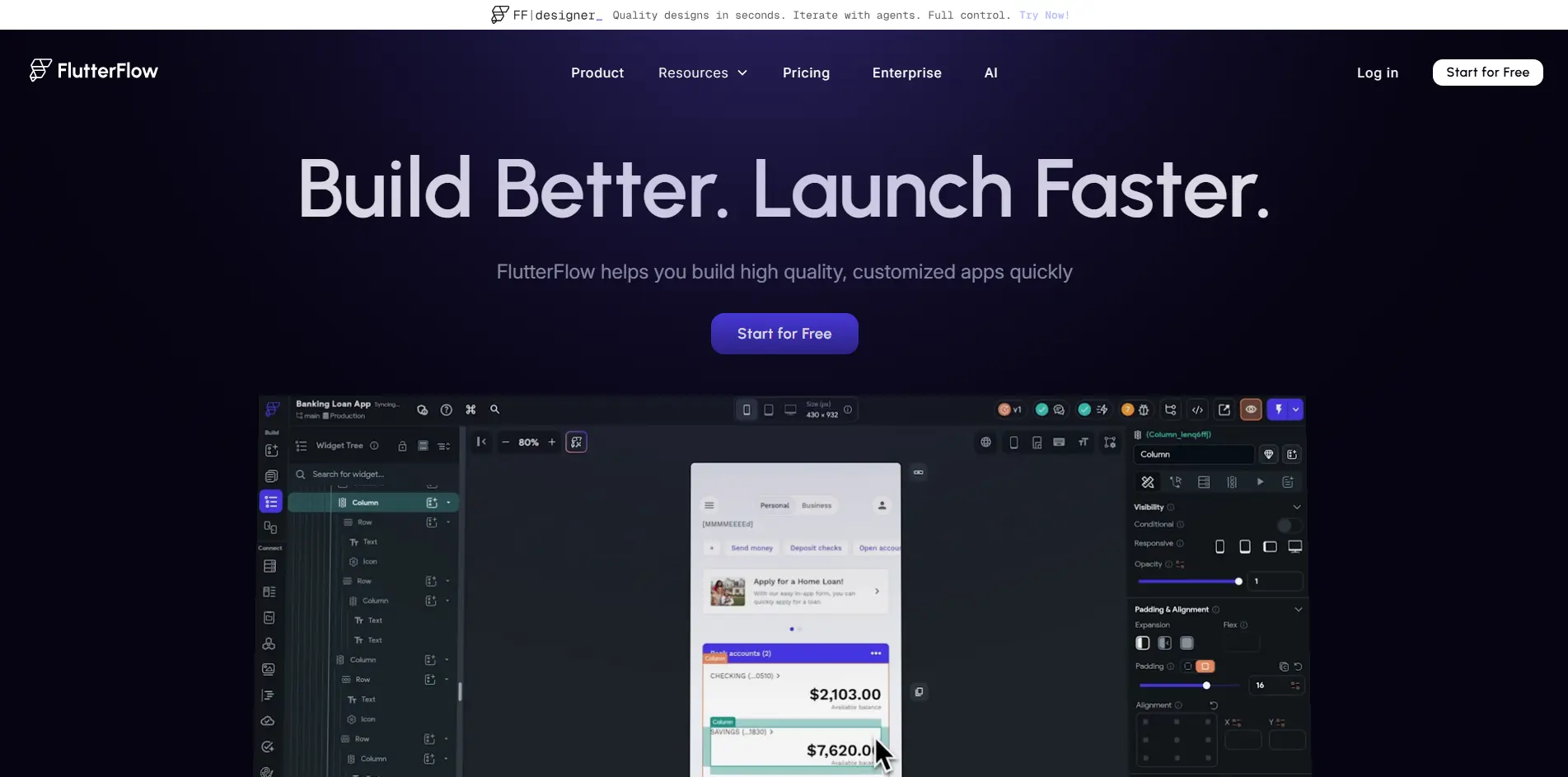
FlutterFlow bridges the gap between no-code and traditional coding.
It lets you build:
- Cross-platform mobile apps
- Apps with exportable Flutter code
Key Features:
- Drag-and-drop UI builder
- Code export capability
- Firebase integration
- High-performance apps
Why It’s Great:
If you want the power of code with the speed of no-code, FlutterFlow is ideal.
Limitations:
- Requires some technical understanding
- External database setup needed
- Not fully beginner-friendly
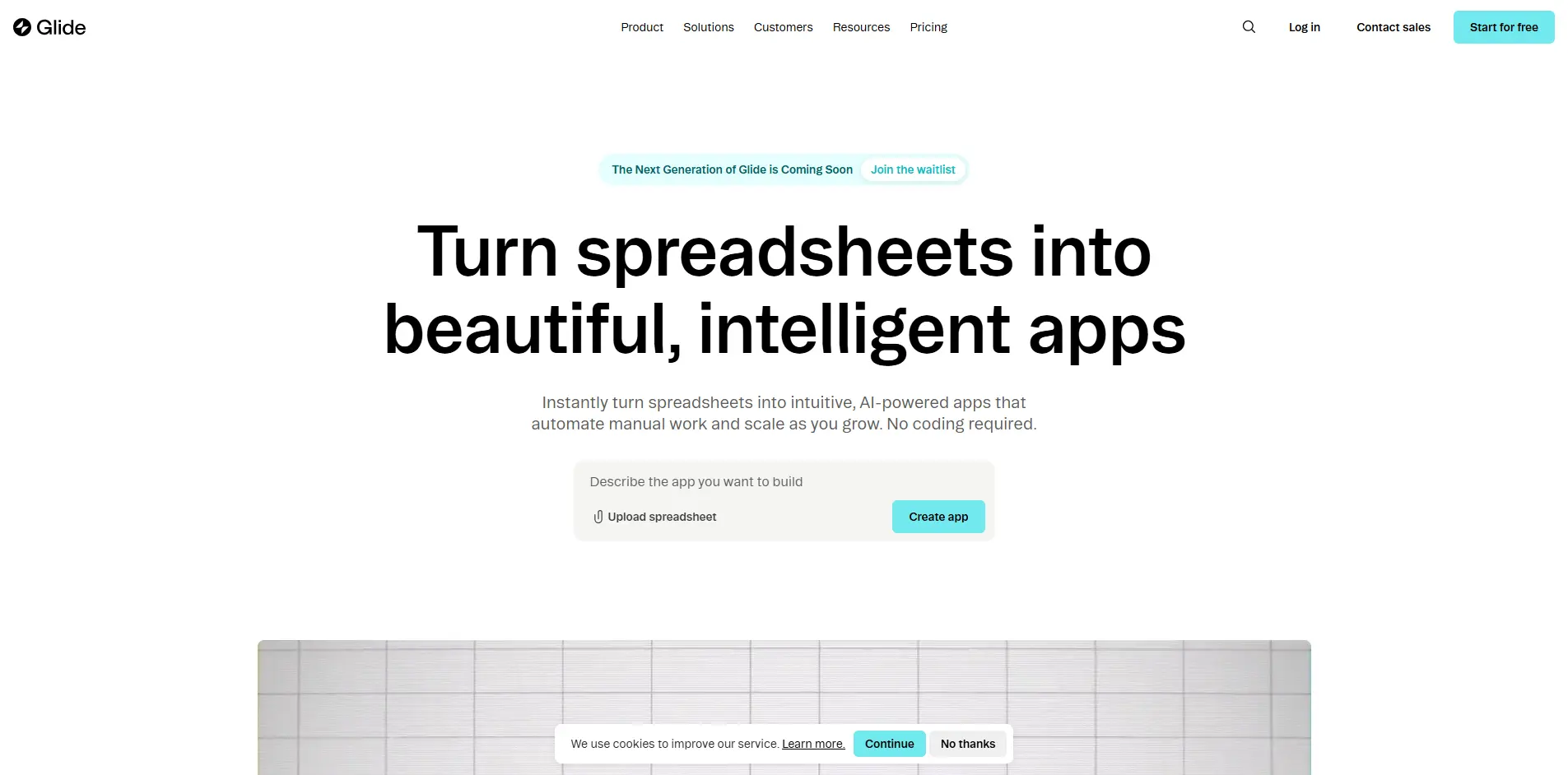
Glide
Glide is perfect for quickly turning data into apps.
You can build apps directly from:
- Google Sheets
- Excel
- Airtable
Key Features:
- Data-driven app creation
- Extremely fast setup
- Clean UI templates
- No coding required
Glide is ideal for:
- Internal business tools
- Dashboards
- MVPs
It’s one of the fastest ways to go from idea → working app.
Limitations:
- Limited customization
- Not ideal for complex apps
Softr
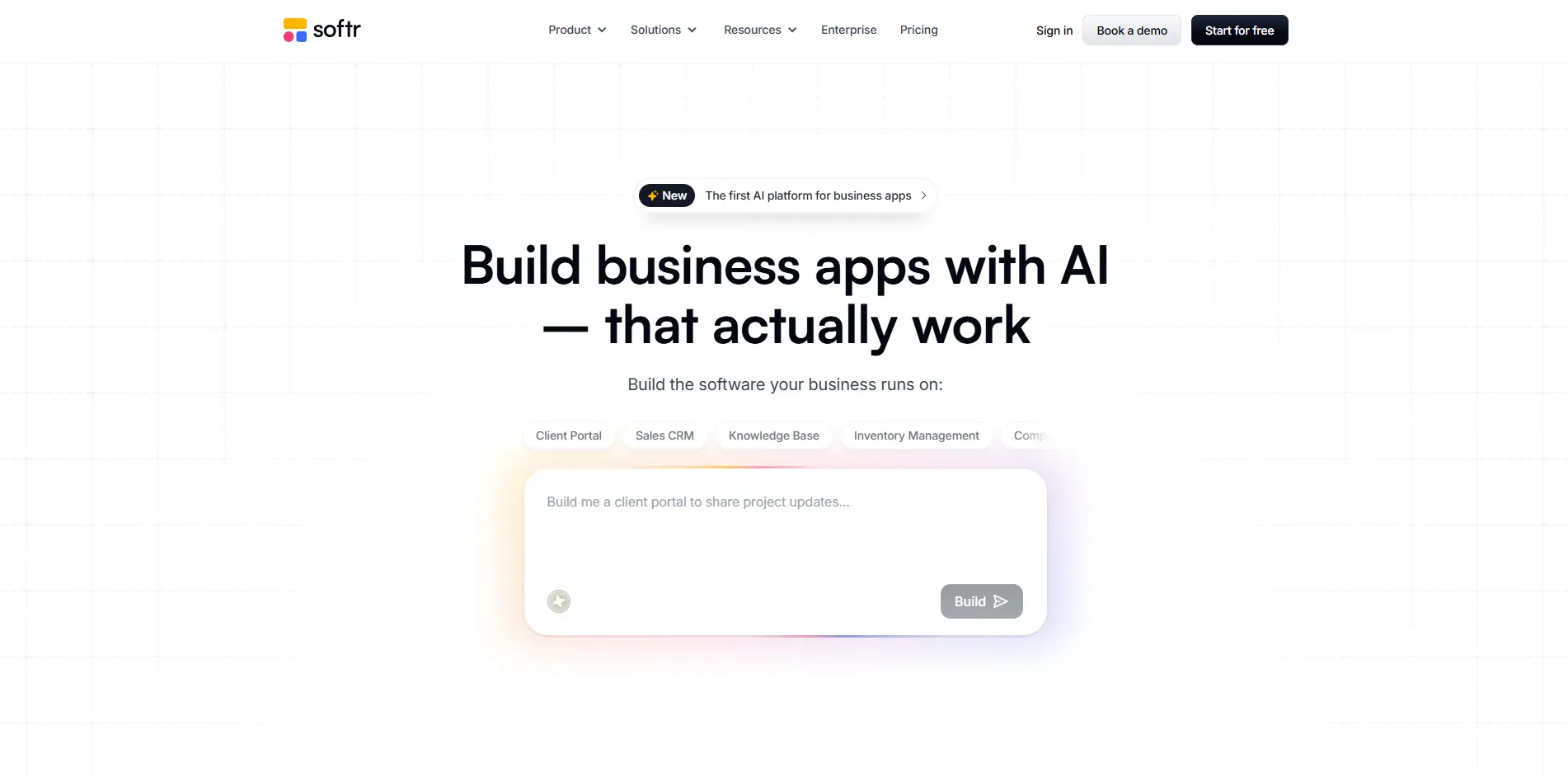
Softr is designed for building:
- Client portals
- Membership sites
- Internal tools
It works best when combined with Airtable or Google Sheets.
Key Features:
- Pre-built templates
- Easy integrations
- Responsive design
- Authentication systems
Why It’s Great:
Softr is perfect for business users who want to build apps quickly without complexity.
Limitations:
- Limited flexibility compared to Bubble
- Depends heavily on external data sources
Comparison Table
| Feature | Adalo | Bubble | FlutterFlow | Glide | Softr |
|---|---|---|---|---|---|
| Best For | Beginners | Complex apps | Scalable apps | MVPs | Business tools |
| Mobile Apps | Yes (Native) | Limited | Yes | Yes | No |
| AI Features | Yes | Partial | Partial | Limited | Limited |
| Customization | Medium | High | High | Low | Medium |
| Learning Curve | Low | High | Medium | Low | Low |
| Pricing | Low | Medium–High | Medium | Medium | Medium |
How to Choose the Right Tool
Identifying the Appropriate Instruments
Identify the best tool for your vibe coding needs and objectives.
Select Adalo when:
- You are just starting out
- You are interested in developing native mobile applications
- You need a straightforward solution
Select Bubble when:
- You are creating software-as-a-service (SaaS) or marketplaces
- You require advanced logic and functionings
- You are okay with learning new things
Select FlutterFlow when:
- You need a scalable application
- You may eventually need to write "code" to achieve your application's objectives
- You possess basic programming skills
Select Glide when:
- You want to create an app in a short period of time
- Your application's main focus is access through a data source
- Your application intends to enable internal use
Select Softr when:
- You are developing a business application
- You utilize Airtable and/or Google Sheets to manage your business data
- You need to have access to your customer's information
Future of Vibe Coding
The future is very bright.
AI is advancing faster than ever, and vibe coding platforms are turning into:
- Completely autonomous app creators
- AI-based product groups
- Complete development systems
Unfortunately, studies indicate that even with all the above platforms lowering entry barriers, they continue to behave poorly in terms of flexibility and reliability, particularly when working with complicated systems.
Frequently Asked Question
Conclusion
Vibe coding is not just a trend it’s a fundamental shift in how software is built.
Vibe coding is more than simply a passing fad; it really represents a paradigm shift in software development. The tools discussed here (Adalo, Bubble, FlutterFlow, Glide and Softr) are where to look for building non-programmatic applications today. Each of these applications have their own niche target audience; for example, if you are new to application development, choose Adalo due to its ease of use. If you are an experienced developer who needs more advanced features then go with Bubble.
Select a product or technology based on what your specific goal is rather than the current buzz surrounding it. If you're just starting out, choose an EASY product so that you can create your very own application. There has never been an easier time to start developing applications, and now you will have even more options available than ever before!